80 MRIdian® system L-0009 Release 4.5 ViewRay, Inc.
Chapter 4: System and Administrative Tasks
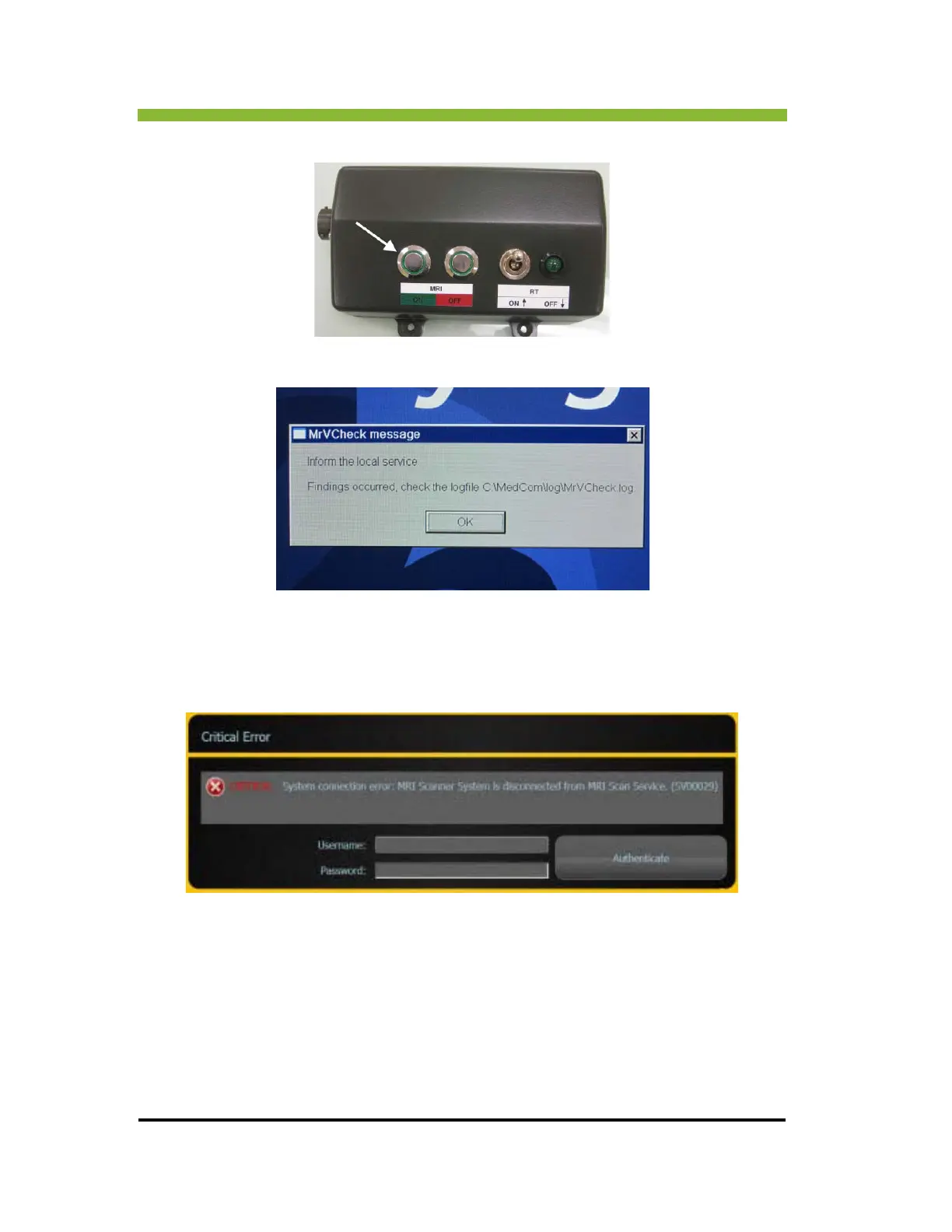
4. Press the MRI ON button on the remote switch box.
5. The MrVCheck message will appear on the Siemens console. Click > OK.
6. While the MRI is booting a critical MRI system connection error will appear on the
M
RIdian® system UI.
7. Enter your username and password and Cli
ck > Authenticate.
A connection request will appear on the Siemens console.



 To Next Page