VIVOTEK - A Leading Provider of Multimedia Communication Solutions
232 - User's Manual
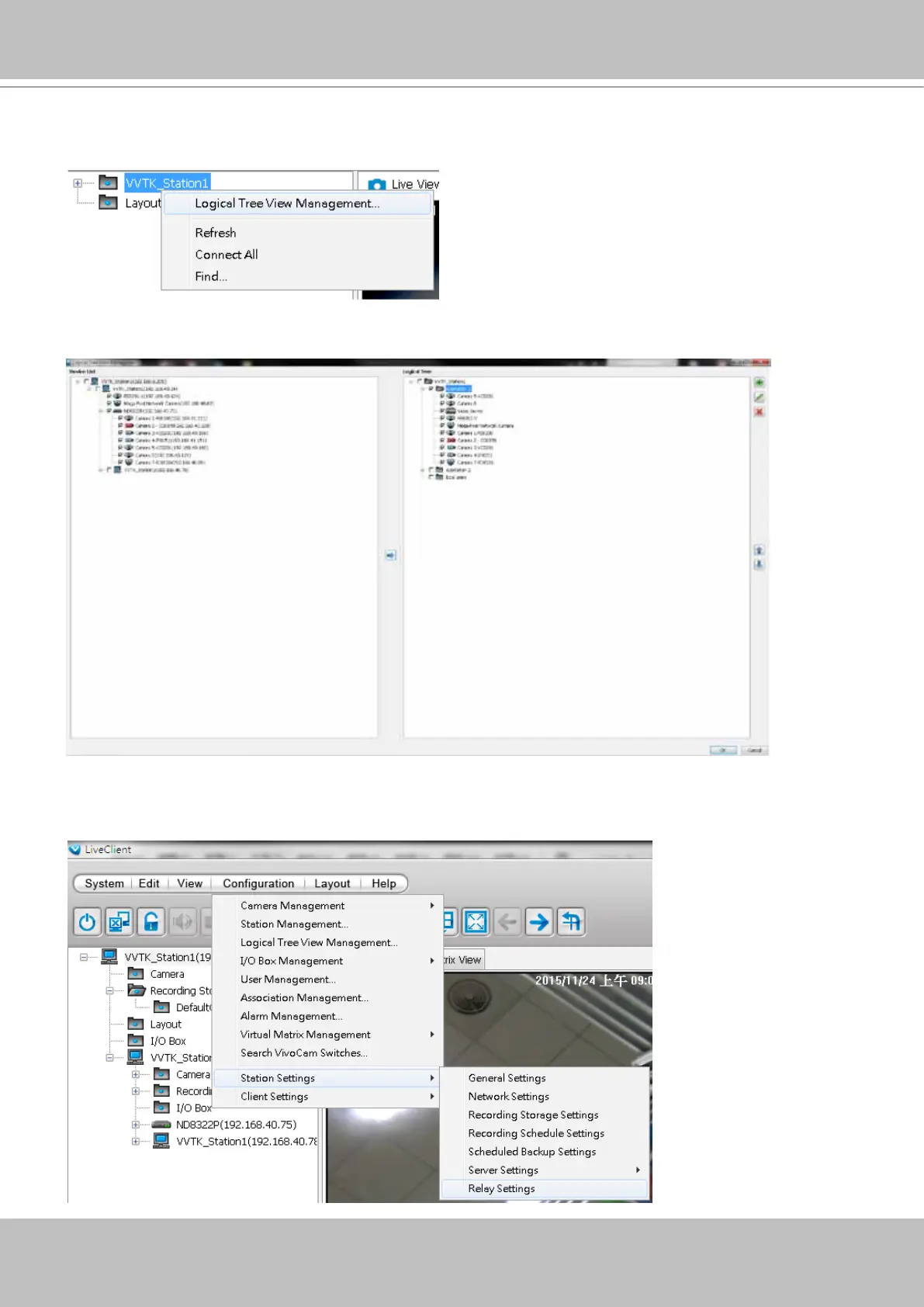
To congure a Logical Tree, either right-click on the Device list root entry (VVTK_Station1), or
visit the top menus through Conguration > Logical Tree View management.
You will then enter the Logical Tree View management window. Left click on the root directory,
and then right-click to display the Add command.
A Logical tree can also display and include the cameras from VAST substations. To enable
connection with substations, make sure the Relay Settings is enabled both on the VAST Root
and substations.



 To Next Page