VIVOTEK - A Leading Provider of Multimedia Communication Solutions
User's Manual - 233
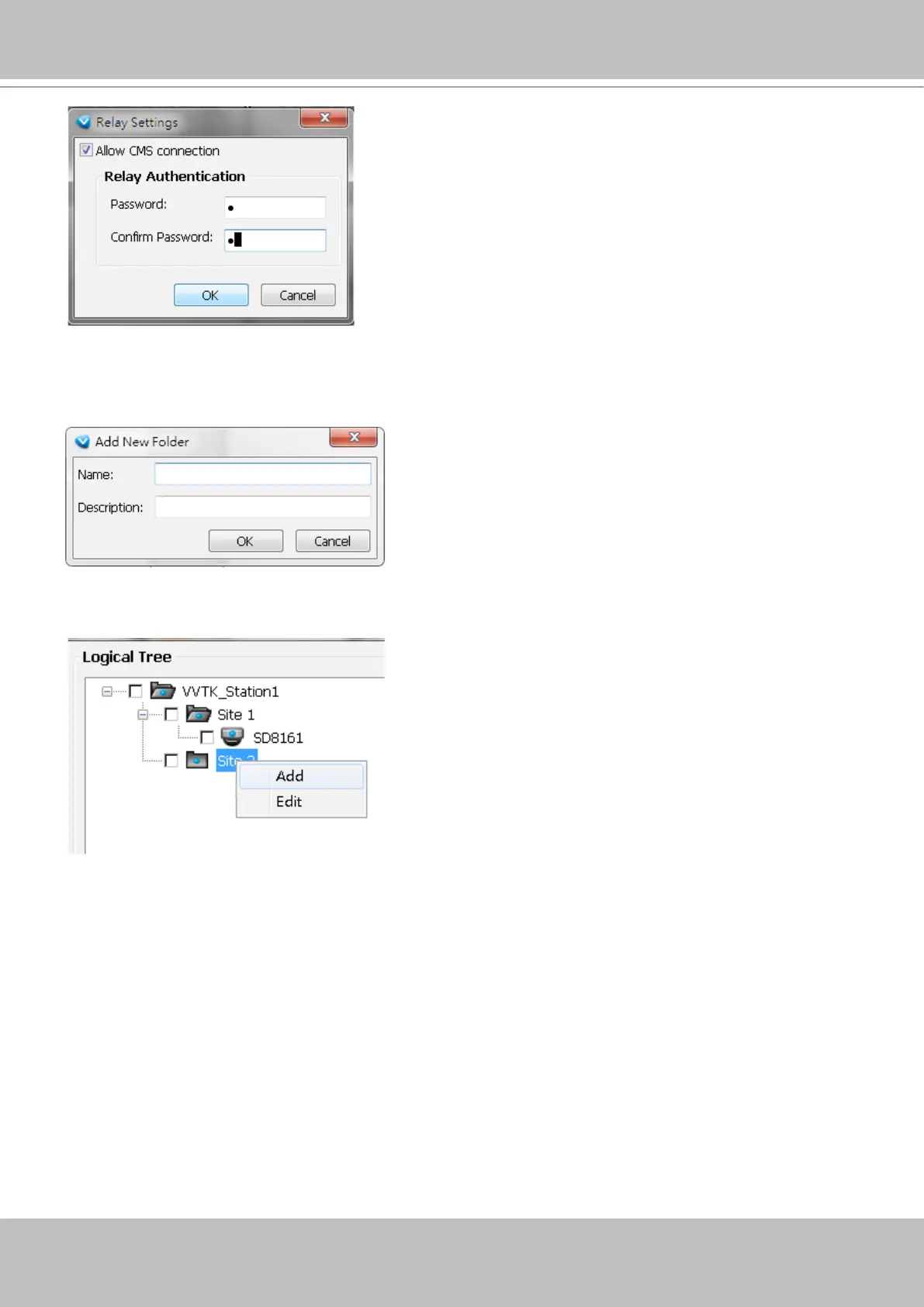
You can also create logical folders under sub-directories, e.g., a "Corridor" under "Building A."
Do this by selecting a sub-directory with a left-click and then right-click on it.
To create a logical folder, enter a name for the sub-directory. The name can be a geographical
indicator or whatever name your prefer; such as Building A, Site 1, etc. Add a short description.
Note that the root directory can not be edit.



 To Next Page