VIVOTEK - A Leading Provider of Multimedia Communication Solutions
User's Manual - 237
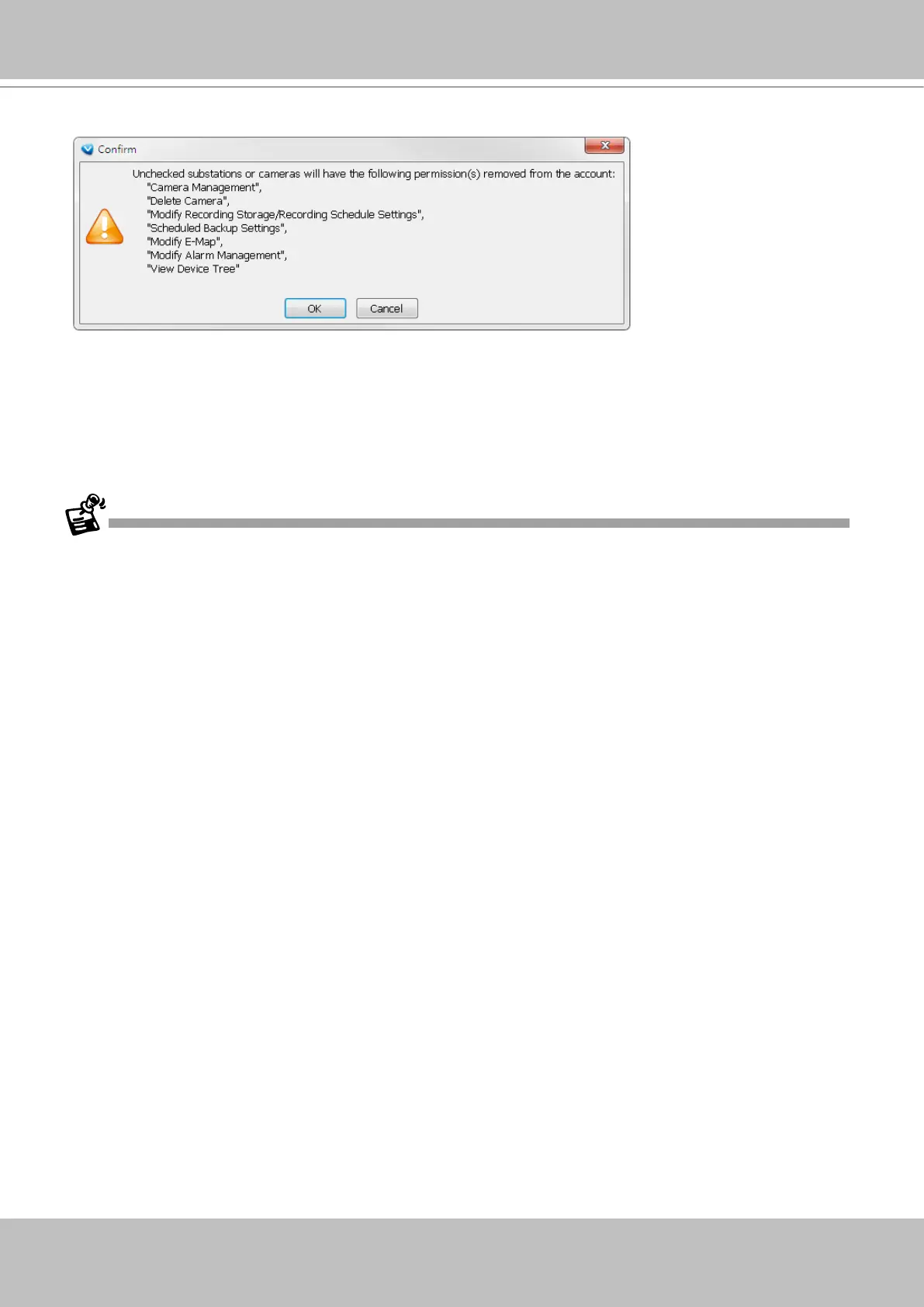
4. The User account information will prompt. Click OK to proceed.
• The Refresh, Camera Settings, Output Streaming URL, Send to Talk Panel commands are
available for cameras listed in the Logical Tree View.
• The DI/DO, Recording Storage, and I/O Box are not available on a Logical Tree View.
• The root directory (default VVTK_Station1) can not be edited or removed.
• A camera can be added to different sub-directories; however, it can not be added twice into
the same sub-directory.
• A camera managed by a sub-station can be added into the Logical Tree.
• The Logical Tree View can not be edited through a web console with the VAST server.
• Cameras added to the VAST conguration will not be automatically added to the Logical Tree
View.
• By default, only the administrator and power user are authorized to configure the Logical
Tree View.
5. You can repeat the above steps to create more user accounts using the limited access
conguration via the use of logical folders.



 To Next Page