VIVOTEK - A Leading Provider of Multimedia Communication Solutions
290 - User's Manual
1. The sheye and the speed dome are made into an interactive pair using the calibration tool. The VAST
software provides the control interface only. If the cameras have not been properly congured, the
Panoramic PTZ function will not take effect.
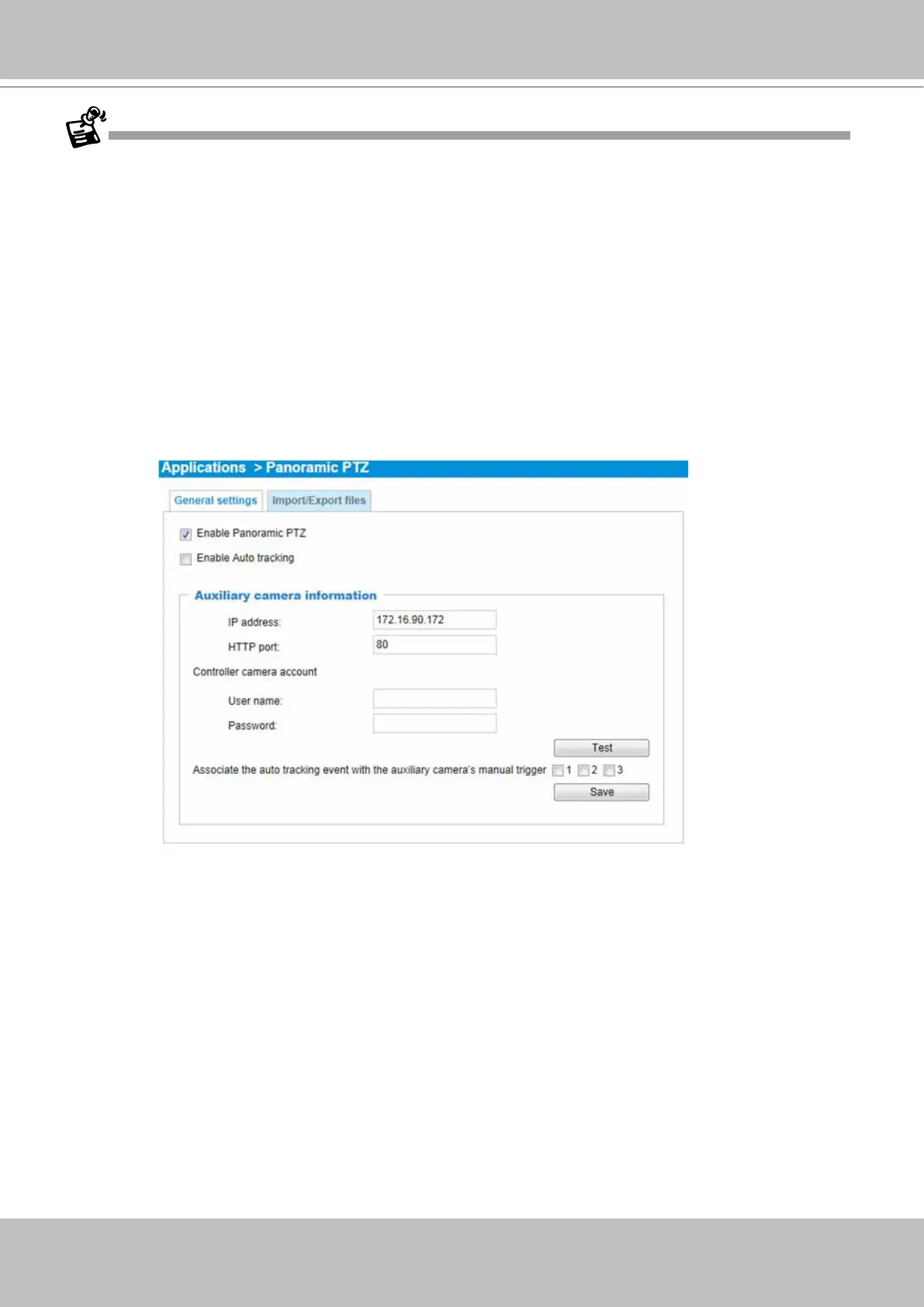
2. If the password of the speed dome camera has been changed, you will need to open a web console
with the sheye camera to change the coordinate password.
3. You may need to reset the sheye camera if the speed dome camera is powered on after you started
the VAST software.
4. The precision level of the interactive positions between the view cells of the sheye and the speed
dome is determined by the mapping table. Make sure you have inserted a sufcient number of
reference points and make good association of these points using the calibration tool.
5. Currently the associated event trigger by Auto Tracking is not supported on VAST. The associated
event triggering is congured through a web console with the sheye camera:
5-1. You should then create an event setting using the manual triggers as triggering sources.
5-2. When Auto Tracking takes place, the pre-congured event settings on the speed dome camera
can take associated actions, e.g., taking a snapshot, recording to SD, or triggering the DO pins.
6. The Panoramic PTZ function is currently not available on the Matrix or web console mode in VAST.
7. If the interactive camera pairs (Panoramic PTZ cameras) are managed under VAST substations, then
all of the VAST instances, such as the primary VAST server, the substations, and the client side must
be running the revision that supports P-PTZ.



 To Next Page