VIVOTEK - A Leading Provider of Multimedia Communication Solutions
300 - User's Manual
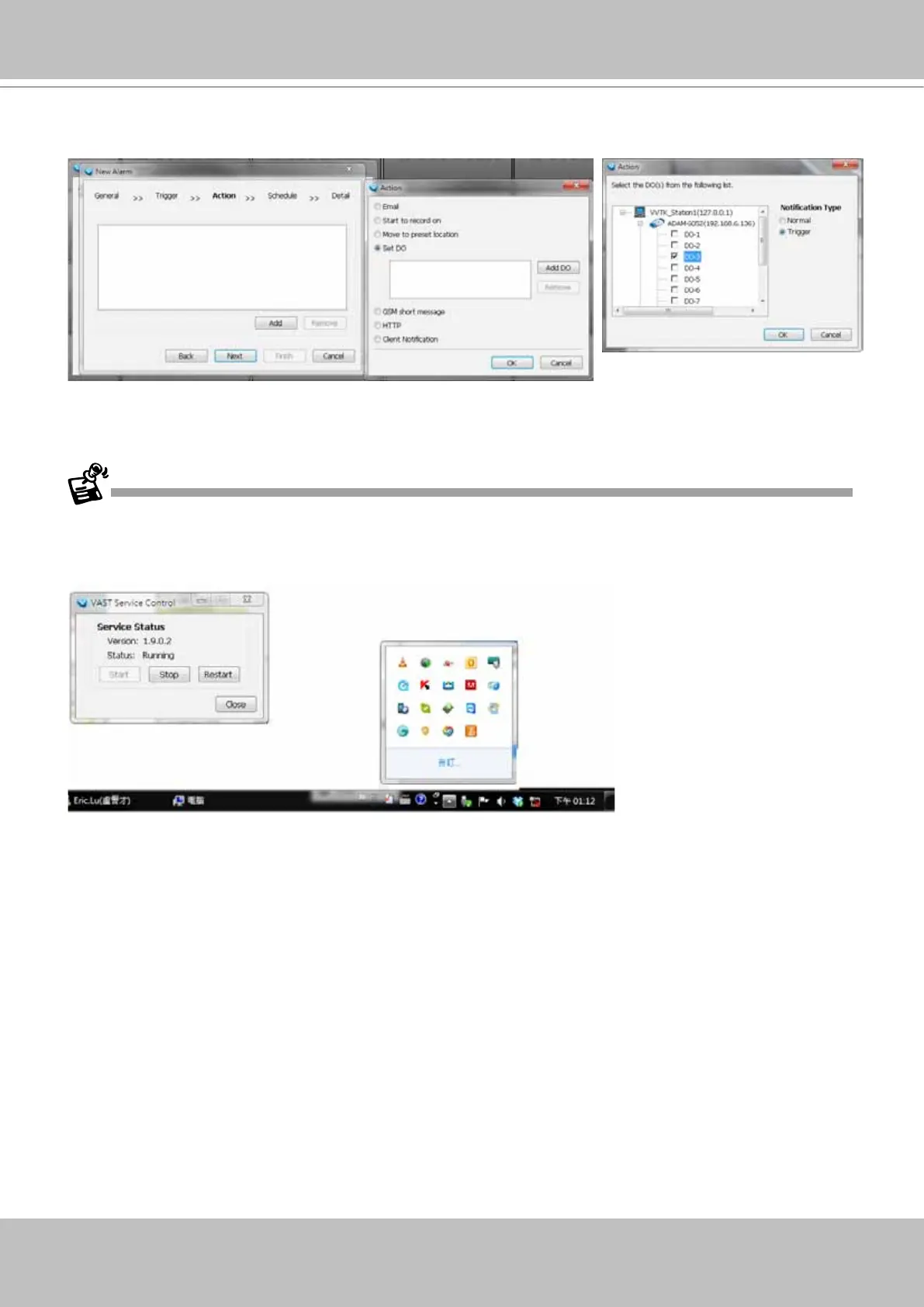
10. On the Action panel, you can select to trigger DOs, for example, as the reacting actions
Note that once a DO is triggered, you should manually disable the DO.
If an I/O module is started later than the VAST server, you may not be able to access the I/O module.
You should then re-start the VAST service.



 To Next Page