VIVOTEK - A Leading Provider of Multimedia Communication Solutions
40 - User's Manual
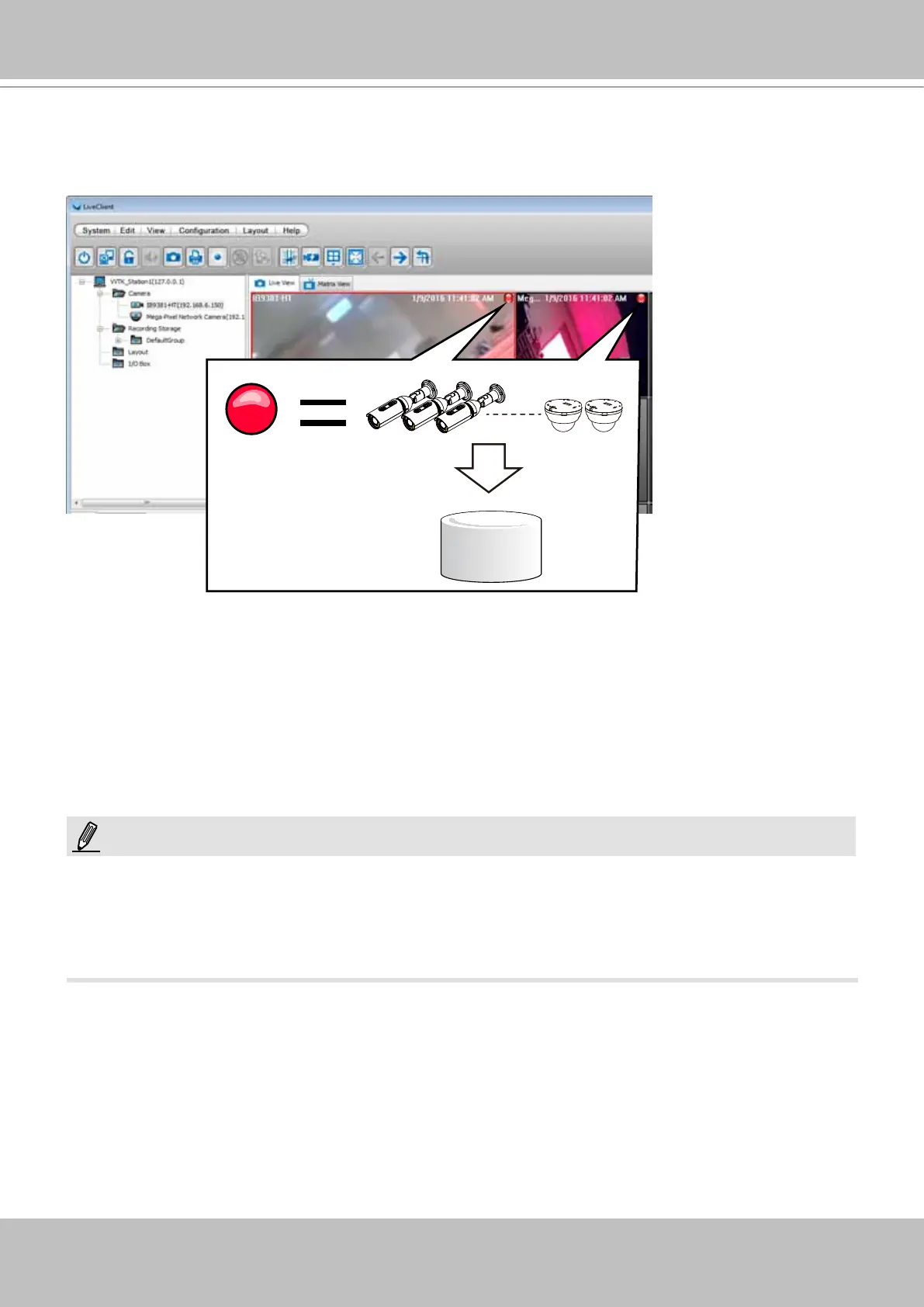
27. You will return to the Live View window. By default, once cameras have been inserted and
the storage path is ready, the NVR starts recording the video streams. Note the red light icons
on the view cells. If red icons appear on the view cells, recording is taking place.
Virtual Drive
28. You are done with the initial conguration. Refer to the rest of the manual for the congurable
options in the VAST management software.
1. Cameras and the NVR must reside in the same subnet. Otherwise, the NVR will not be able
to recruit them into a recording conguration.
2. It is recommended all network cameras use static IPs. If you let a DHCP server assign IPs to
these cameras, IPs may be changed later and the NVR may not recognize them.
NOTE:



 To Next Page