No. Legend Description
5 Transmit
Click to transmit the parameter values to the PLC.
6 Calibration guide
A brief explanation on how to calibrate.
The description depends on the selected item to calibrate.
7 Calibration feedback information
Shows status feedback from the VVS system.
To perform a calibration:
1.
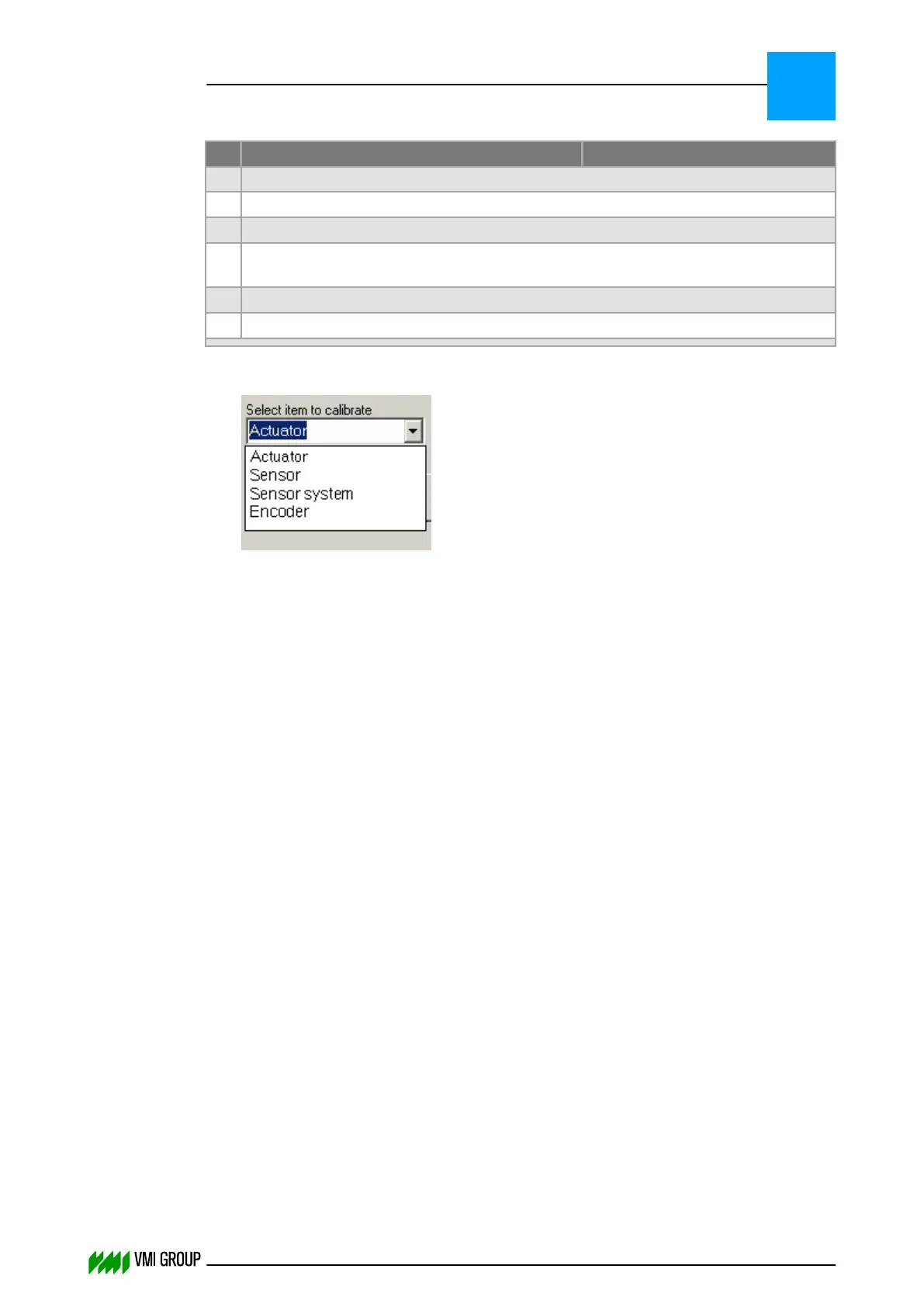
Select the item to calibrate [1].
2. Enter the required information in the calibration data fields [2].
3. Click TRANSMIT [5].
4. Click START CALIBRATION [4].
VVSU OPERATION
Screen layout (generic)
7
THINKING FORWARD
VMI Vision System VVS (OL82) VVSX 13.0.12.0, VVSU 3.0.6 / 4 / 2016-07-11 / pd#175592
7-14



 To Next Page