8.5.5 Correction overshoot
Problem:
The actuator controller is oscillating during centering. This behavior can be detected in the
material scan.
Cause:
In case of breaker the desired material position is continuously calculated. The resulting set
point is then sent to the actuator. When the actuator has a low proportional range, the
acceleration of actuator/conveyor is high. This may result in overshoot.
Solution:
Make sure that the default PID settings are used (refer to Calibrate the actuator on
page 5
‑
17). In addition the proportional range of the actuator can be increased until no
oscillating is observed. Also make sure in case of breaker that the system parameters
Tip‑P, Tip‑D and Body‑P and Body‑D have the default values (refer to System
parameters on page 6
‑
22).
8.5.6 Camera samples are delayed due to overexposure of the
camera
Problem:
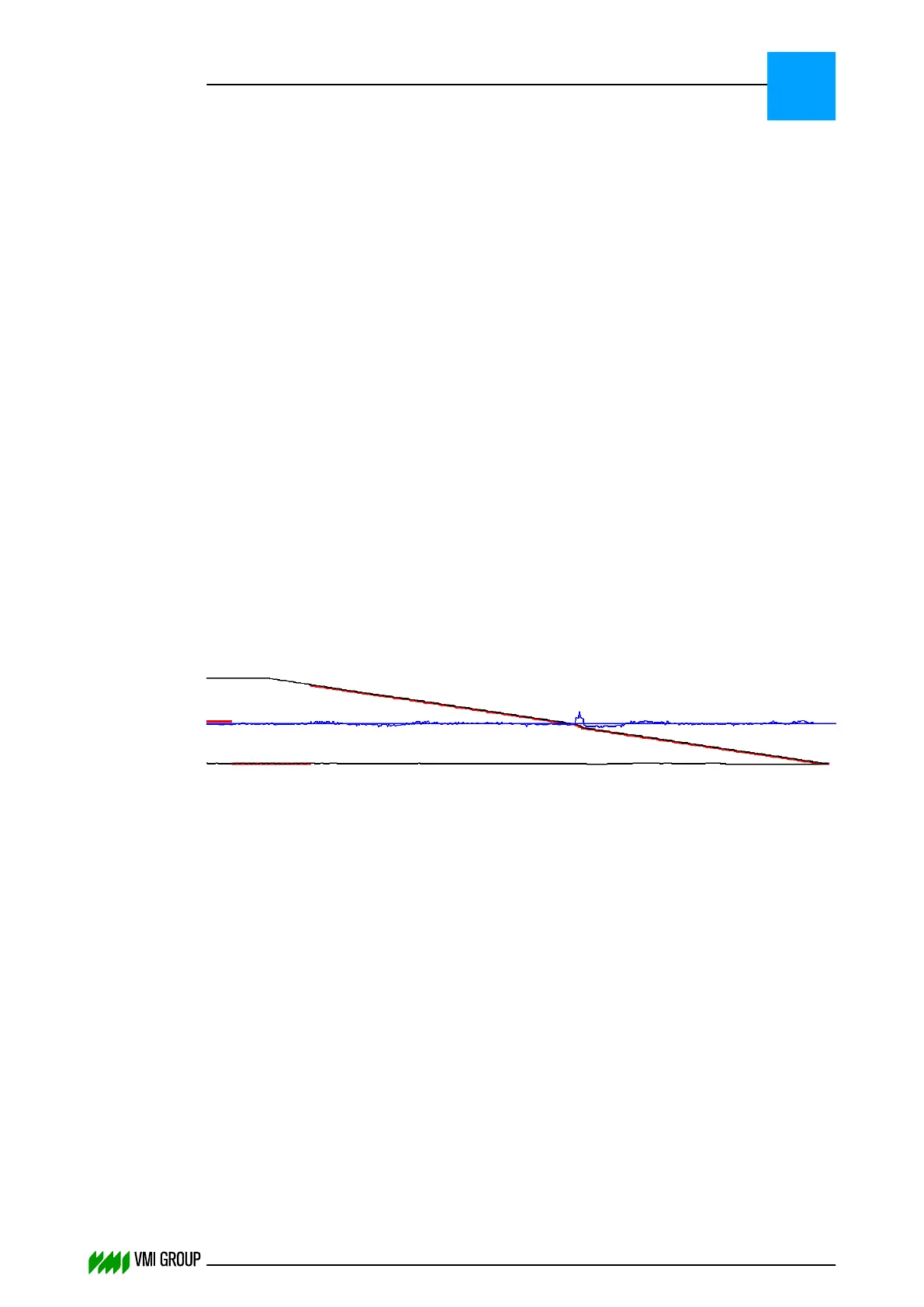
The trailing edge is not a straight line but has a dip, as follows:
Cause:
In the Trailing end of a breaker centering the camera is overexposed due to a high
'exposure setpoint', thereby resulting in a delay of the camera samples.
Solution:
Lower the 'Exposure Setpoint' to 200/180:
1. Start VVSU.
2. Go to the SENSOR tab.
3. Adjust the Exposure Setpoint to 200/180.
TROUBLESHOOTING
Guiding problems
8
THINKING FORWARD
VMI Vision System VVS (OL82) VVSX 13.0.12.0, VVSU 3.0.6 / 4 / 2016-07-11 / pd#175592
8-24



 To Next Page