5.3.4 Calibrate the actuator
1. In VVSU, go to tab ACTUATOR.
2. Reset the actuator:
● Change the value of Start Service to 99 and press ENTER.
● Click TRANSMIT to send the values to VVSX.
This will delete all parameters in the controller.
● Wait 30 seconds until the actuator is back online.
3. Load the default parameter settings:
● Change the value of Start Service to 30 and press ENTER.
● Click TRANSMIT to send the values to VVSX.
● Wait 30 seconds until the actuator is back online.
4. Click FILE > REFRESH PARAMETERS and check the values in the ACTUATOR tab
screen.
In case of a Start Service value of 30, the parameters in the Value column must be
equal to the General web guider defaults.
5. Change the default actuator parameter values to the values shown in the table:
Value
Name Breaker Carcass Tread
Start Service 0
Proportional Range 10 mm 1.3 mm 1.3 mm
Speed Auto 20 mm/s
Speed Manual 20 mm/s
Speed Jog 10 mm/s
Pos Range 50 mm
Motor Current 4.9 A 4.9 A 2.9 A
Motor Direction 0
Motion Range 50 mm
Zero Offset 0 mm
Position P 20
Position I 1
Position D 0
6. Click TRANSMIT to send the values to VVSX.
7. Wait 30 seconds until the actuator is back online.
8. Click FILE > REFRESH PARAMETERS and check the values in the ACTUATOR tab
screen.
9. In VVSU, go to tab STATUS.
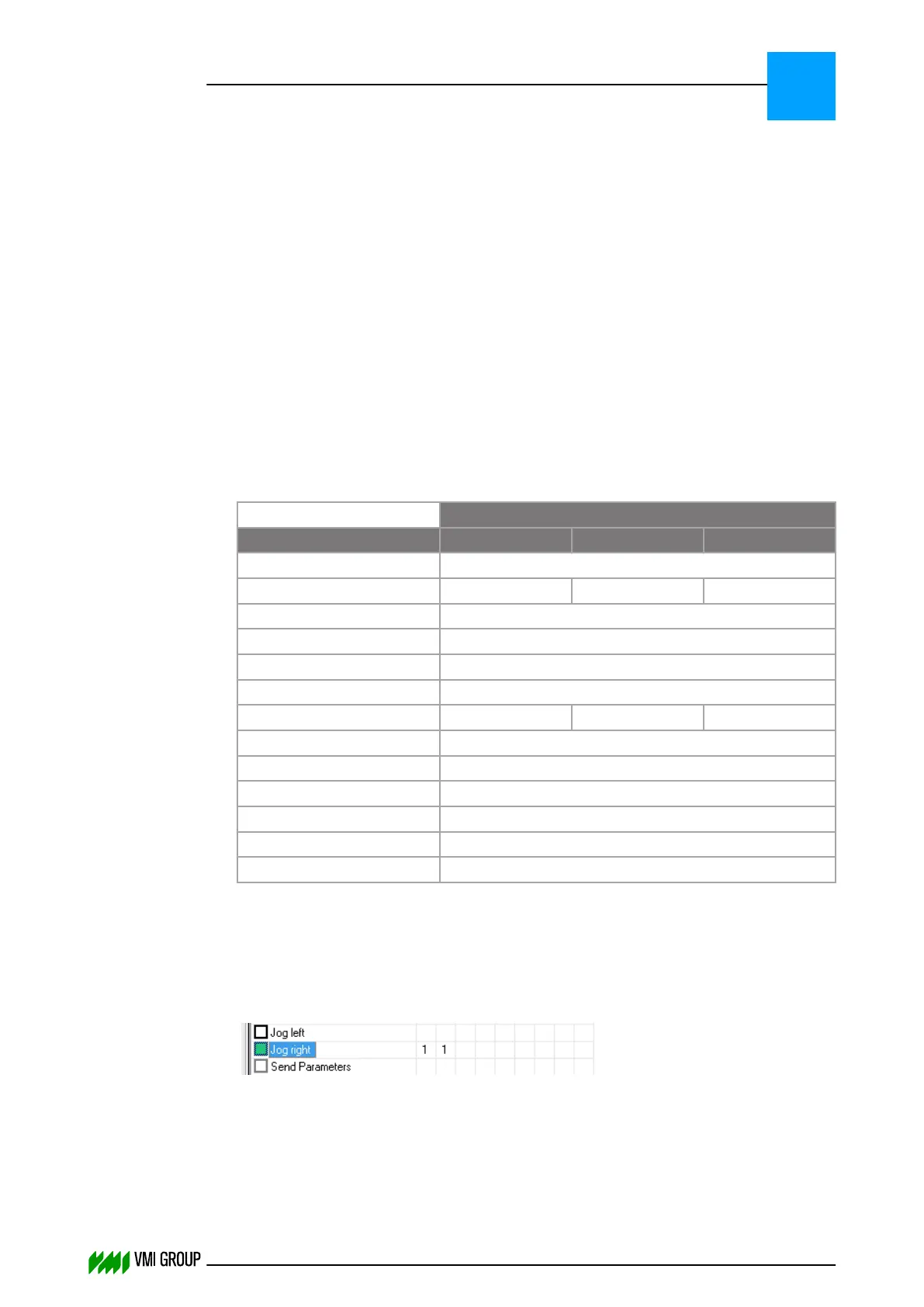
10.
Select Jog right.
ALIGNMENTS, ADJUSTMENTS AND CALIBRATIONS
VVS Breaker
5
THINKING FORWARD
VMI Vision System VVS (OL82) VVSX 13.0.12.0, VVSU 3.0.6 / 4 / 2016-07-11 / pd#175592
5-17



 To Next Page