Solution:
Check the focus and the aperture of the camera. In addition the 'No material counter' can
be increased in the VVSConfig.ini. In this way the camera is made less sensitive to
disturbances.
8.4.4 Sometimes side guiding is applied when splice guiding is
selected
Problem:
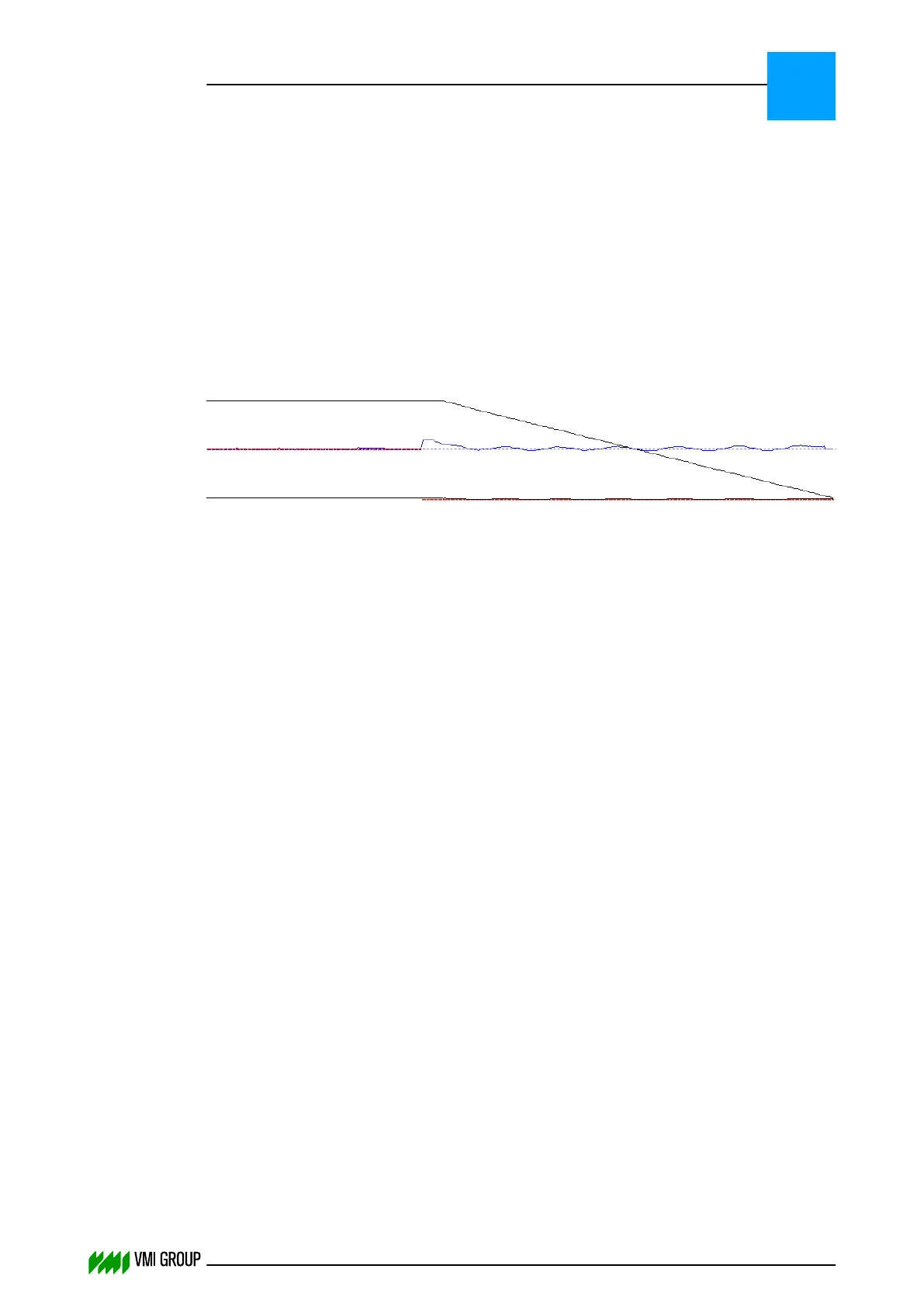
Sometimes side guiding is applied to TE even though splice guiding is selected.
An example of this behavior is shown in the following material scan.
Cause:
When the LE splice angle is out of tolerance (spec value +/-0.5°) then TE side guiding will
be automatically applied instead of splice guiding.
8.4.5 Interfering ambient light
Problem:
Interfering ambient light causes 'terminating the current centering state'.
Cause:
Main issue is the automatic expose time control of the Erhardt + Leimer camera. As soon
as there is a shiny particle on the breaker that has a higher intensity than the LED bar
locally, the expose time is increased and the total image intensity may drop below the
threshold level. This results in 'no material under camera' and VVS thinks the centering is
ready.
Solution:
New DO82 firmware from Erhardt + Leimer is available that has a fixed expose time setting
(firmware 04005AAL.tgz or later). During setup, the commissioning engineer should rotate
the aperture until the intensity at the desired level. VVSX has been adapted for the new
calibration routine.
Refer to Check the current camera firmware version on page 8
‑
33 to verify the current
firmware version of the camera.
Refer to the VVS Upgrade Manual for upgrade instructions.
TROUBLESHOOTING
Breaker centering problems
8
THINKING FORWARD
VMI Vision System VVS (OL82) VVSX 13.0.12.0, VVSU 3.0.6 / 4 / 2016-07-11 / pd#175592
8-19



 To Next Page