7.3.4 Screen Selection
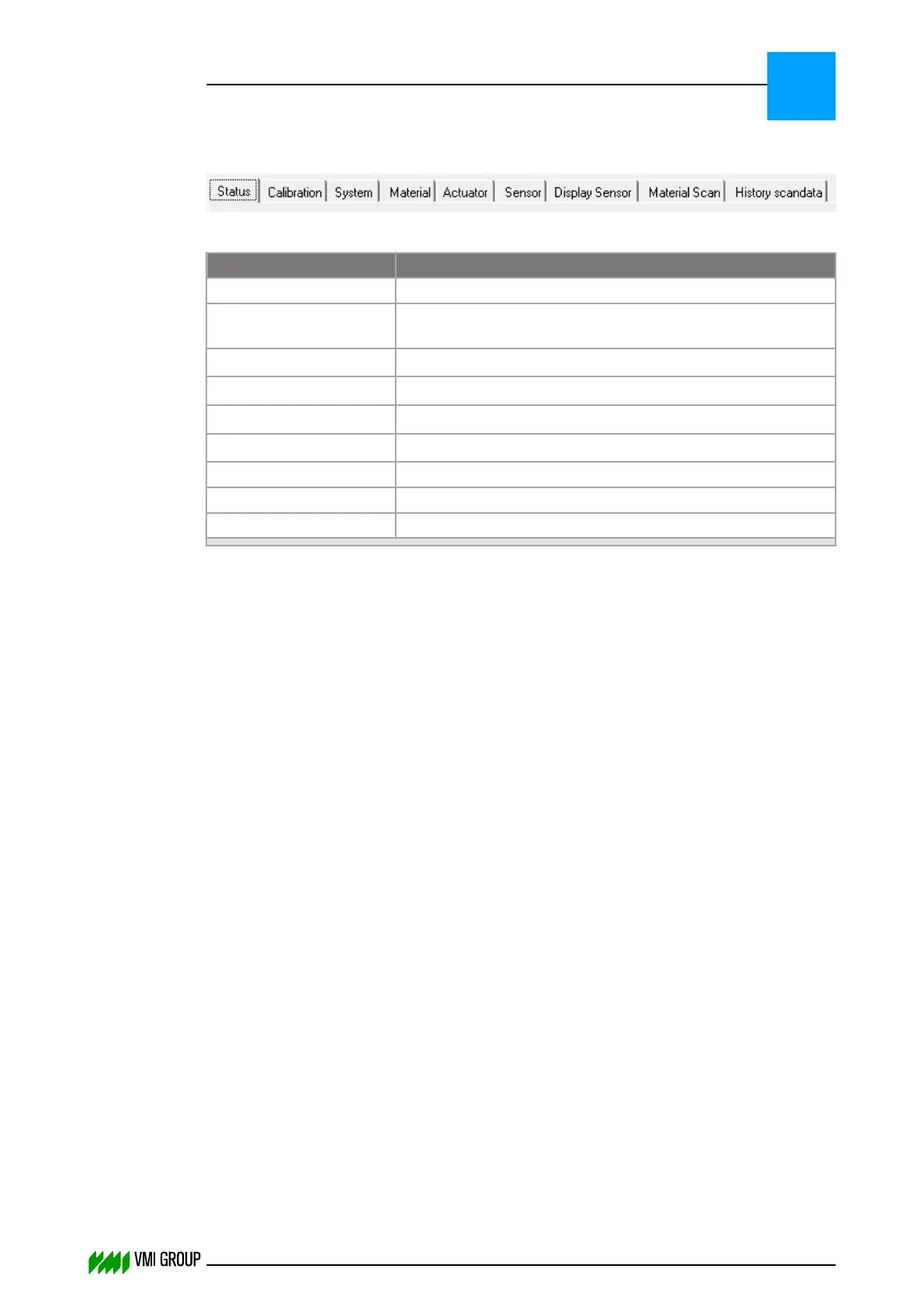
Select a tab to show a screen:
Legend Description
Status Shows status and error information.
Calibration
1
In this screen the calibrations of the VVS components are
performed.
System
1
Shows the VVS system parameters.
Material
1
Shows the material parameters received from the PLC.
Actuator
1
Shows the actuator parameters.
Sensor
1
Shows the sensor parameters.
Display Sensor Shows the camera scan.
Material Scan Shows the most recent material scan when entered.
History Scan data Shows the contents of the selected conveyor data folder.
1. Screens for specialists only.
VVSU OPERATION
Screen layout (generic)
7
THINKING FORWARD
VMI Vision System VVS (OL82) VVSX 13.0.12.0, VVSU 3.0.6 / 4 / 2016-07-11 / pd#175592
7-10



 To Next Page