If... Then...
the TBM is equipped with
a BK5120 encoder
module,
check the measured length in the MATERIAL SCAN tab of
VVSU.
Make sure that the measured length reflects the length of the
material.
the TBM is not equipped
with a BK5120 encoder
module,
● Check the encoder calibration.
● Make sure that the parameter length which is sent by the
PLC reflects the actual breaker length.
If this is not the case adjust the breaker length in the HMI.
8.4.2 Breaker centering switches too early to body center mode
Problem:
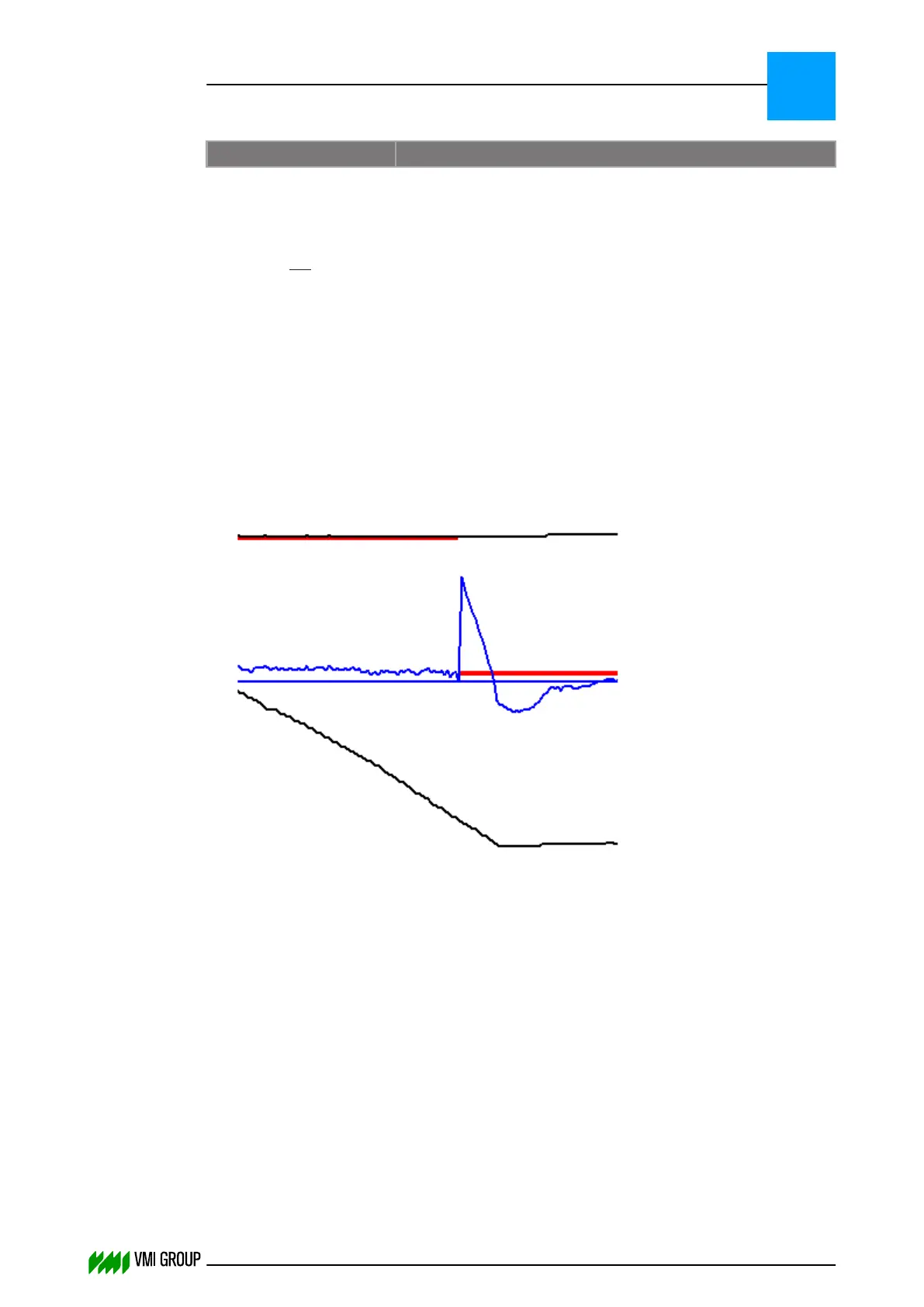
Bad centered breaker material due to centering switching too early to body center mode.
An example of this behavior is shown in the following material scan.
Cause:
VVS can switch from LE centering mode to body centering mode on the following condition:
● The measured breaker width should exceed (width parameter–3´min tolerance). In
addition the delta width (width increase) should be less than the delta body. The delta
width is measured every 10 camera samples.
● Switch to body center mode based on length. Using the parameter width and angle,
VVS can calculate the start of the body. Using this info it will automatically switch to
Body centering (only if TBM has encoder).
Solution:
1. Make sure the 'parameter width' reflects the material width.
2. Check the width tolerance.
TROUBLESHOOTING
Breaker centering problems
8
THINKING FORWARD
VMI Vision System VVS (OL82) VVSX 13.0.12.0, VVSU 3.0.6 / 4 / 2016-07-11 / pd#175592
8-17



 To Next Page