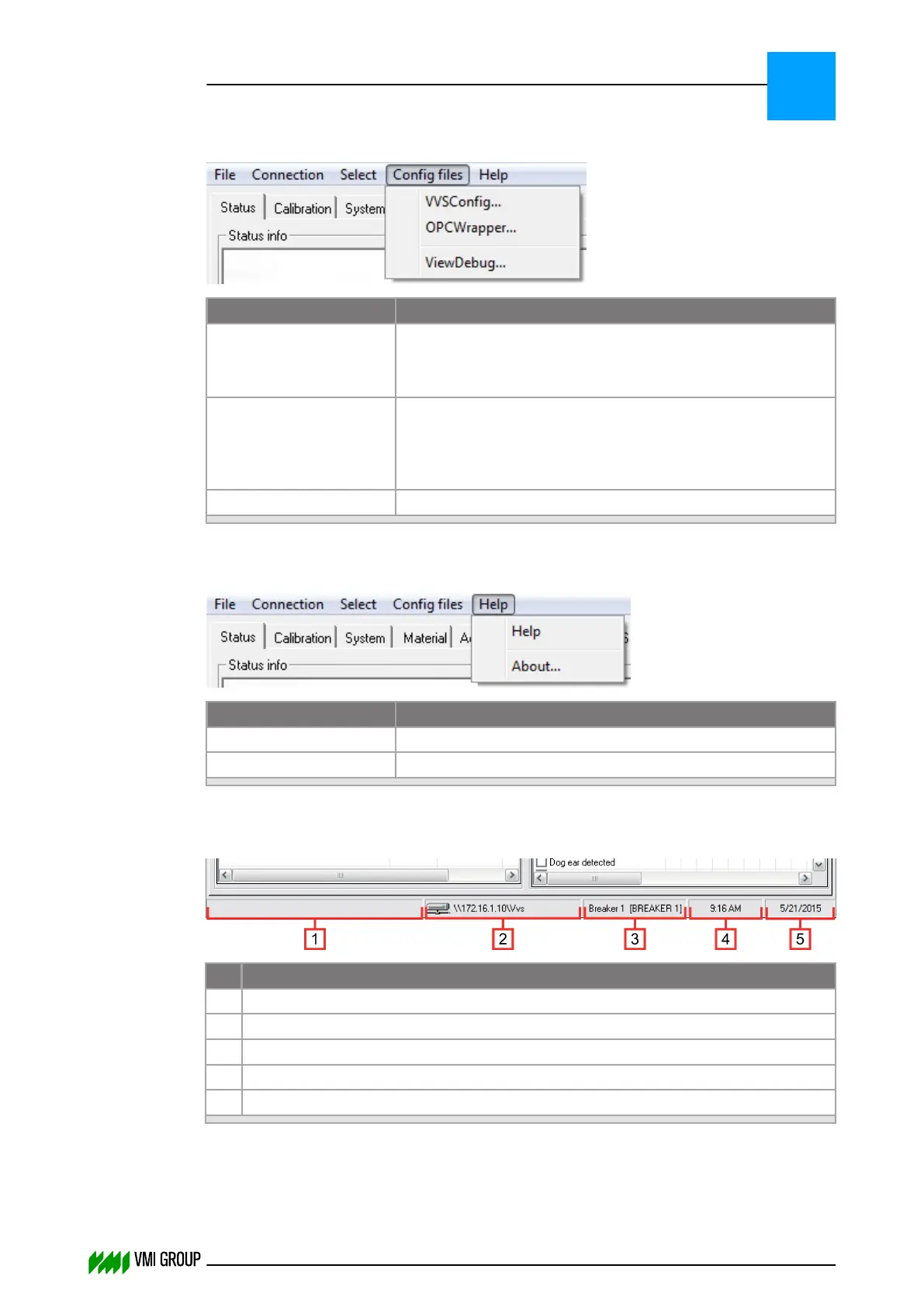
Config files menu
Legend Description
VVSConfig Opens the VVSConfig.ini file on the VVSX Server.
For more information, refer to the paragraph VVS Config file
definitions on page 3
‑
11.
OPCWrapper Opens the VMI_OPCSERVER_WRAPPER.ini file on
the VVSX Server.
For more information, refer to the paragraph OPC wrapper file
definitions on page 3
‑
6.
ViewDebug Not applicable.
Help menu
Legend Description
Help Help file [F1].
About View version and release notes.
7.3.3 Interface Status
No. Description
1 Shows the status of the connection with the VVSX server.
2 Shows the connection path (for example, \\172.16.1.10\Vvs).
3 Shows the selected material (for example, Breaker 1 [BREAKER 1]).
4 Shows the current time.
5 Shows the current date.
VVSU OPERATION
Screen layout (generic)
7
THINKING FORWARD
VMI Vision System VVS (OL82) VVSX 13.0.12.0, VVSU 3.0.6 / 4 / 2016-07-11 / pd#175592
7-9



 To Next Page