Legend Description
Drivemap password The corresponding password of the
users are used for the drive mapping
(Drivemap username).
Default passwords are:
● vmi1234 (for WES7 VVS IPCs)
● 1111 (for WES2009/XPE VVS PCs)
Connect Connects a VVSX Server, using the
settings of the above window.
OK Implements the changes and returns to
the main screen.
To return to the main screen without
implementing changes, close the
window (press X).
Connect Connect a VVSX Server, using the last known settings.
Disconnect Disconnect from the VVSX Server.
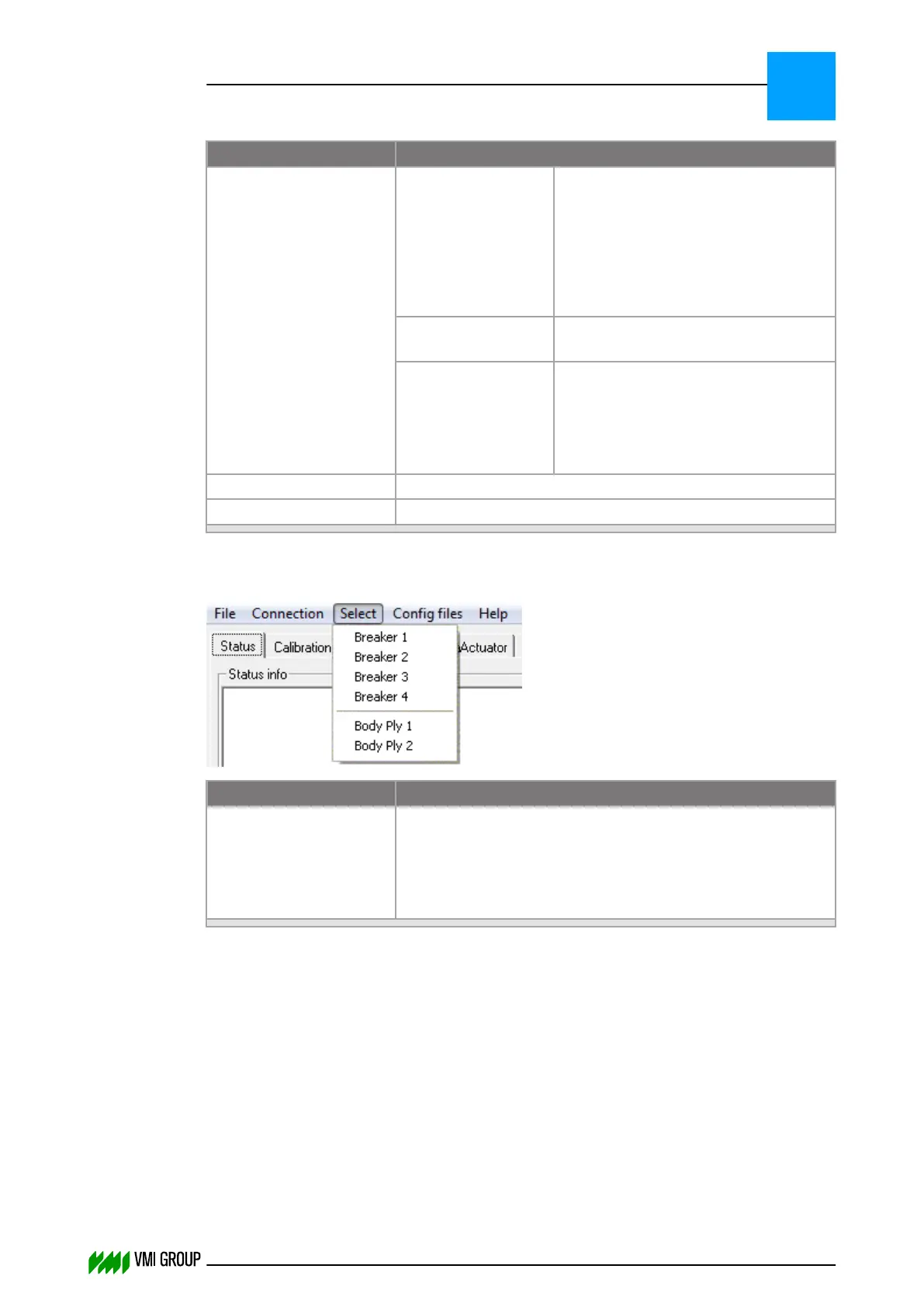
Select menu
Legend Description
Conveyor names A list of available conveyors appears. The number of items on
the list depends on the connected configuration. Select the
conveyor of interest.
An alias can be added to the name of the conveyor
(refer to FILE > OPTIONS).
VVSU OPERATION
Screen layout (generic)
7
THINKING FORWARD
VMI Vision System VVS (OL82) VVSX 13.0.12.0, VVSU 3.0.6 / 4 / 2016-07-11 / pd#175592
7-8



 To Next Page