3.1 Installation
3.1.1 General
The software required for VVS is pre‑installed on the standard VVS Controller (VVS IPC).
3.1.2 Install VVSU on a maintenance PC
For more information with regard to VVSU, refer to VVS Software on page 4
‑
7.
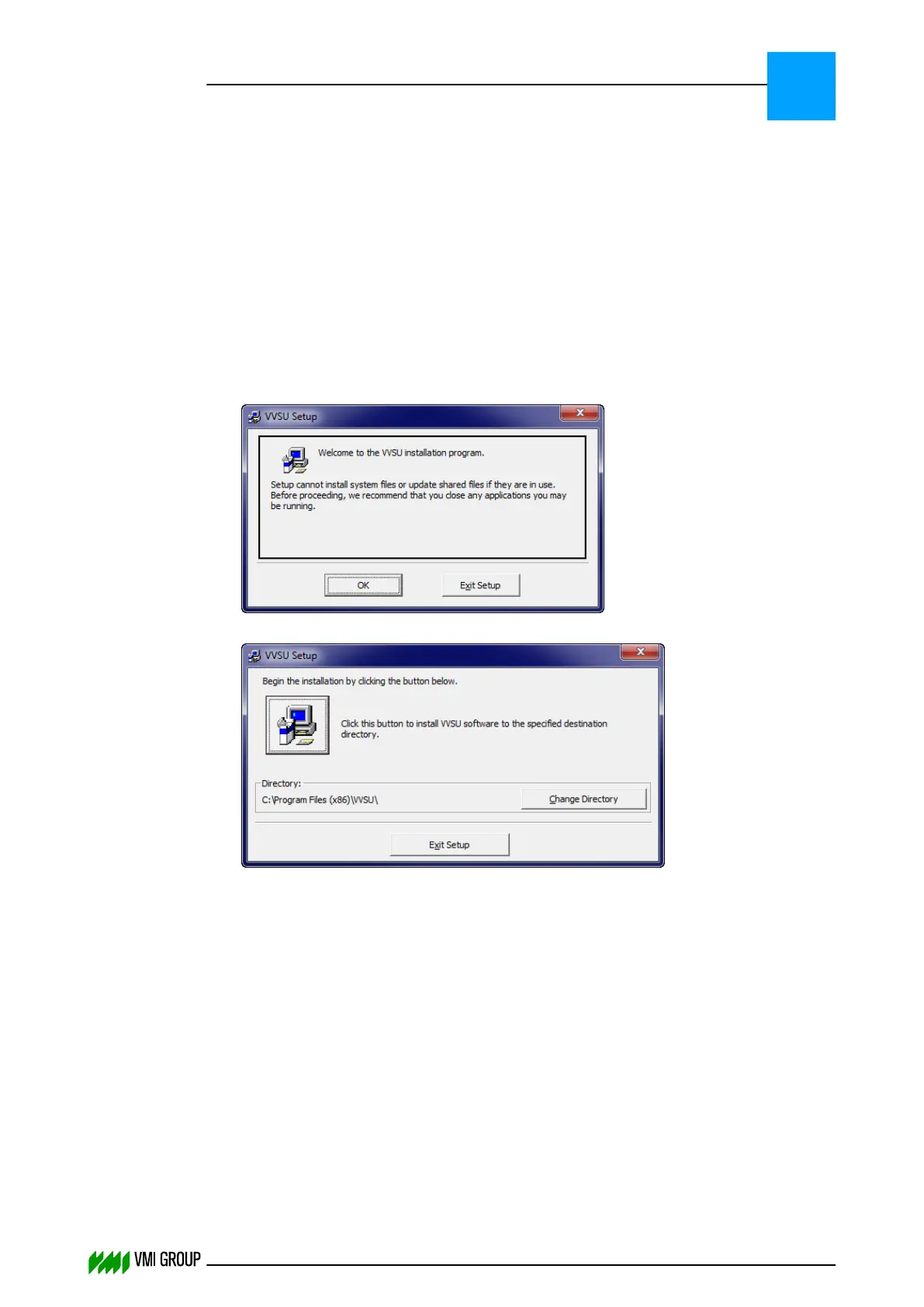
To install VVSU on a maintenance PC/laptop:
1. Insert the installation CD in the laptop.
2. Open the directory <CD-root-dir>\Software\VMI\VVSU\vx.x.x\setup.
3. Run setup.exe.
4.
Click OK.
5.
Check the destination directory and click the install icon button.
INSTALLATION AND CONFIGURATION
Installation
3
THINKING FORWARD
VMI Vision System VVS (OL82) VVSX 13.0.12.0, VVSU 3.0.6 / 4 / 2016-07-11 / pd#175592
3-3



 To Next Page