3.2.3.4 Carcass measurement options
The carcass measurement options are similar to the Breaker measurement options on
page 3
‑
8, but applies to the carcass material.
NOTICE
Carcass only supports UNIT=SAMPLE_COUNT.
3.2.3.5 Tread measurement options
The tread measurement options are similar to the Breaker measurement options on
page 3
‑
8, but applies to the tread material.
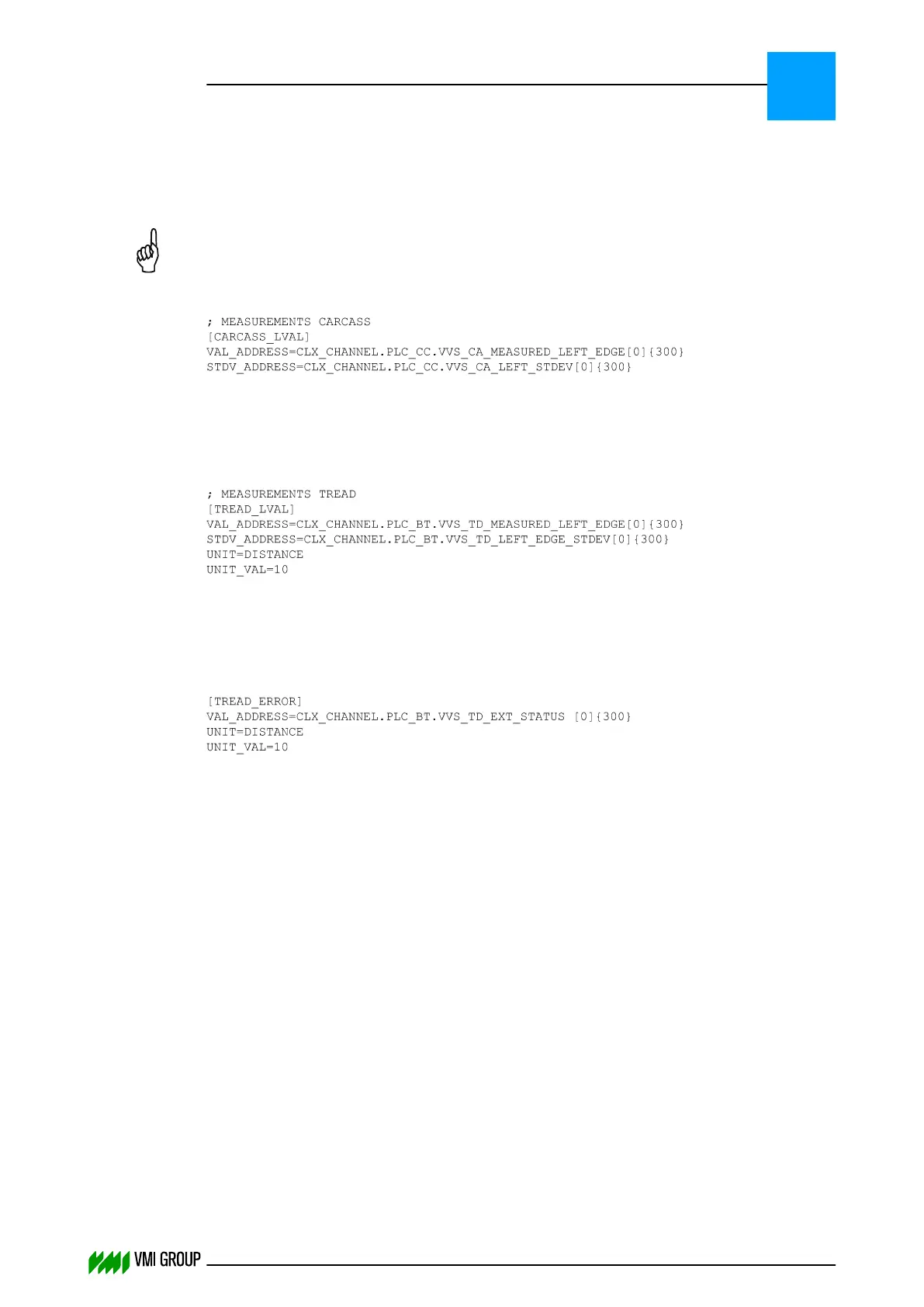
Tread centering without actuator
When no actuator is used (for example, in the MAXX), the tread error must be sent to
the PLC:
This configuration example shows how the tread errors are written in the integer register
VVS_TD_EXT_STATUS with a size of 300.
Increase the array size in both PLC and wrapper file if a larger array is required.
UNIT_VAL must be 10 to store the measurement values in the array every 10 mm.
3.2.4 Configure the VVSConfig.ini file
Configure the VVS Config file:
1. Open the VVSConfig.ini file in a standard text editor (for example, Notepad).
2. Check the number of Breakers, Carcass or Tread.
3. Check the reuse of encoders
4. Save the VVSConfig.ini file.
For more information, refer to the paragraph VVS Config file definitions on page 3
‑
11.
INSTALLATION AND CONFIGURATION
Configuration
3
THINKING FORWARD
VMI Vision System VVS (OL82) VVSX 13.0.12.0, VVSU 3.0.6 / 4 / 2016-07-11 / pd#175592
3-10



 To Next Page