8.1 Communication
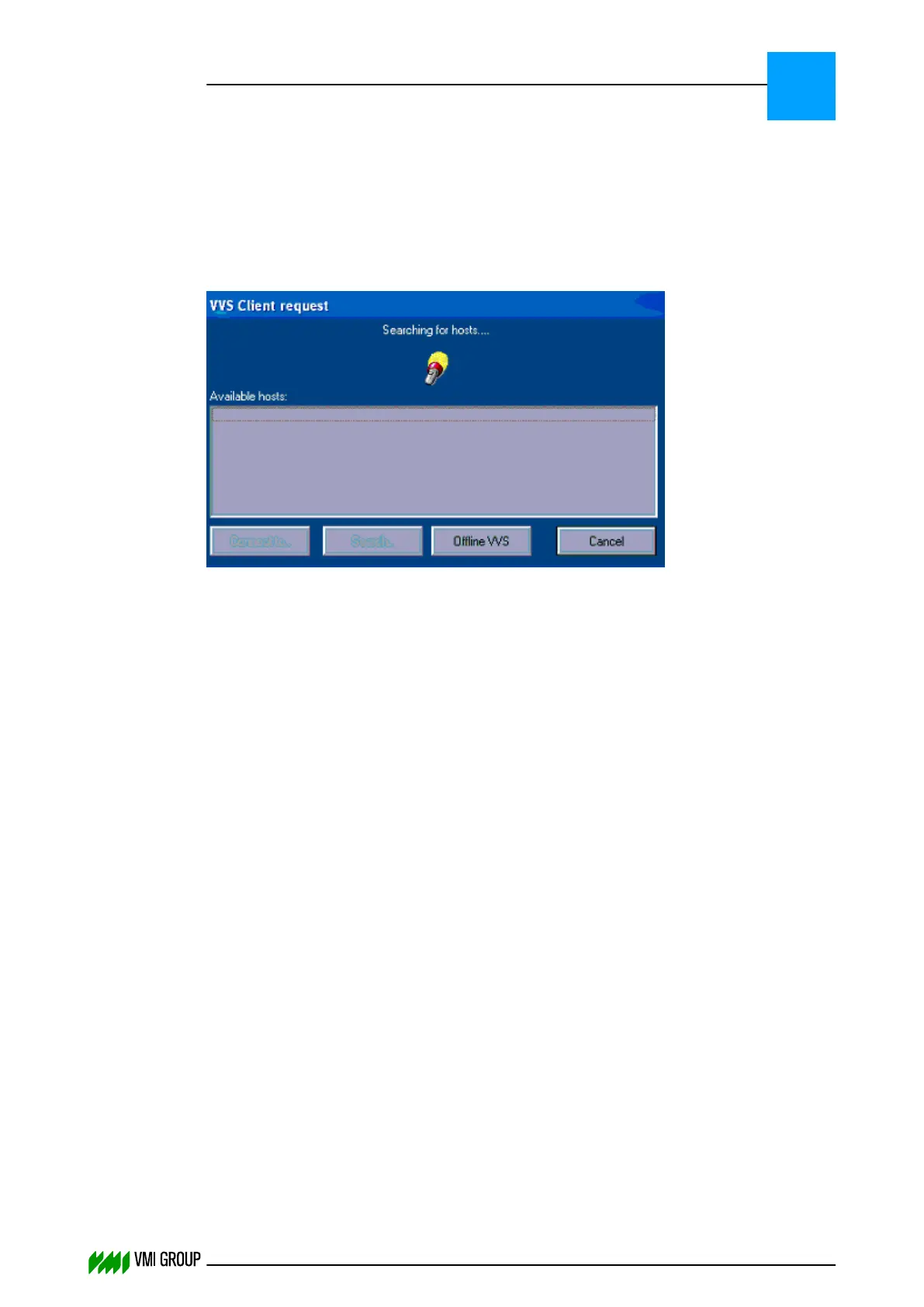
8.1.1 VVSU is not able to detect the VVSX server
Problem:
VVSU does not receive an answer from the VVS server.
Cause:
There are several reasons which could result in the failure of getting an answer from the
VVS server.
● VVS server not running.
● Wrong network settings.
● Router blocking the broadcast.
● Network adapter priority not set correctly.
● In case of a standalone computer with no network connection, a loop-back adapter must
be installed.
Solution:
On a Windows Embedded Standard 7 VVS IPC:
● Check the VVSX log and make sure that VVSX is running.
If not, then restart the VVS IPC.
On a Windows Embedded Standard 2009 VVS PC:
● Make sure that the VVS server is running.
If not, then start the VVS server by clicking on the VVSX shortcut.
● Check if you are able to ping the VVS server from the VVSU client.
If you are not able to do so, make sure that your network settings are correctly
configured. This means that the VVS client and the VVS server should reside on the
same network.
For example, if the subnet mask is 255.255.255.0 this means that the VVS server and
VVSU client should only differ in the last IP address number.
If your network includes a router, then the VVSU client broadcast will be stopped by the
router. If this is the case you can connect using CONNECTION > CONNECT from the
VVSU menu bar.
TROUBLESHOOTING
Communication
8
THINKING FORWARD
VMI Vision System VVS (OL82) VVSX 13.0.12.0, VVSU 3.0.6 / 4 / 2016-07-11 / pd#175592
8-3



 To Next Page