9.
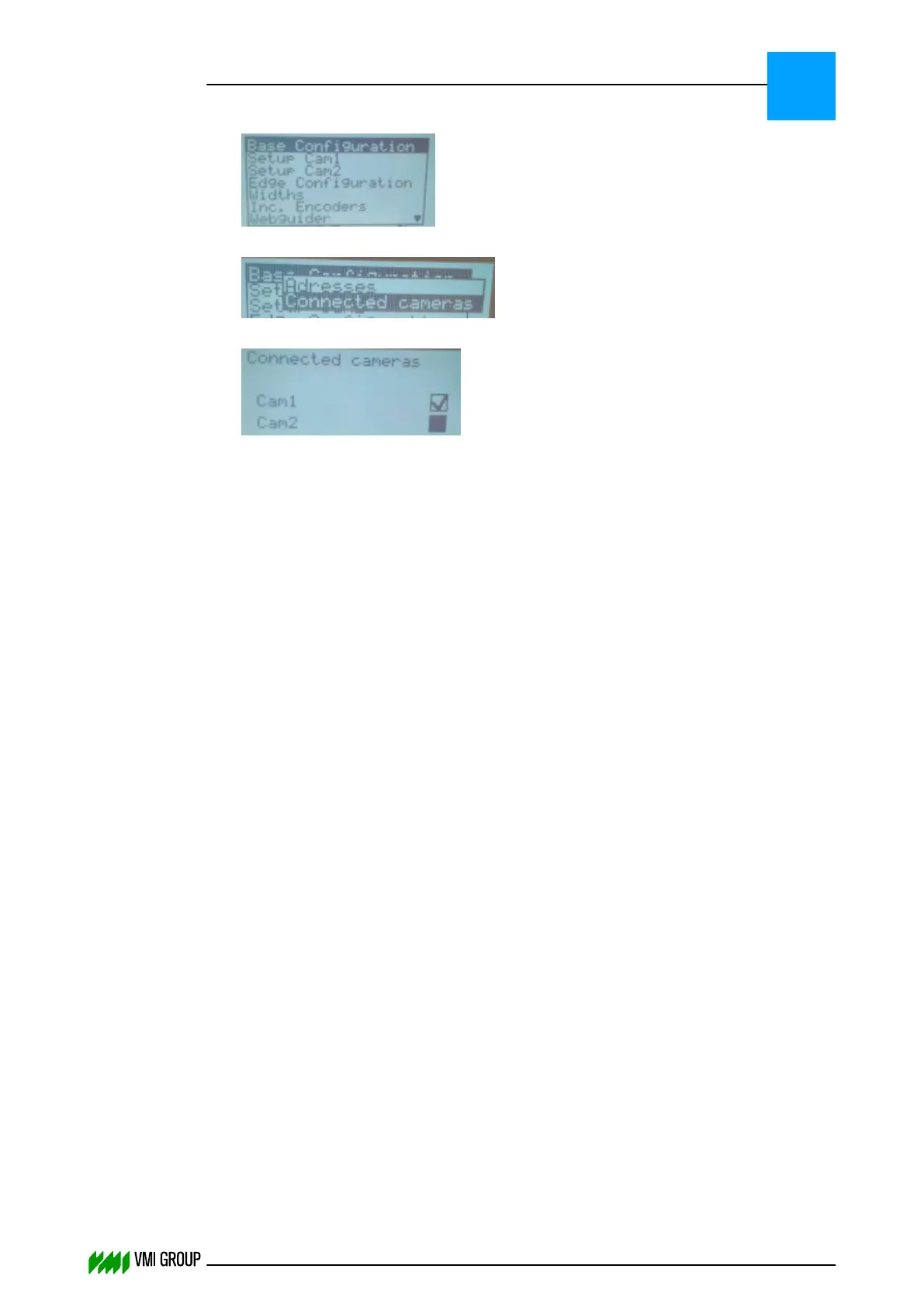
From the main menu select BASE CONFIGURATION and press ENTER.
10.
Select CONNECTED CAMERAS and press ENTER.
11.
Select the connected cameras to the CAN bus.
● For VVS Breaker, select both camera check boxes.
● For VVS Tread, select the CAM1 check box and clear the CAM2 check box.
INSTALLATION AND CONFIGURATION
Configuration
3
THINKING FORWARD
VMI Vision System VVS (OL82) VVSX 13.0.12.0, VVSU 3.0.6 / 4 / 2016-07-11 / pd#175592
3-20



 To Next Page