3-36 DHS-E Installation
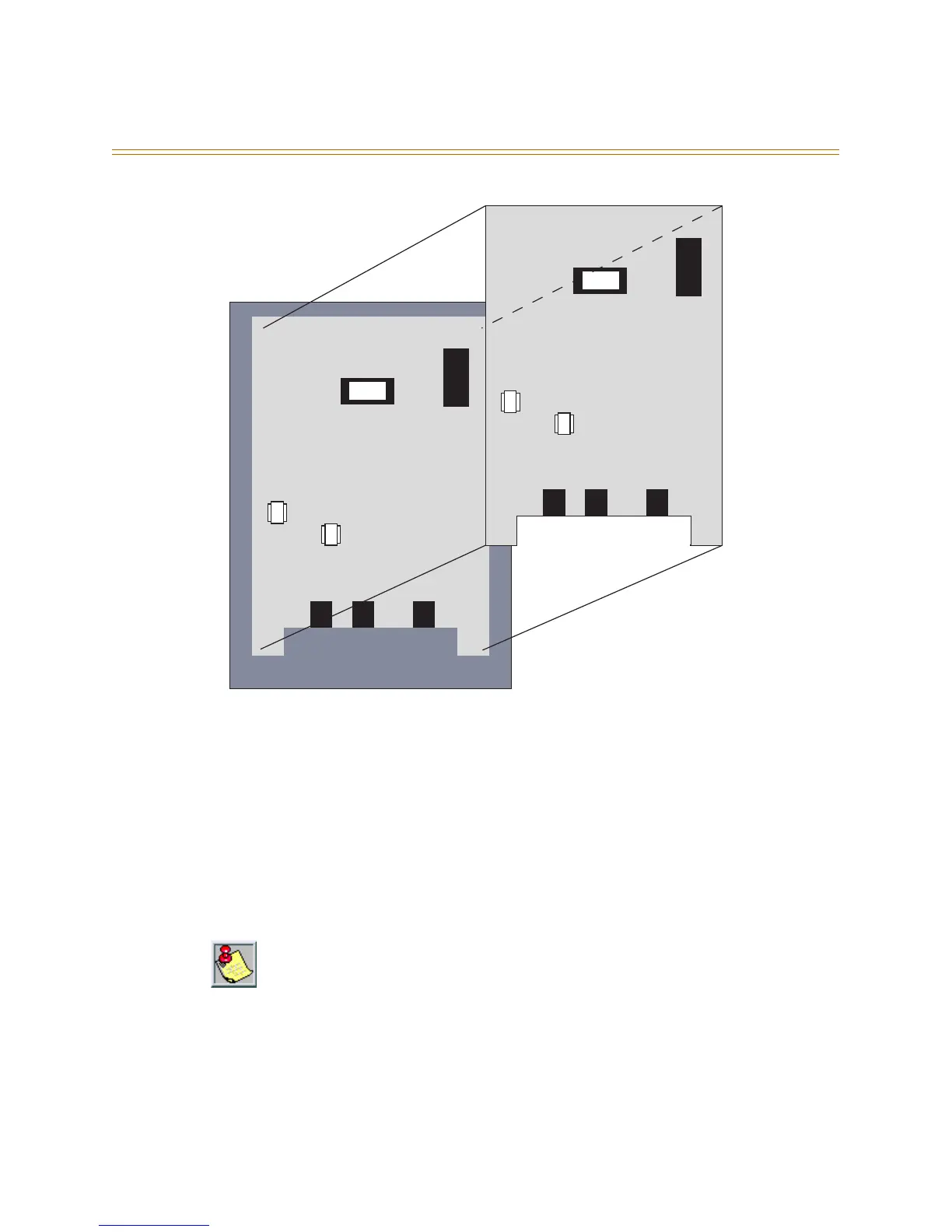
Figure 3-17: 2-Port Analog Adapter
16. Two-Port Analog Expander
Installing a 2-port Analog Expander converts two digital ports to analog. One 2-Port
Analog Expander may be installed on top of the 2-Port Analog Adapter.
Installation
1. Position the 2-Port Analog Expander over the stand-off posts that are factory
installed on the 2-Port Analog Adapter.
2. Using the screws supplied, secure the 2-Port Analog Expander to the stand-off posts
(refer to Figure 3-17).
Only one 2-Port Analog Expander can be installed on a 2-Port Analog Adapter.
OUT 2
OUT 1
IN
2 Port Analog Adapter
OUT 2
OUT 1
IN
2 Port Analog Expander



 To Next Page