DHS Installation 2-41
High Profile Mount
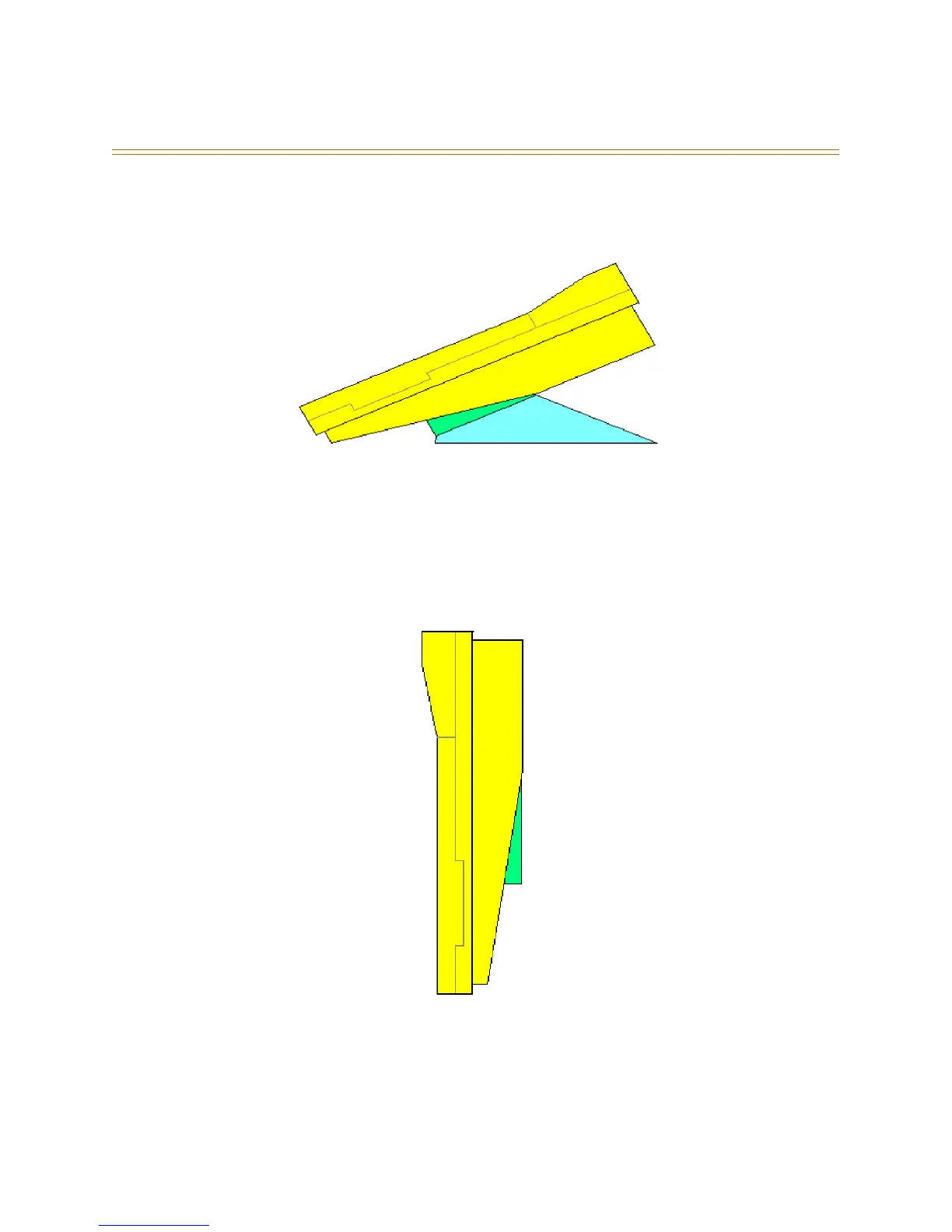
For the High Profile Mounted position, reference the illustration below and attach the
Base Mount wedges.
Figure 2-20: High Profile Mount
1. The small wedge is always used for the various telephone mounting positions.
2. The small wedge has locking tabs at one end and hooks at the other end used in a
hinging fashion.
Wall Mount
When the telephone is to be Wall Mounted:
Figure 2-21: Wall Mount
1. Remove the two small screws that secure the small and large wedges together.
2. Store the larger wedge for possible use later (the large wedge is not used when wall
mounting the key telephone).



 To Next Page