2-10 DHS General Description
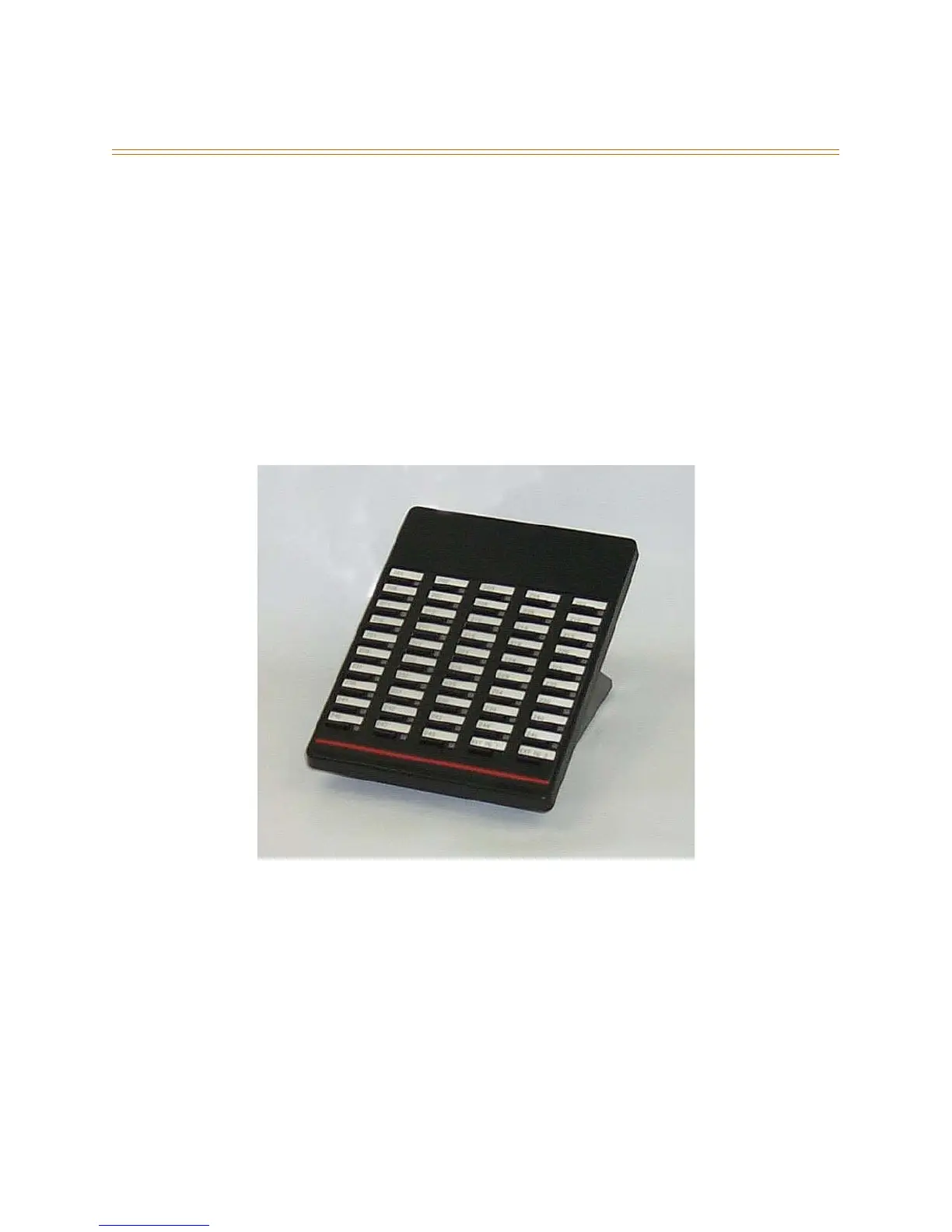
Direct Station Selector (DSS) Console <FP3>
Previously only available on the DHS-E, the Direct Station Selector (DSS) Console is now
also available on the DHS. One DSS Console may be assigned to a station. Each DSS
Console uses one Digital Station Port. Up to 12 DSS Consoles can be installed on a
system.
The DSS Console buttons are programmed by the Station User using the FEAT + # + 5
command, then pressing the button on the DSS to be programmed. All system feature
codes may be stored on the Programmable Feature Buttons for one-button operation.
Certain programmed feature buttons will light when activated (DND, Call Forward, DSS/
BLF, etc.), while others such as Call Pick-Up, BGM and Last Number Redial do not.
Features are separated into three distinct categories for programming on a button: CO
line, station, or feature.
Figure 2-9: DSS Console



 To Next Page