Caller Identification (ICLID) 4-25
The display for the name can vary depending upon the actual data input for the caller’s
name. When you answer the call, the display changes as follows:
Most caller names will be available in the data received from the telephone company.
However, in the event that only a telephone number is provided, that data will be
displayed instead of the caller name.
When the name is displayed, the DHS/DHS-E has received both the caller name and
number from the telephone company. In this case, the caller number can be displayed (if
desired) by pressing the right soft button, or after answering the call. The current Caller
ID mode is changed with each depression of the right soft button.
Name/Number Caller ID <FP3>
Description
The calling party numbers should be displayed if available on incoming caller ID calls, in
addition, the user may toggle between the number and the name while the call in
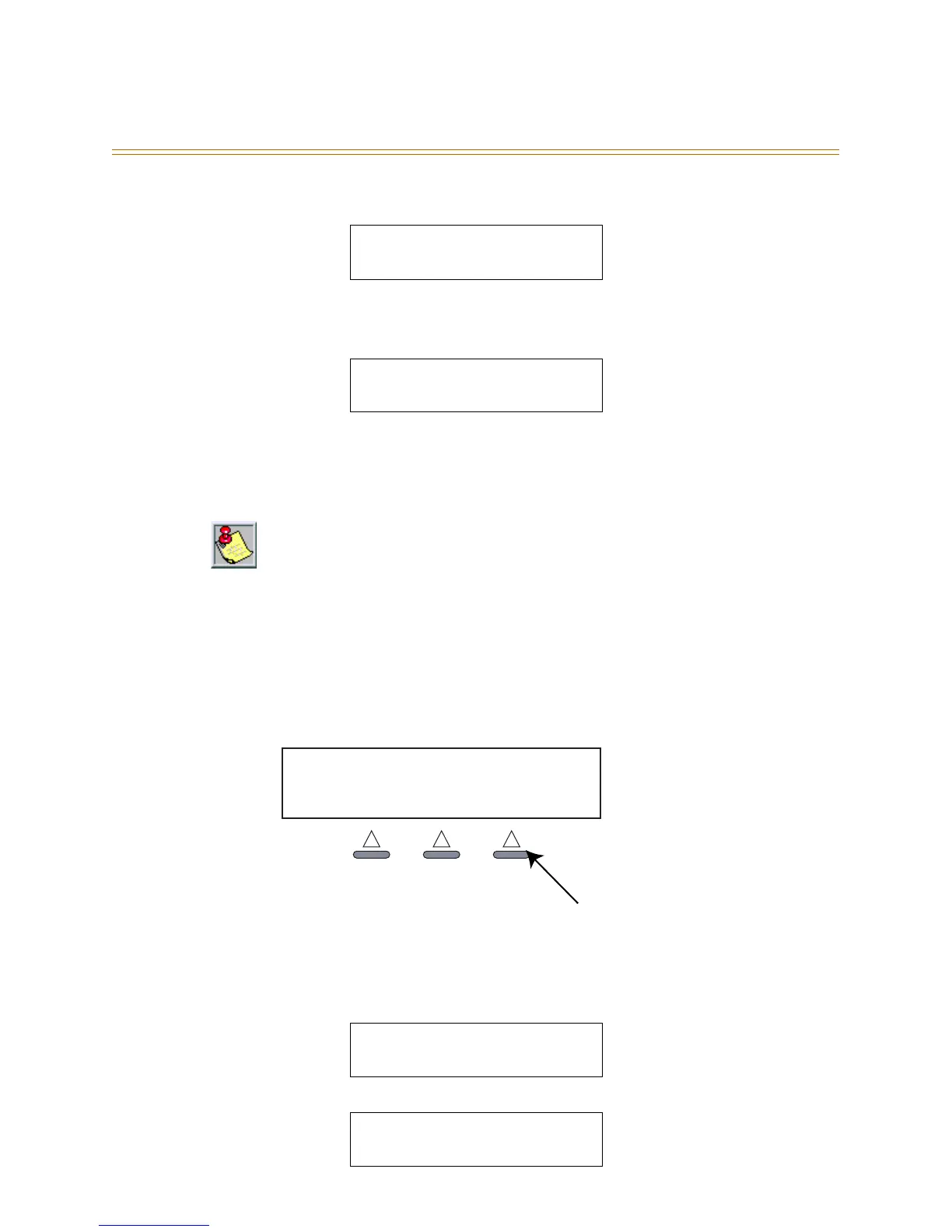
ringing by pressing the <F3> Soft Button.
Figure 4-3: F3 Soft Button
Operation
1. Incoming call originally appears as shown);
2. Press the <F3> Soft Button while the call is ringing, and the following display shows:
CO LINE 2 00:03
Vodavi
CO LINE 2 00:03
202-123-4567
No soft button prompt is present in the display since the area above all soft buttons is filled
with caller ID data.
Caller ID data is also output to a SMDR device when equipped.
CO LINE 2 00:03
Vodavi
CO LINE 2 00:03
202-123-4567
OCT 1
STATION
FRI 8:00
10
F3 Soft Button



 To Next Page