4-58 Flexible Line Assignment
To program a system feature:
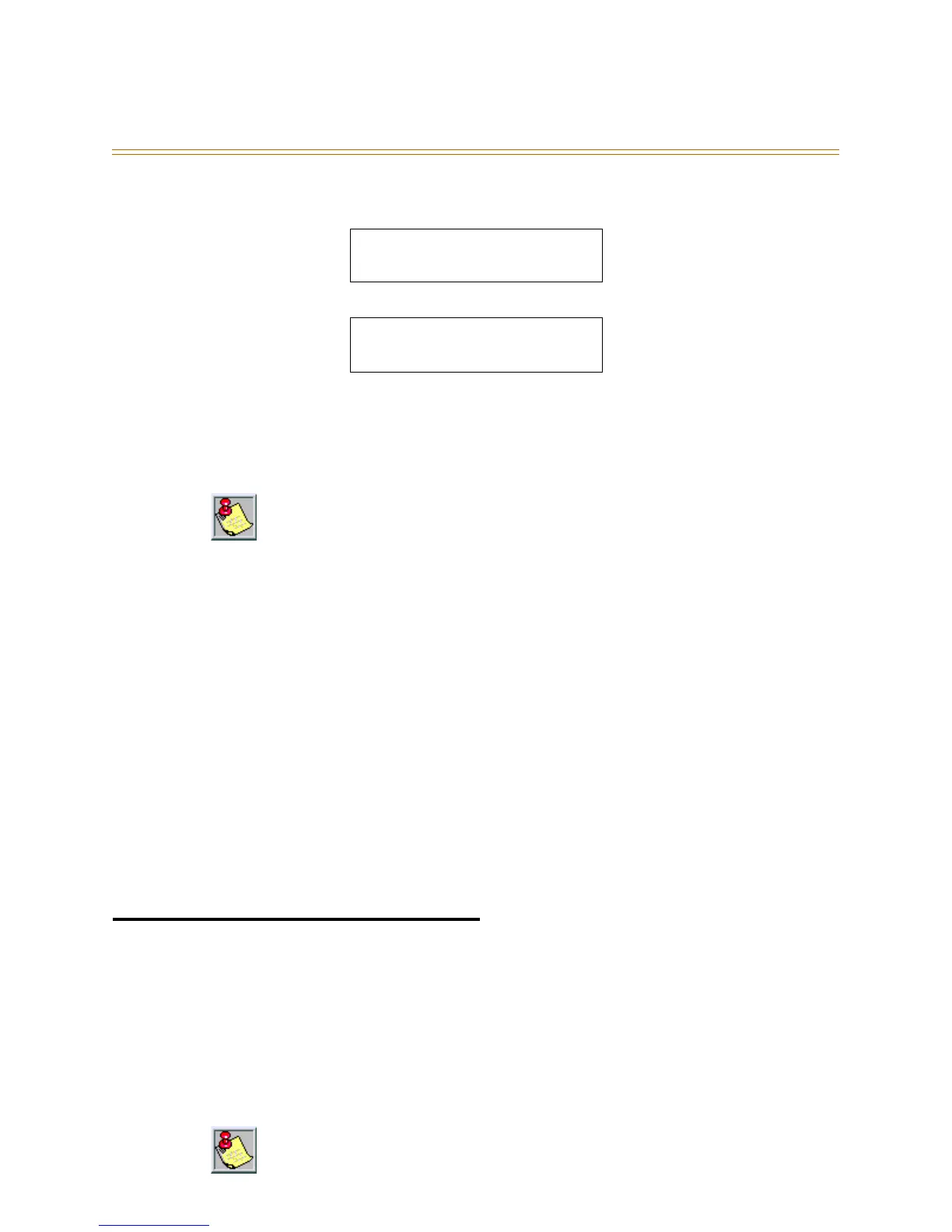
1. Press [FEAT]. The display shows:
2. Press [FEAT]. F will appear on the display:
3. Dial the feature code.
4. Press [save]
To erase the contents of a programmable feature button:
1. Press [save] instead of dialing a code.
Conditions
In some cases, a user may program a feature button for a specific CO line although
access is restricted to that line via system programming. In this situation, the
telephone is still governed by system programming and would still be unable to
access the CO line if restricted.
Valid feature codes must be in the form of either Fn or Fnn where F is the feature
button and n is either a 1-digit or 2-digit code, including asterisk [✳] and pound [#]
dialed from the dial pad.
Any feature button programmed with a code previously assigned to a different
feature button will cause the previously programmed feature button to become
unassigned.
Programmable feature buttons cannot be programmed for CO line group operation
when the system is configured for KEY system operation.
The DHS/DHS-E DSS console programs the same way, but a different feature code
[feat] + [#] + [5] is used.
Flexible Line Assignment
Description
A station may be assigned outgoing access to any or all of the system CO lines in System
Programming. The user may program any CO line or line group to appear under any one
of 8 to 20 dual-colored feature buttons. However, the line(s) cannot be used for outgoing
calls unless granted outgoing privileges by the system administrator. A station
programmed with Line Assignment privileges may retrieve held calls.
FTR CODE:__
bksp save chg
FTR CODE: F
bksp save chg
If you dial an invalid code, you will hear error tone and an Executive Key Telephone display
will show CODE UNAVAILABLE.
The number of dual-color LED buttons available depends on the key telephone model.



 To Next Page