3-38 System Check-Out
5. Allow the system and switch to remain in this state for approximately two minutes.
6. Operate the INITIALIZATION (SW1) to the ON (right) position.
7. Restore system power.
8. Observe the CPU/Power LED. After approximately 4 - 6 sec., the LED should begin to
flash.
9. If the LED remains unlit or lit without flashing, repeat the above steps from Step 2.
Once the power up sequence is complete, DEFAULT DATA is loaded and the system
should be fully operational.
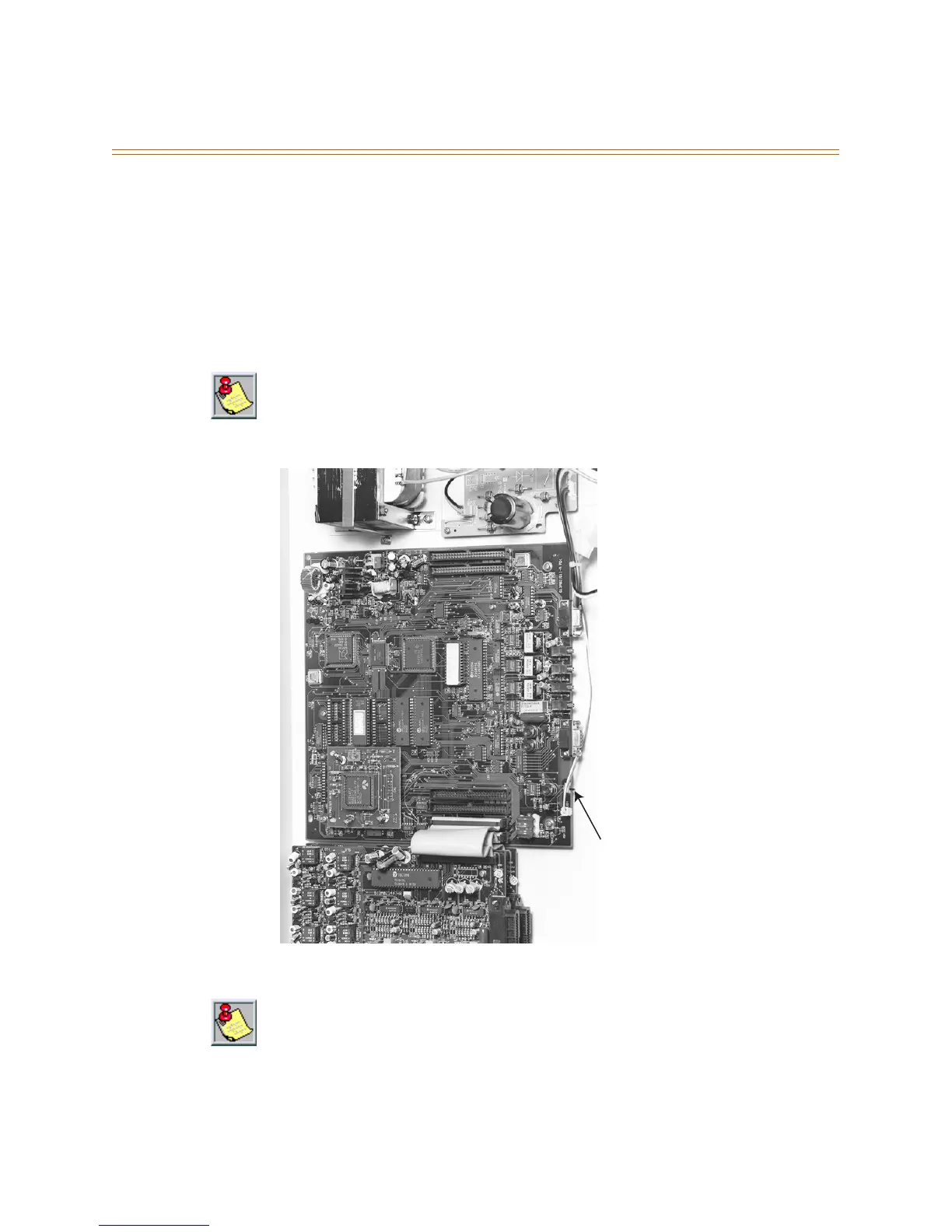
Figure 3-18: Motherboard
Refer to
Chapter 7, Maintenance/ Troubleshooting
, for further assistance if power up
cannot be activated.
SW1 must remain in the ON position following initialization to engage customer database
RAM memory backup in the event of commercial/utility power outage. RAM backup battery
charging occurs only when SW1 is in the ON position. The RAM battery requires 14 hours
minimum normal (powered) system operation for adequate charging.
SW1 Initialize



 To Next Page