Speed Dialing 4-91
To erase the contents of a Speed Dial bin:
1. Press [FEAT]
2. Dial [#] + [1]
3. Dial the bin number (00-19) to erase.
4. Press [HOLD]. You will hear confirmation tone.
Executive Key Telephone
To store a telephone number in a personal Speed Dial bin:
1. Press [FEAT]
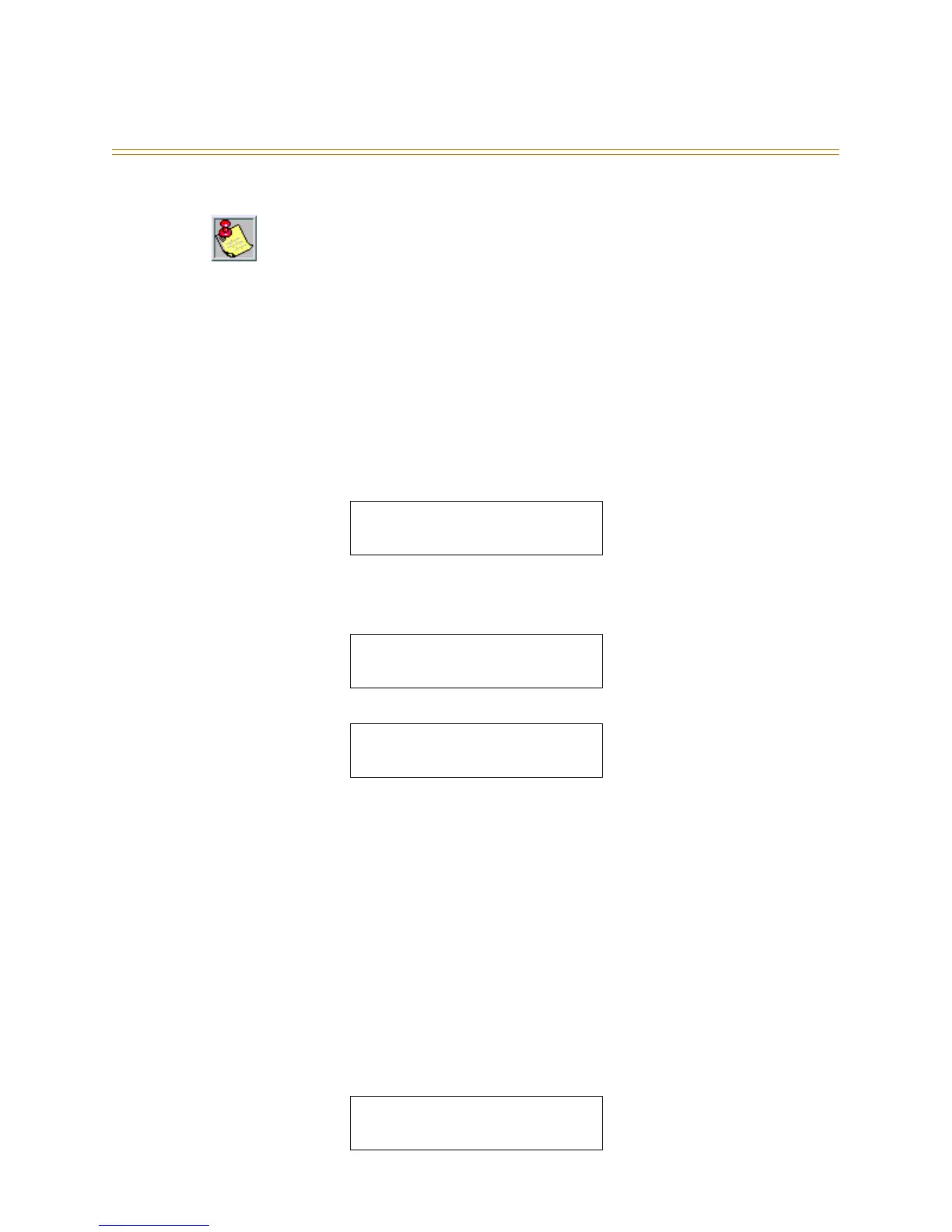
2. Dial [#] + [1]. The display shows:
3. Dial the bin number (00-19) where you want to store the telephone number. (You can
press [bksp] and [chg] to correct errors.)
4. Press [show]. The display shows the current contents of that bin:
5. Press [chg]. The display shows:
6. Dial the telephone number to be stored (up to 16 digits).
7. Press [save]
To continue storing telephone numbers in additional bins:
1. Repeat Steps 3 through 5 (for basic and enhanced telephones) and 3 through 7 (for
executive telephones).
To erase the contents of a Speed Dial bin:
1. Press [save] instead of dialing a number in Step 4 (basic/enhanced) and Step 6
(executive).
To exit speed dial programming:
1. Press [CLEAR]
To chain together Speed Dial bins:
1. Enter [FEAT] + [1] + [BIN #] as part of the number in any speed bin to dial that bin
contents, after the contents of the current bin.
Speed bins may be chained. Pauses and Flashes may be stored in Speed Dial. Chaining
Pauses and Flashes each occupy one character position: Pause = [feat] + [7] + [0] = P; Flash
= [feat] + [3]
SPEED NO : __
bksp show chg
EMPTY
chg
__
bksp save chg
16025551212 @ 00
chg



 To Next Page