Button Action/result
Enter the serial number of the device.
(For entering texts, see also Chapter 6.4 on page 35).
Press the
button to learn out the device.
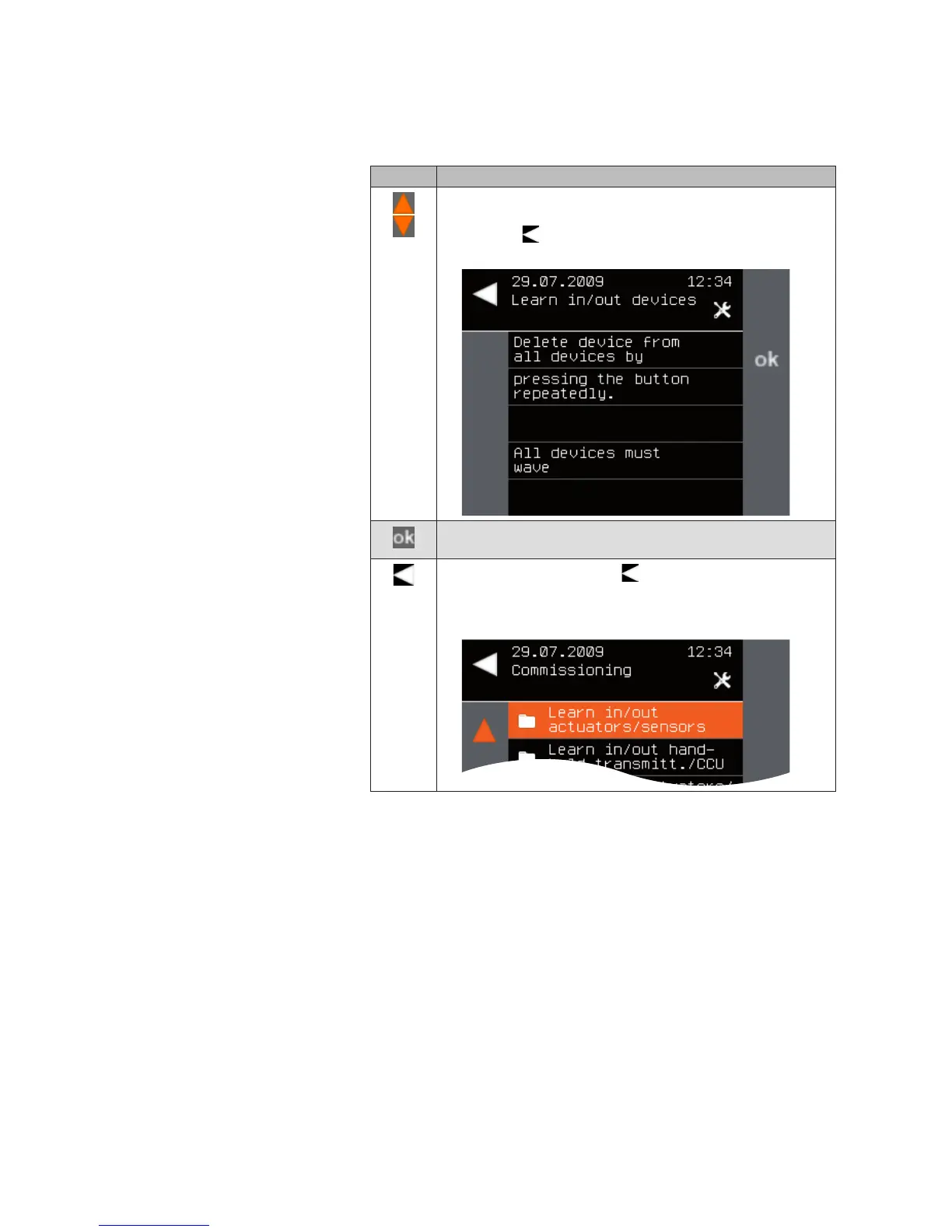
The following message appears.
Press the ok button and check whether all devices wave. You
can press the ok button as often as necessary.
Leave the menu using the button when you are sure that
all network devices confirmed the delete command by wav-
ing.
The Commissioning menu opens again.
System



 To Next Page