8.2 Manage scenes
When you allocate channels to a scene, the scene is automatically created if
it does not yet exist (see Chapter 8.3.5 on page 75). A scene can be de-
leted again at any time; this has no effect on the channels contained in it.
8.2.1 Deleting a scene
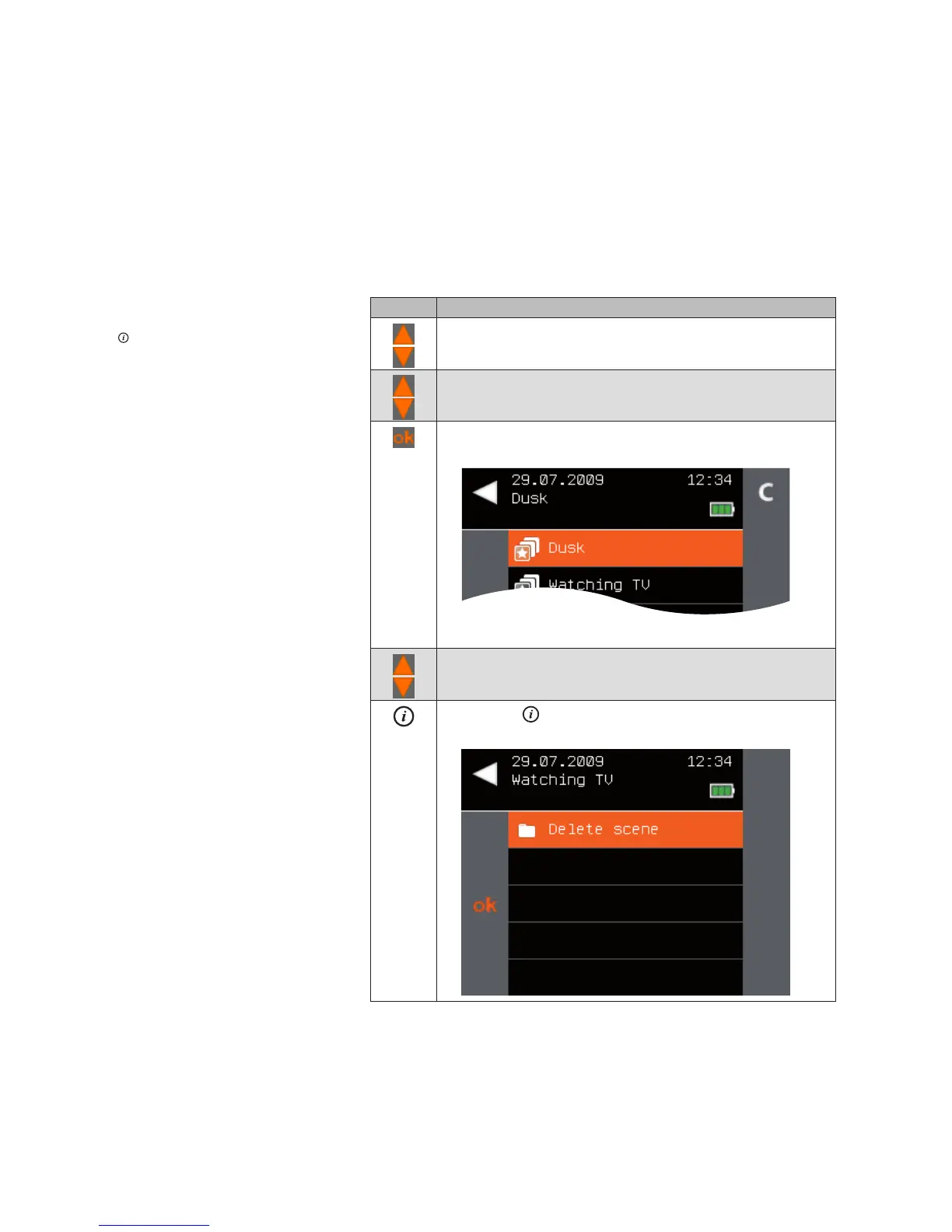
To delete a scene, proceed as follows:
Button Action/result
In the main menu, select the [Products] menu and press ok.
The [Select product type] menu opens.
Using the selection cursor, select the [Scenes] menu item.
Press the ok button.
All scenes created in the central transmitter are displayed.
Using the selection cursor, select the scene you wish to
delete.
Press the button.
The context menu for the selected scene is displayed.
Main menu
Products
Scenes
Delete scene
Products



 To Next Page