113
9.2.4 Learning out actuators/
sensors with the serial
number
If you know the serial number of the device, you can delete it from the net-
work directly by entering the serial number.
NOTE This function is particularly useful if a device is faulty and cannot respond
during scanning. It is also possible to delete sensors out of a network in this
manner without first having to wake them up.
Proceed as follows to learn out actuators and sensors.
Button Action/result
In the main menu, select the [System] menu and press ok.
The [System] menu opens.
Select the [Commissioning] menu here and press ok.
The [Commissioning] menu opens.
Using the selection cursor, select the
[Learn out actuators/sensors with serial number]
menu item.
Call up the function with ok.
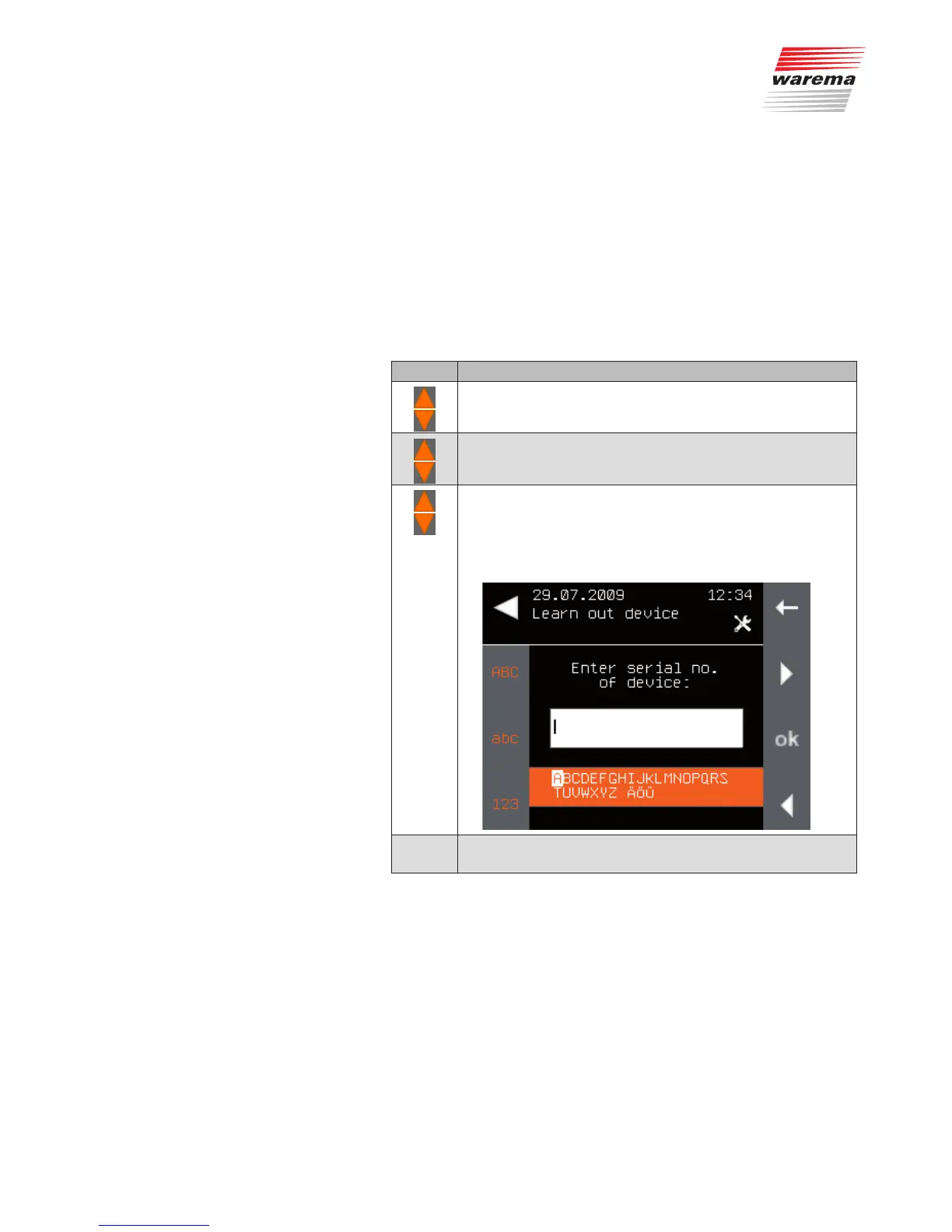
The following menu is displayed.
Enter the serial number of the device.
(For entering texts, see also Chapter 6.4 on page 35).
Main menu
System
Commissioning
Learn in/out actuators/sensors with serial
number
System



 To Next Page