77
8.3.6 Allocating a channel to a
different control panel
This function can be used to conveniently transfer a channel to a different
control panel. The channel can then be operated from both control panels.
This function is primarily intended for WMS Central transmitters.
NOTE This allocation only functions if both control panels are devices in the same
WMS network.
Button Action/result
In the main menu, select the [Products] menu and press ok.
The [Select product type] menu opens.
Using the selection cursor, select the product type of the
channel that you wish to allocate.
Press the ok button.
All channels of the selected product type are displayed.
Using the selection cursor, select the channel you wish to
allocate.
Press the button.
The context menu for the selected channel is displayed.
Using the selection cursor, select the [Allocate] menu item.
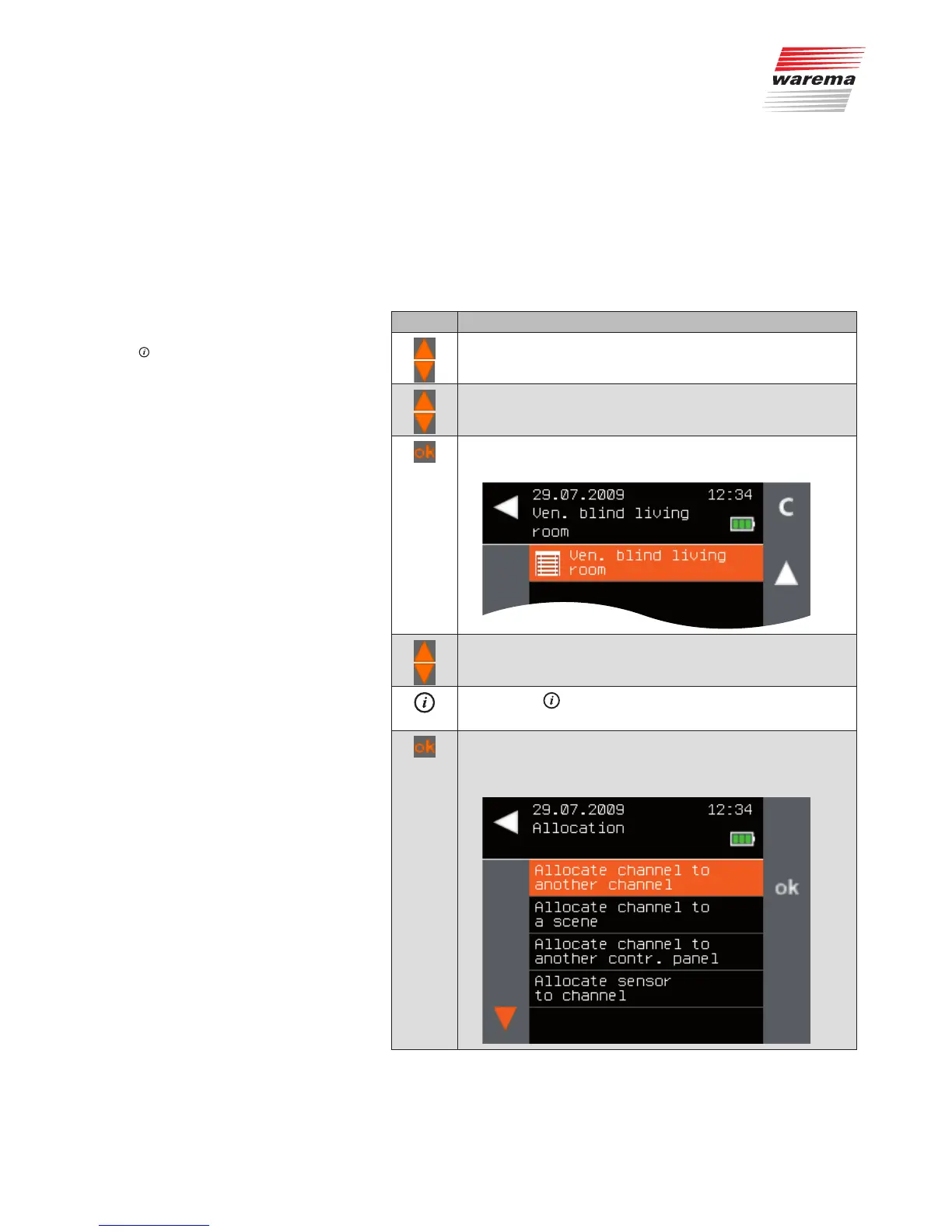
Call up the function with ok.
The following menu is displayed.
Main menu
Products
Product type
Context menu
Allocate
Allocate channel to another control panel
Products



 To Next Page