43
7.1.3 Operating products by
recalling a scene
Scenes can be used to jointly operate a large number of different products at
the press of a button. The position or activation state of the products involved
is stored and is then brought about again when the scene is recalled.
To recall a scene:
button Action/result
In the main menu, select the [Favourites] line using the
selection cursor.
Press the ok button.
The [Favourites] menu opens.
Use the function buttons to select the desired scene.
NOTE If the desired scene was assigned to a favourite, first
select this favourite. You can then select the scene in
the submenu of the favourite in the next step.
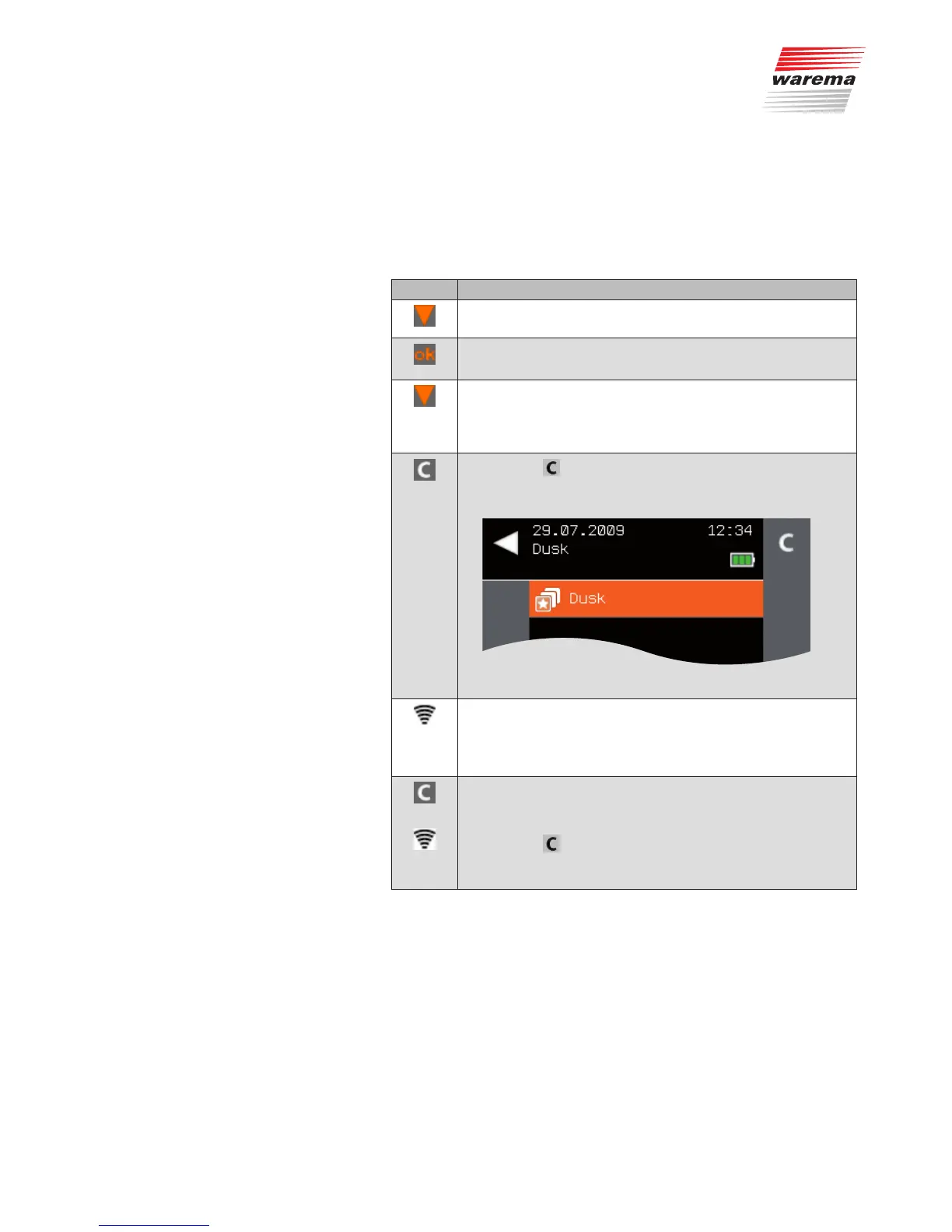
Press the button briefly.
All products involved in the scene move to their stored posi-
tions.
The status display indicates the transmission process:
GREEN: The central transmitter is transmitting
RED: The command is not confirmed (e.g. the receiver is
outside of the transmission range)
To change a scene:
Move the products involved in the scene to the desired posi-
tions.
Press the
button until the status display shows the trans-
mission process.
The scene is stored again.
Main menu
Favourites
Channel x
Favourites



 To Next Page