9.1 Products
Via the [Products] menu, you can display and edit the parameters of the ac-
tuators that have been learned in.
NOTE The parameters are charged directly from the actuators. Some of the dis-
played parameters may vary with the type of actuators and product type.
The parameters displayed in this chapter relate to the example of an external
venetian blind.
9.1.1 Managing channels
The channels into which actuators have been learned can be renamed. If
needed, you can call up details on the actuators of the channels.
9.1.1.1 Renaming a channel
To rename a channel, proceed as follows:
Button Action/result
In the main menu, select the [System] menu and press ok.
The [System] menu opens.
Select the [Products] menu here and press ok.
The [Select product type] menu opens.
Using the selection cursor, select the product type of the
channel that you wish to rename.
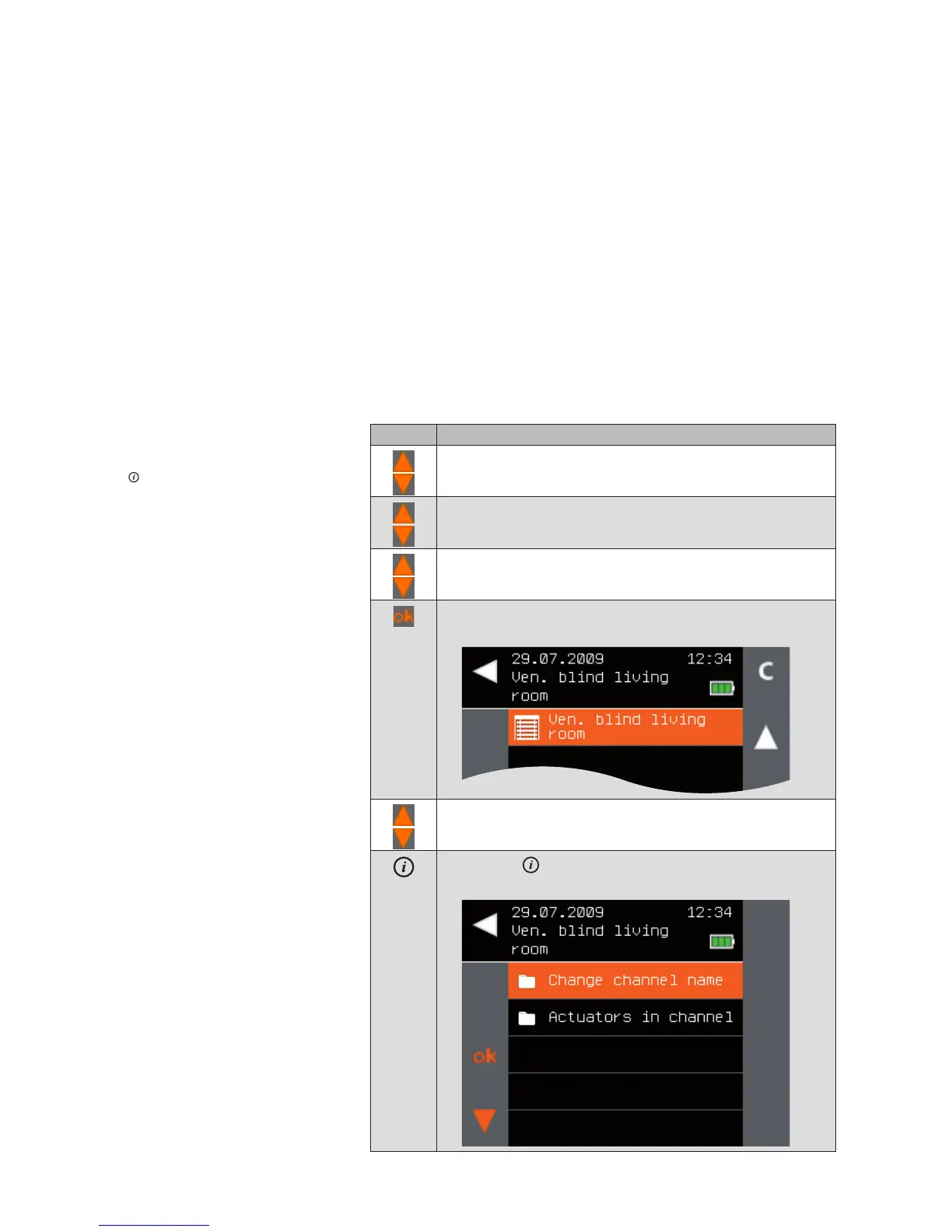
Press the ok button.
All channels of the selected product type are displayed.
Using the selection cursor, select the channel you wish to
rename.
Press the button.
The context menu for the selected channel is displayed.
Main menu
System
Products
Product type
Change channel name
System



 To Next Page