73
8.3.4 Allocating one channel to
another channel
To build groups, one channel can be added to another channel. All actuators
of both channels are grouped in a single channel and can be operated as a
product.
NOTE Only channels with identical product types can be allocated to each other.
Note also that grouping may lead to conflicts due to different sensor alloca-
tions in the channels.
Button Action/result
In the main menu, select the [Products] menu and press ok.
The [Select product type] menu opens.
Using the selection cursor, select the product type of the
channel that you wish to allocate.
Press the ok button.
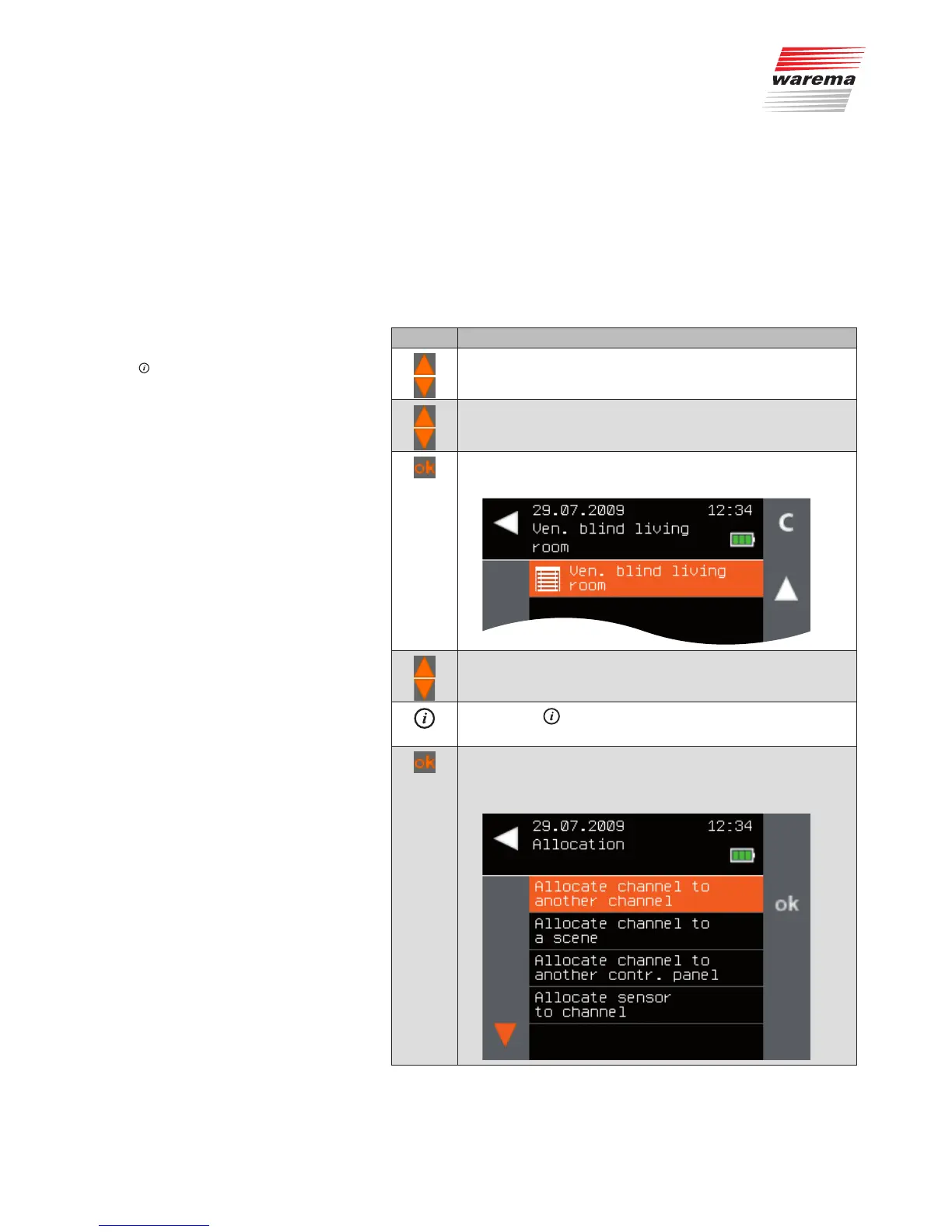
All channels of the selected product type are displayed.
Using the selection cursor, select the channel you wish to
allocate.
Press the button.
The context menu for the selected channel is displayed.
Using the selection cursor, select the [Allocate] menu item.
Call up the function with ok.
The following menu is displayed.
Main menu
Products
Product type
Context menu
Allocate
Allocate channel to another channel
Products



 To Next Page