9.2.6 Deleting the routing tables
After making changes to the WMS network, e.g. many products were added
or removed, the routing tables of actuators should be deleted. They are then
restructured, optimising data traffic in the network.
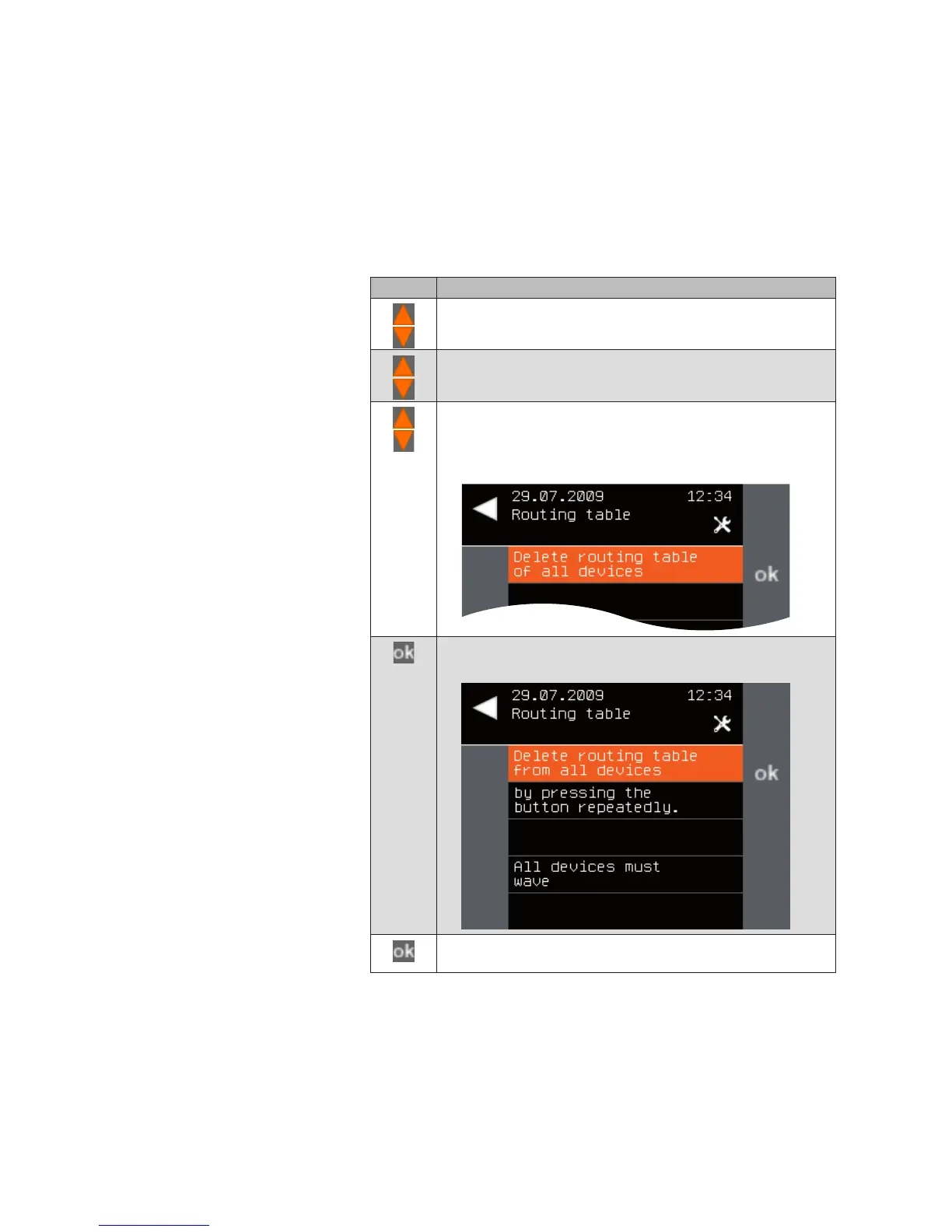
To delete the routing tables of the actuators, proceed as follows:
Button Action/result
In the main menu, select the [System] menu and press ok.
The [System] menu opens.
Select the [Commissioning] menu here and press ok.
The [Commissioning] menu opens.
Using the selection cursor, select the
[Delete routing table] menu item.
Call up the function with ok.
The following menu is displayed.
Press the ok button to delete the routing tables.
The following message appears.
Press the ok button and check whether all devices wave. You
can press the ok button as often as necessary.
Main menu
System
Commissioning
Delete routing table
System



 To Next Page