97
Menu item Setting range Description
Precipitation measured
value
The following settings are available:
From no sensor
From sensor 1
From sensor 2
From sensor 3
From sensor 4
From sensor 1-4
Safety contact
The following settings are available:
From no sensor
From sensor 1
From sensor 2
From sensor 3
From sensor 4
From sensor 1-4
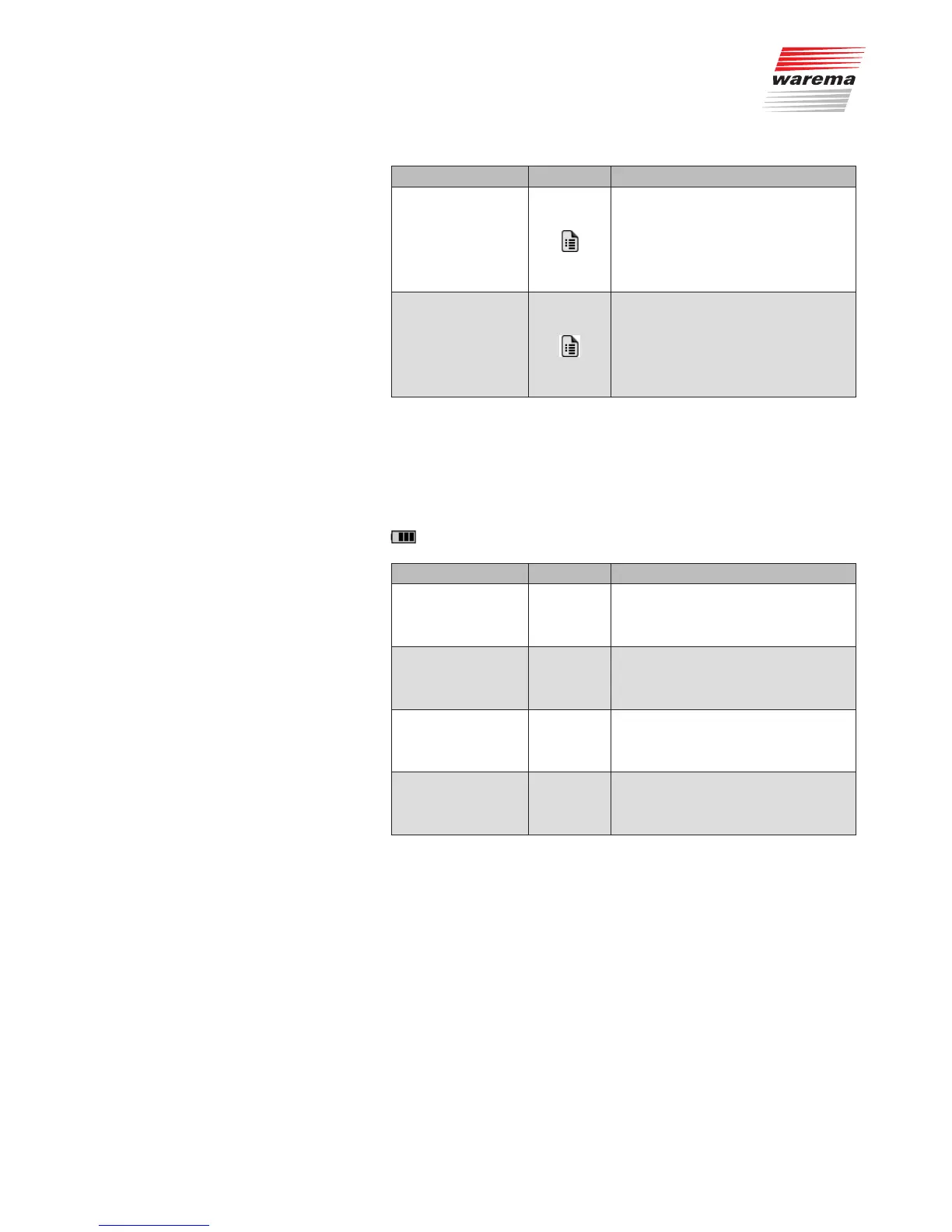
9.1.3.16 Battery status of the sensor
Menu item Setting range Description
Sensor 1
The measured value is loaded from the
actuator when the [Settings] menu is
opened. To refresh the display, close the
[Settings] menu and open it again.
Sensor 2
The measured value is loaded from the
actuator when the [Settings] menu is
opened. To refresh the display, close the
[Settings] menu and open it again.
Sensor 3
The measured value is loaded from the
actuator when the [Settings] menu is
opened. To refresh the display, close the
[Settings] menu and open it again.
Sensor 4
The measured value is loaded from the
actuator when the [Settings] menu is
opened. To refresh the display, close the
[Settings] menu and open it again.
Main menu
System
Products
Product type
Channel x
Settings
Battery status of sensors
System



 To Next Page