81
9 System
You can access the device-specific settings of the WMS Central transmitter
via the [System] menu. You can call up and modify the parameters of the ac-
tuators that have been learned in.
If you have specialist dealer access, you can also access the
[Commissioning] menu and edit the safety settings of the actuators.
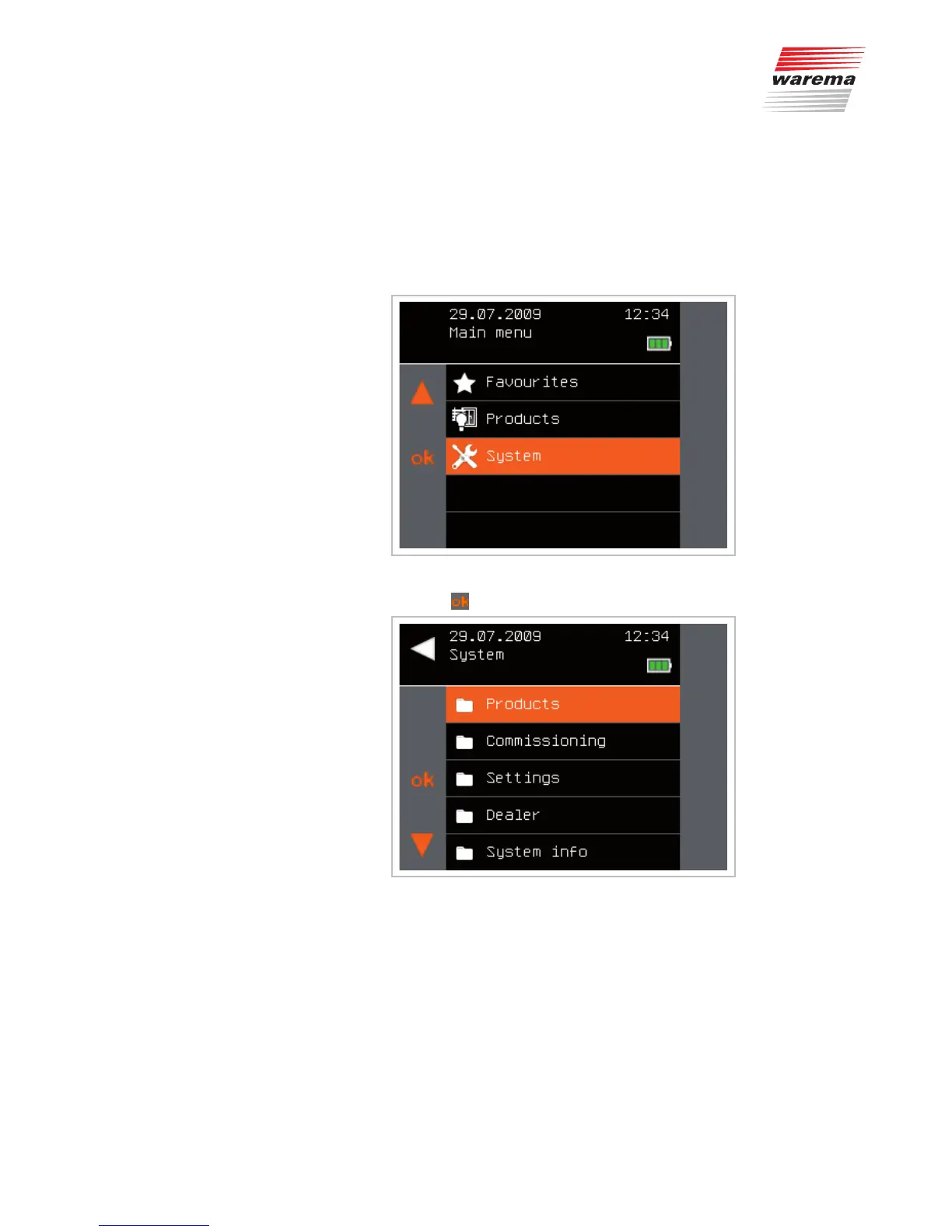
The [System] menu is opened directly via the main menu:
Fig. 22 Main menu
Press the button to open the [System] menu.
Fig. 23 System menu
System



 To Next Page