7.2 Creating favourites
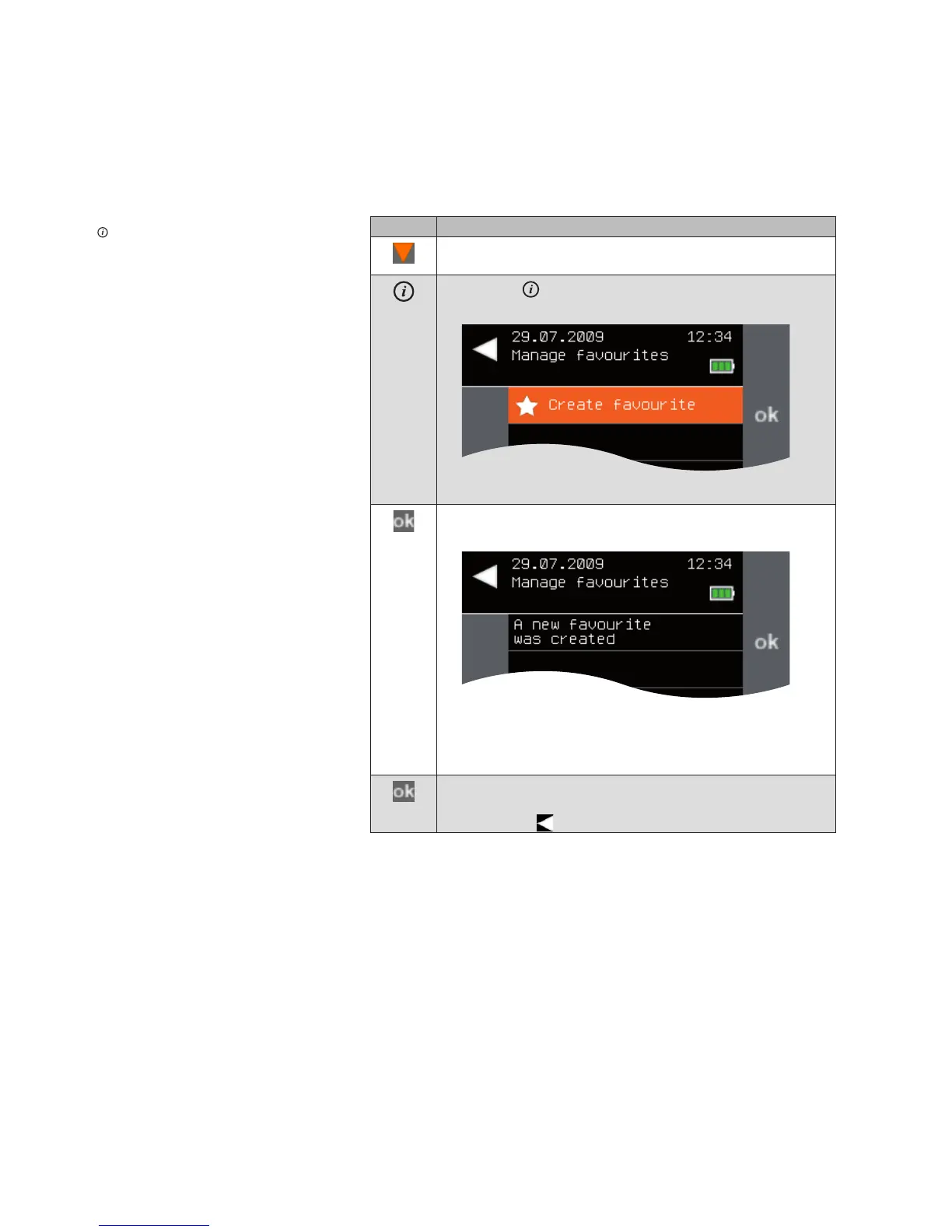
To create a new, empty favourite, proceed as follows:
Button Action/result
In the main menu, select the [Favourites] line using the
selection cursor.
Press the button.
The [Manage favourites] menu is displayed.
Press the ok button.
A new, empty favourite is created.
NOTE The favourite is automatically assigned a name with
a consecutive number. For example, if two favourites
have already been created, the new favourite is given
the name "Favourite 3".
Confirm the message with ok.
You can either create more empty favourites or leave the
menu using .
After you create a new, empty favourite, you can adjust it to your needs in the
[Manage favourites] menu (see Chapter 7.3).
Main menu
Favourites
Favourites



 To Next Page