8.3 Managing channels
The channels into which actuators have been learned can be renamed. If
needed, you can call up details on the actuators of the channels.
The [Allocate] menu is used to allocate a channel to another channel (build
a group), to a scene or to another control panel. Also, the sensors found in
the network can be allocated to the channels.
8.3.1 Actual values/Cause for
movement/Measured
values
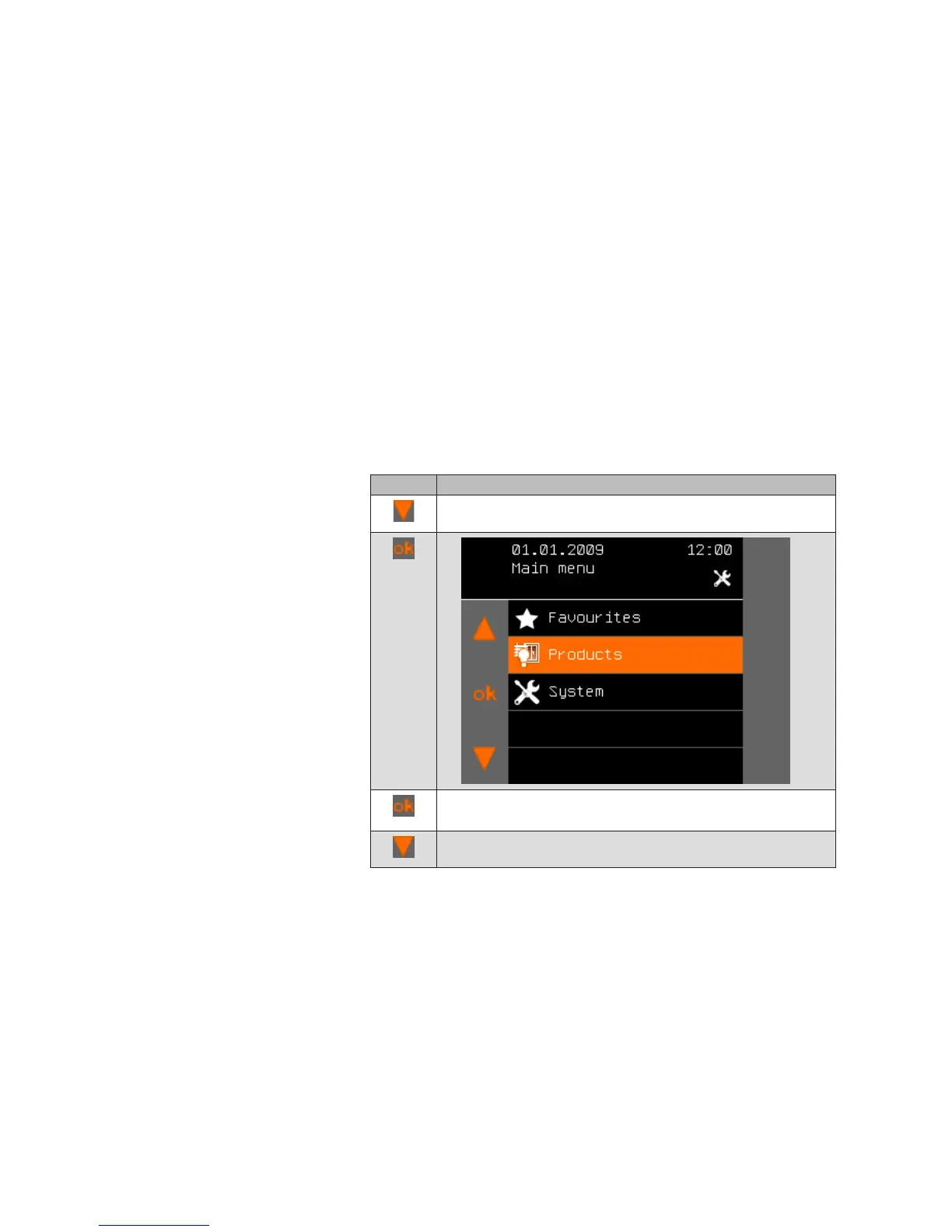
The main menu contains the items Favourites, Products and System.
In the Product menu item, the WMS Central transmitter gives you the option
of obtaining information on the current position of your products using the
Info button. Proceed as follows:
8.3.1.1 Current values
Button Action/result
In the main menu, press the function button repeatedly until
the selection cursor is on the [Products] line.
Press the ok button.
The [Select product type] menu opens.
Using the function buttons, select the product type for which
you require information, e.g. awning.
Main menu
Products
Product type
Products



 To Next Page