7.3.3 Changing the order
You can change the order of the favourites so that the favourites used most
frequently appears first.
button Action/result
In the main menu, select the [Favourites] menu and press
ok.
The [Favourites] menu opens.
Press the button.
The [Manage favourites] menu is displayed.
Using the selection cursor, select the [Change sequence]
menu item.
Call up the function with ok.
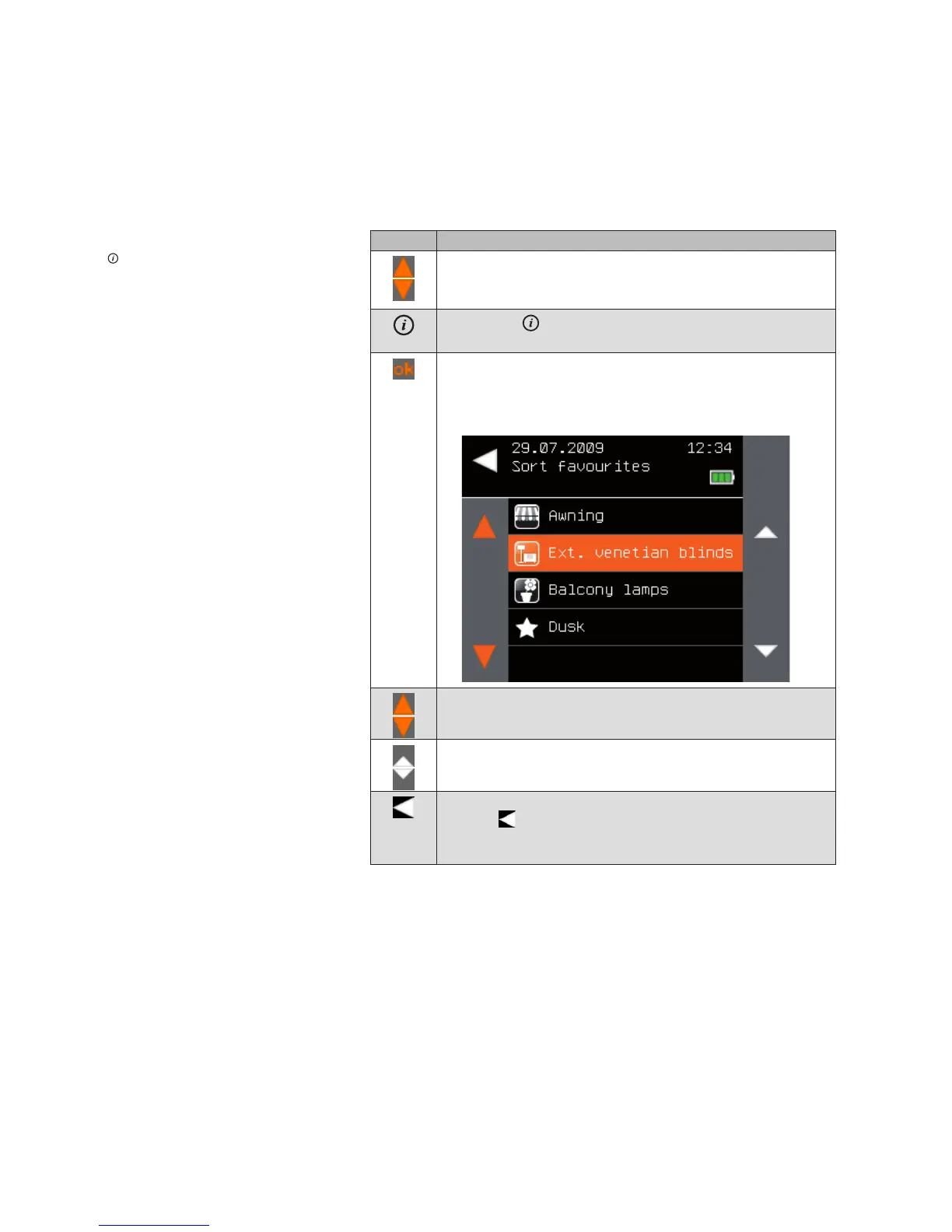
The following menu is displayed.
Using the selection cursor, select the favourite that you wish
to shift in the list.
Shift the selected favourite to the desired position.
When the favourites have the desired order, leave the menu
using .
The [Manage favourites] menu opens again. Pressing this
button several times takes you back to the main menu.
Main menu
Favourites
Manage favourites
Change sequence
Favourites



 To Next Page