99
9.1.5 Measured values
For analysis purposes, you can read out and display the measured values of
a sensor learned into a channel.
NOTE The measured values are called up once. Call up the [Measured value]
menu again to update the value display.
The [Measured value] menu is structured as follows.
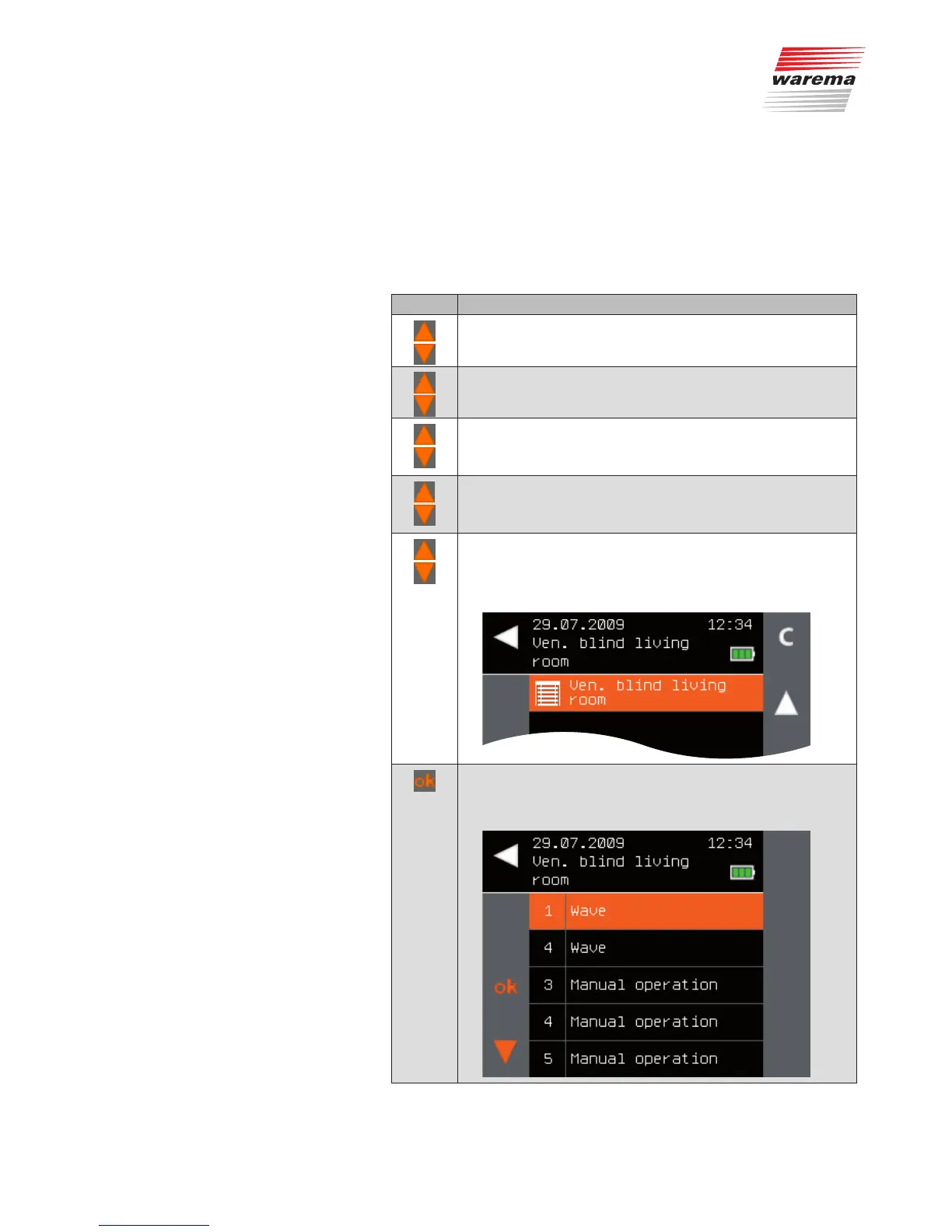
Button Action/result
In the main menu, select the [System] menu and press ok.
The [System] menu opens.
Select the [Products] menu here and press ok.
The [Select product type] menu opens.
Using the selection cursor, select the product type of the
desired channel and press ok.
All channels of the selected product type are displayed.
Using the selection cursor, select the desired channel and
press ok.
The context menu for the channel is displayed.
Using the selection cursor, select the [Measured values]
menu item and press ok.
The sensors that have been learned into the channel are
displayed.
Using the selection cursor, select the desired sensor.
Call up the function with ok.
The measuring values output by the sensor are displayed.
Main menu
System
Products
Product type
Channel x
Measured values
Sensor x
System



 To Next Page