15
4 Introduction
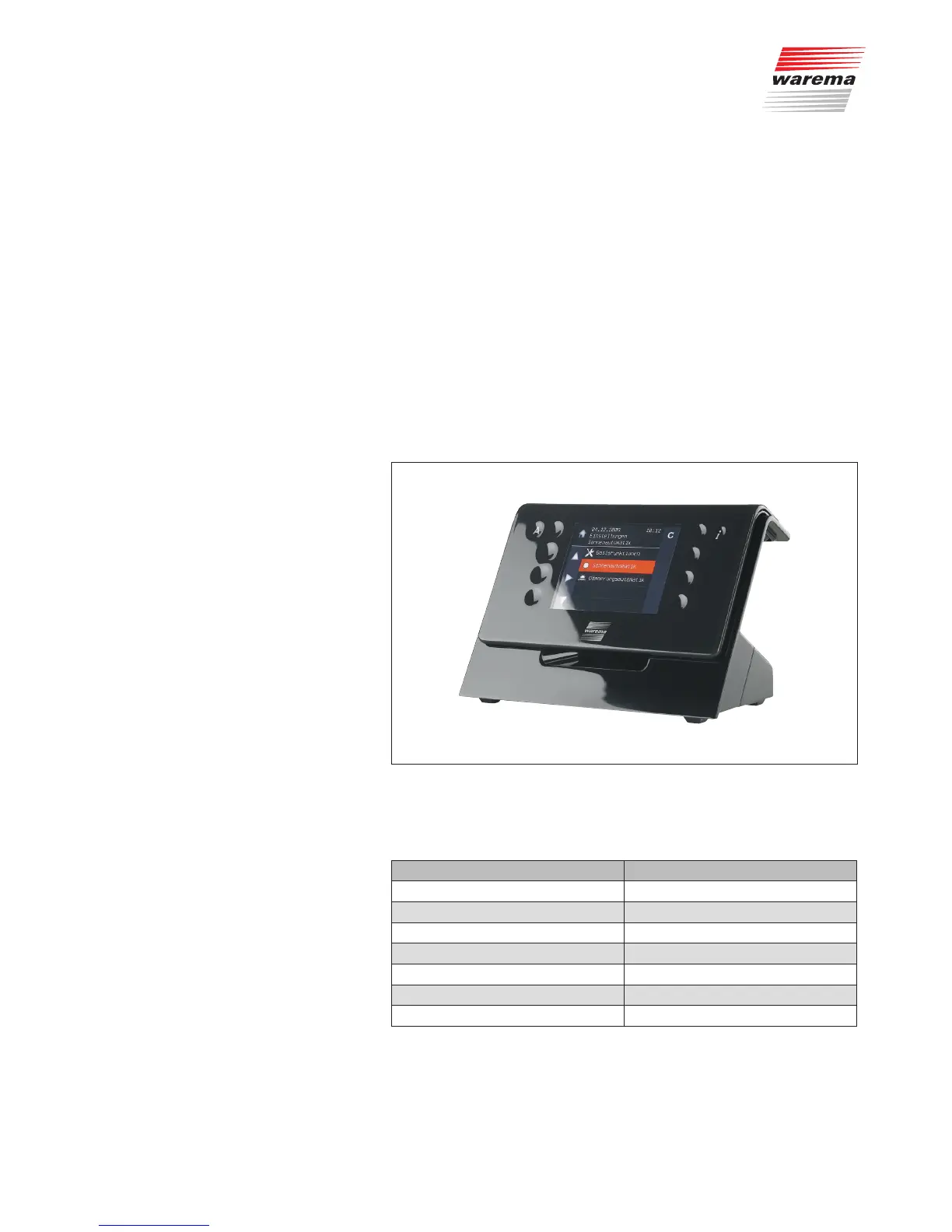
The WMS Central transmitter has an elegant design and a particularly user-
friendly user interface. The presentation of all setting steps and measuring
values is provided in plain text in a clearly arranged display window, simply
referred to as "Display" in this document. The high contrast of the display
lighting ensures good readability.
WMS Central transmitter features:
Elegantly designed housing with high quality acrylic glass front
8 sensor function buttons, buttons A and i
Graphic 3.5" TFT display (320 x 240 pixels, 256 colours)
LED status display
The charging station for recharging the batteries can be used on a table or
as a wall support.
Fig. 4 The WMS Central transmitter in the charging station
The WMS Central transmitter can be used for the following products and
functions:
Type Number
Actuators 200
Channels 96
Actuators per channel 10
Sensors per channel 4
Scenes 32
Actuators per scene 200
Favourites 48
Up to 15 WMS Central transmitters can be learned into a radio network.
NOTE Furthermore, the optional WAREMA Mobile System studio PC software and
a WMS Stick make it possible to set the parameters of WMS products, cre-
ate and change projects on the PC, and to transmit these to the WMS prod-
ucts.
Introduction



 To Next Page