7.3.5 Allocating a scene
You can allocate any scene to a favourite. In this way, you can access spe-
cific scenes rapidly.
Button Action/result
In the main menu, select the [Favourites] menu and press
ok.
The [Favourites] menu opens.
Using the selection cursor, select the favourite to which you
wish to allocate a scene.
Press the button.
The [Manage favourites] menu is displayed.
Using the selection cursor, select the [Allocate scene]
menu item.
Call up the function with ok.
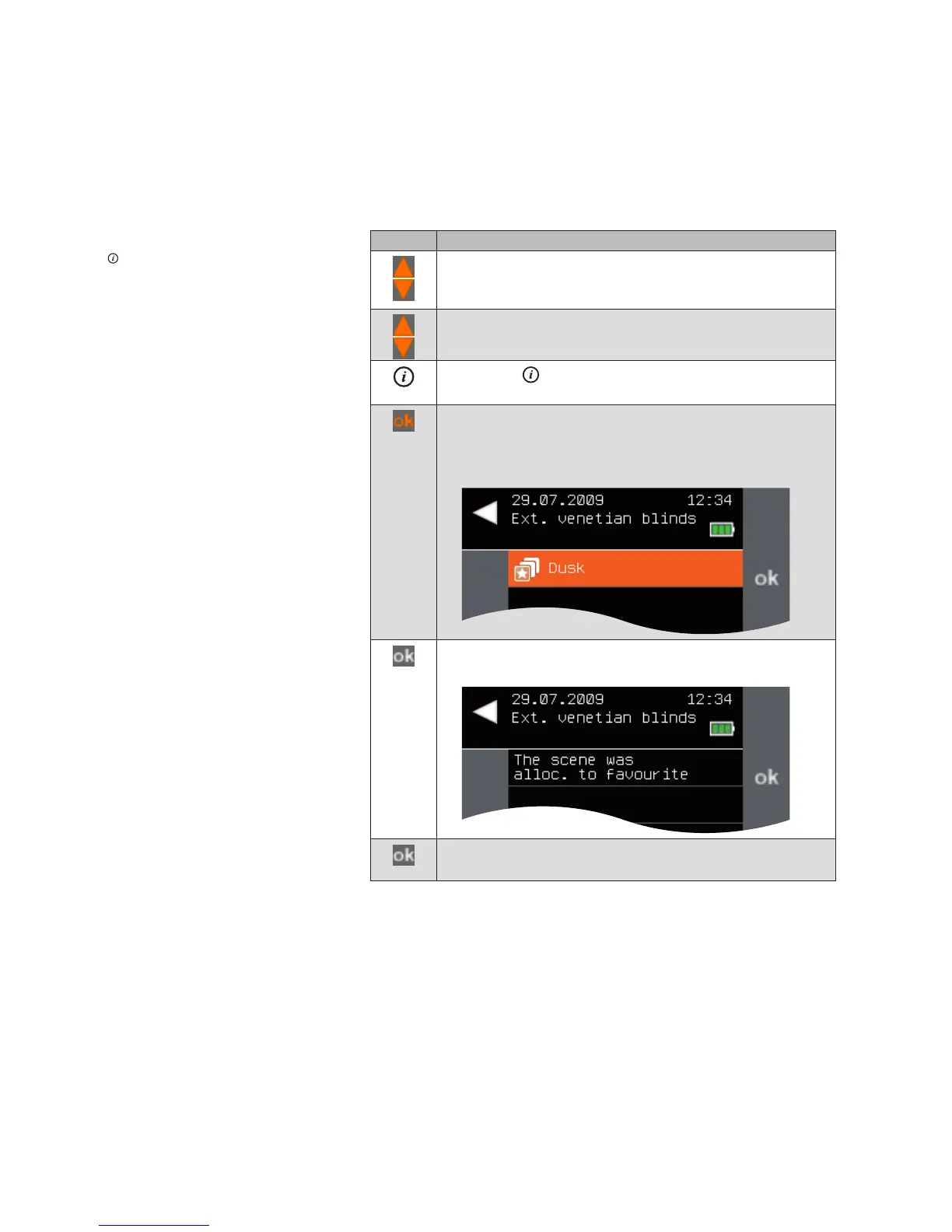
All scenes are displayed.
Select the desired scene and confirm with ok.
The following menu is displayed.
Confirm the message with ok.
The [Manage favourites] menu opens again.
Main menu
Favourites
Manage favourites
Allocate scene
Favourites



 To Next Page