45
7.3 Managing favourites
To manage a favourite, proceed as follows:
Button Action/result
In the main menu, select the [Favourites] line using the
selection cursor.
Press the ok button.
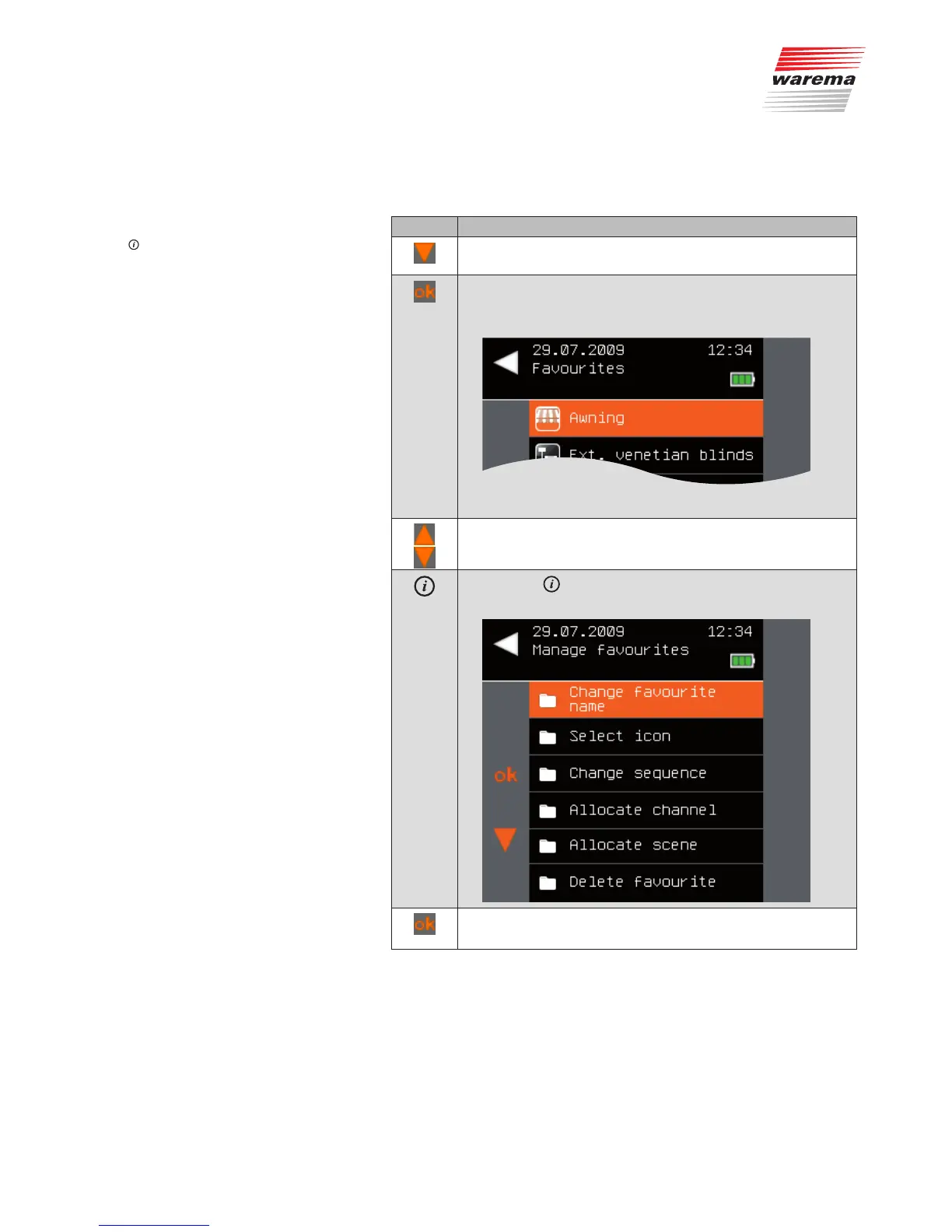
The [Favourites] menu is displayed: All existing favourites
are visible in the selection menu.
Using the selection cursor, select the desired favourite.
Press the button.
The [Manage favourites] menu is displayed.
Using the selection cursor, select the desired favourite.
Call up the function with ok.
The following functions are available to manage favourites:
Main menu
Favourites
Manage favourites
Favourites



 To Next Page