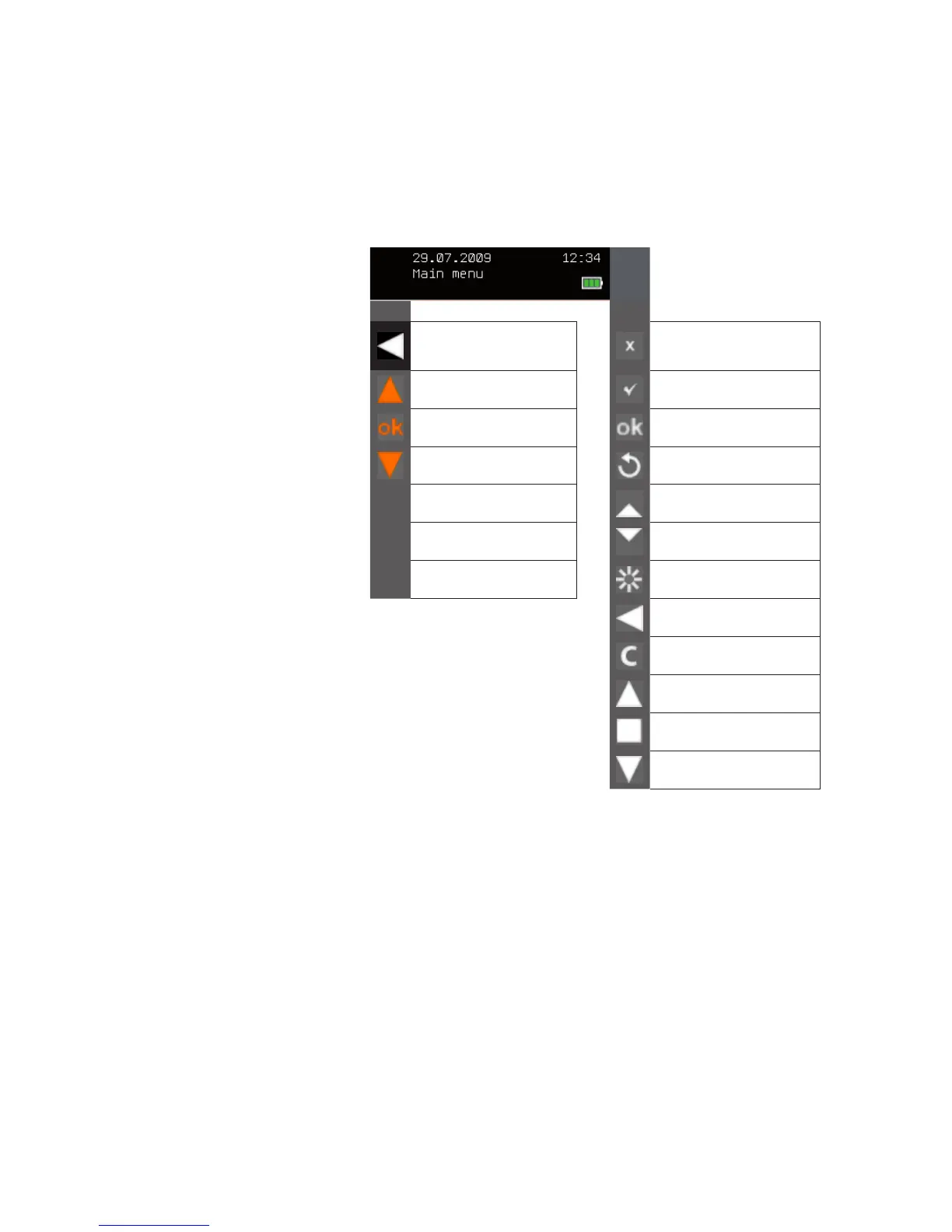
4.2.1 Meaning of the function
button symbols
You can use the function buttons to execute various tasks, depending on the
menu:
In the header:
One menu level up
Deactivate/learn out/
for parameter changes: back
without saving
Move the cursor line up in
the menu
Activate/learn in
Select the menu line that is
highlighted in colour
Confirm entry
Move the cursor line down
in the menu
Load the standard value
ABC
Enter upper case letters Increase value
abc
Enter lower case letters Lower value
123
Enter digits Product waves
Text entry: delete last char-
acter
Recall or learn comfort posi-
tion
Move product UP or switch
product on
STOP or change product
status
Move product DOWN or
switch product off
Fig. 7
Function button symbols
Introduction



 To Next Page