9.1.4 Move command faults
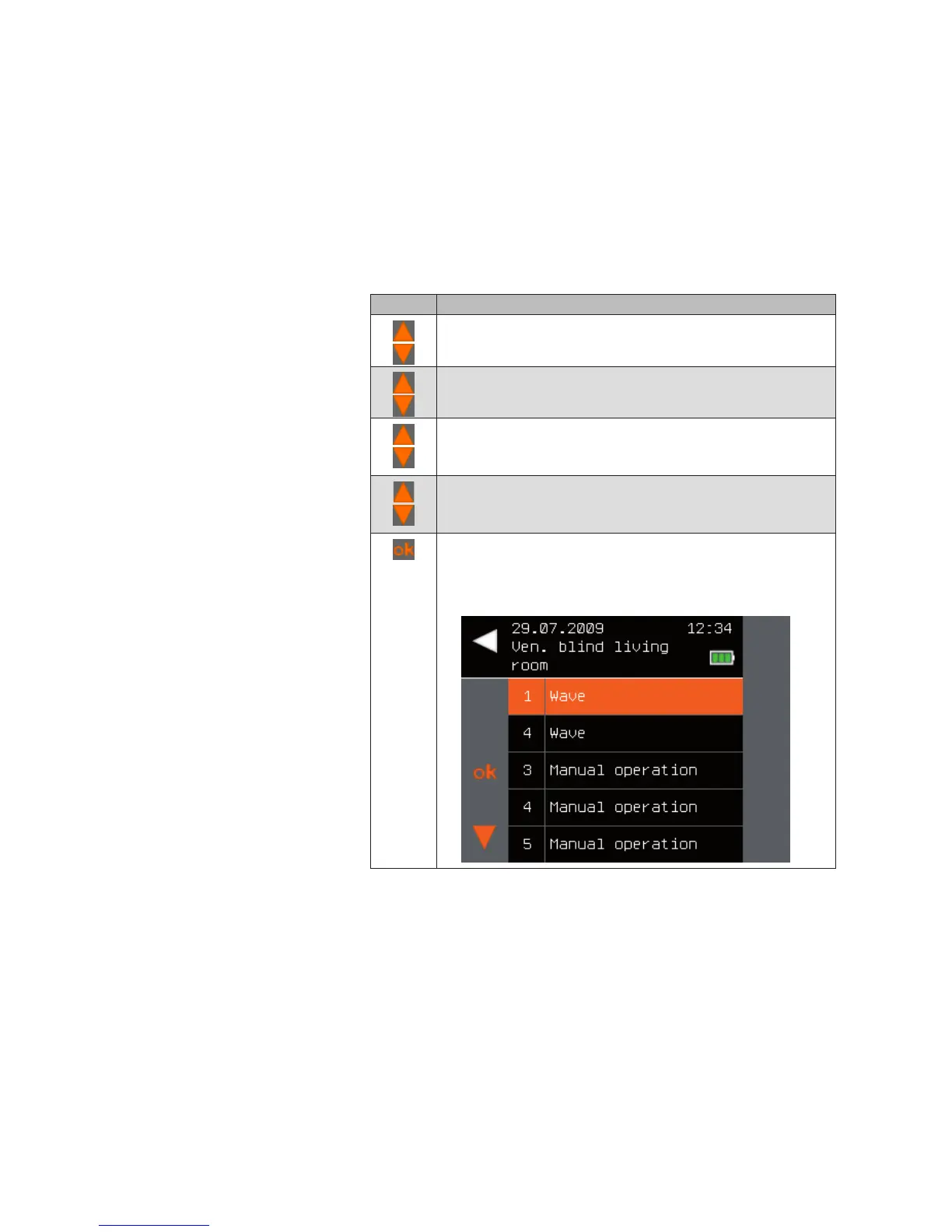
For analysis purposes, the last 10 move causes (triggers of a move com-
mand) are displayed.
NOTE The most recent trigger is always displayed at position 1.
The [Move cause] menu is structured as follows.
button Action/result
In the main menu, select the [System] menu and press ok.
The [System] menu opens.
Select the [Products] menu here and press ok.
The [Select product type] menu opens.
Using the selection cursor, select the product type of the
desired channel and press ok.
All channels of the selected product type are displayed.
Using the selection cursor, select the desired channel and
press ok.
The context menu for the channel is displayed.
Using the selection cursor, select the [Cause for movement]
menu item.
Call up the function with ok.
The last 10 causes are displayed.
Main menu
System
Products
Product type
Channel x
Cause for movement
System



 To Next Page