47
7.3.2 Selecting an icon
To help you identify a favourite quickly, each favourite can be assigned an
icon.
Button Action/result
In the main menu, select the [Favourites] menu and press
ok.
The [Favourites] menu opens.
Using the selection cursor, select the desired favourite.
Press the button.
The [Manage favourites] menu is displayed.
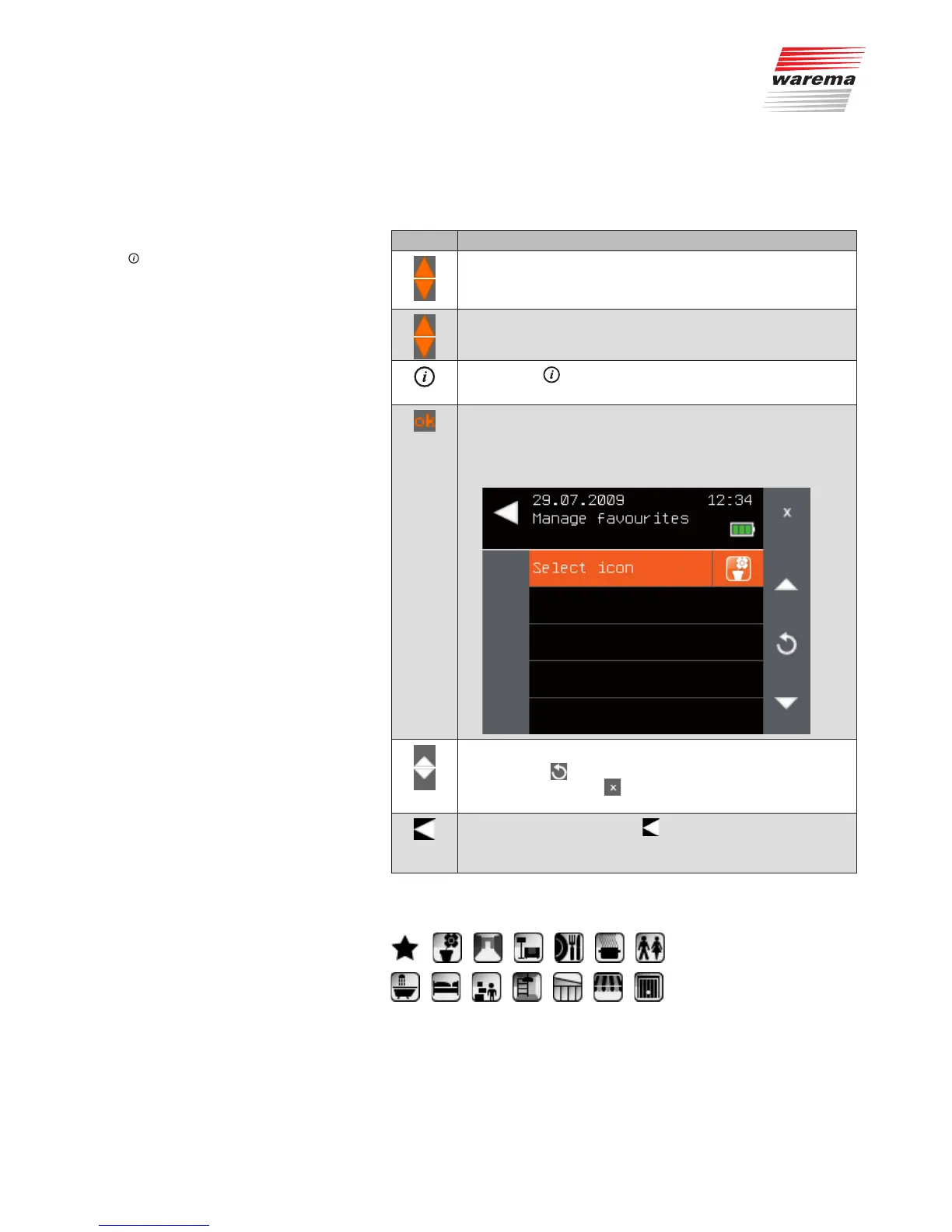
Using the selection cursor, select the [Select icon] menu
item.
Call up the function with ok.
The following menu is displayed.
Select the desired icon using the arrow buttons.
NOTE The button returns the icon to the beginning of the
icon list. The button can be used call up the icon
stored last.
Leave the menu using the button.
The [Manage favourites] menu opens again. Pressing this
button several times takes you back to the main menu.
You can select from the following icons:
Main menu
Favourites
Manage favourites
Select icon
Favourites



 To Next Page