71
8.3.3 Calling up channel
information
If needed, you can call up details on the actuators of a channel. Proceed as
follows.
Button Action/result
In the main menu, select the [Products] menu and press ok.
The [Select product type] menu opens.
Using the selection cursor, select the product type of the
channel for whose actuators you wish to display information.
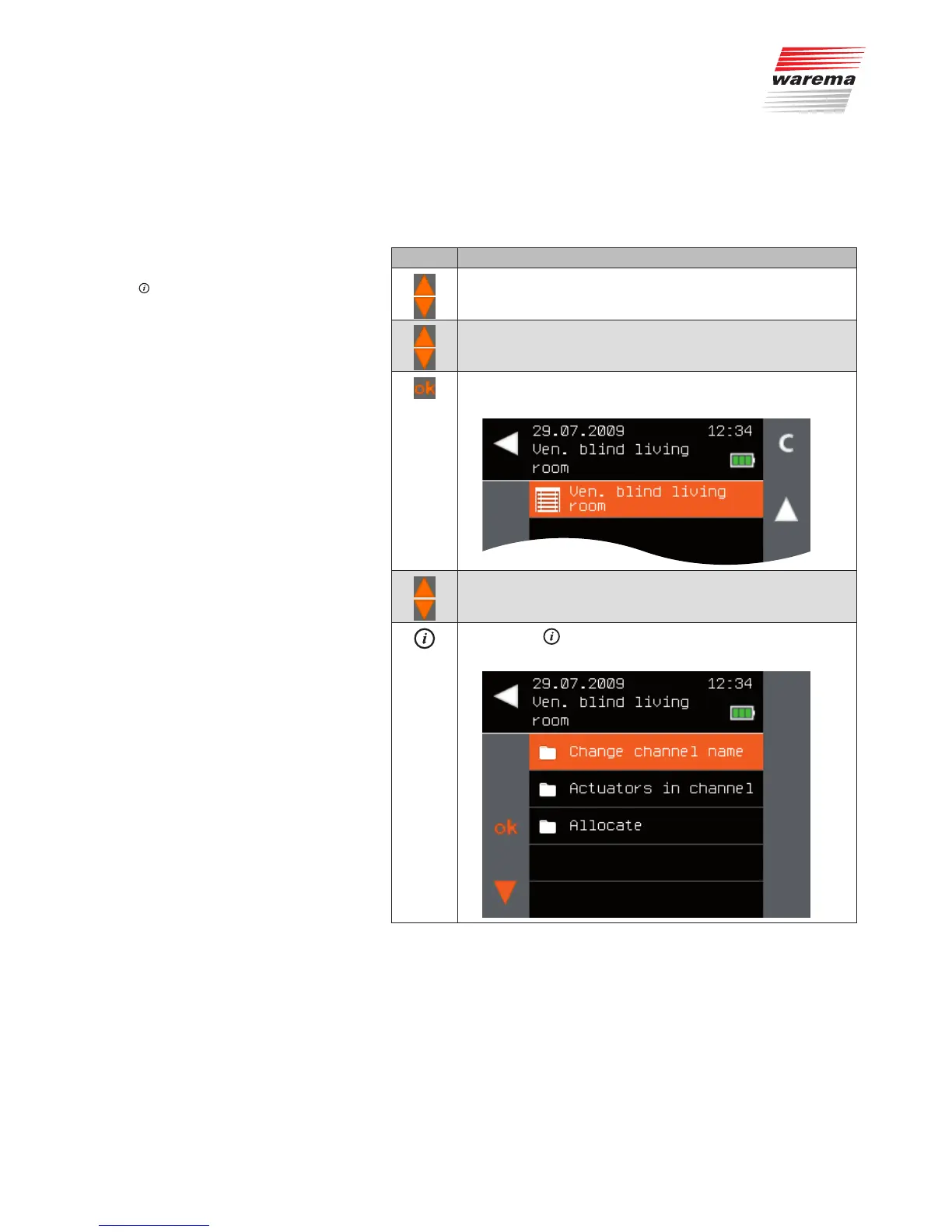
Press the ok button.
All channels of the selected product type are displayed.
Using the selection cursor, select the channel for which you
require information.
Press the button.
The context menu for the selected channel is displayed.
Main menu
Products
Product type
Actuators in channel
Actuator x
Products



 To Next Page