Button Action/result
Using the selection cursor, select the
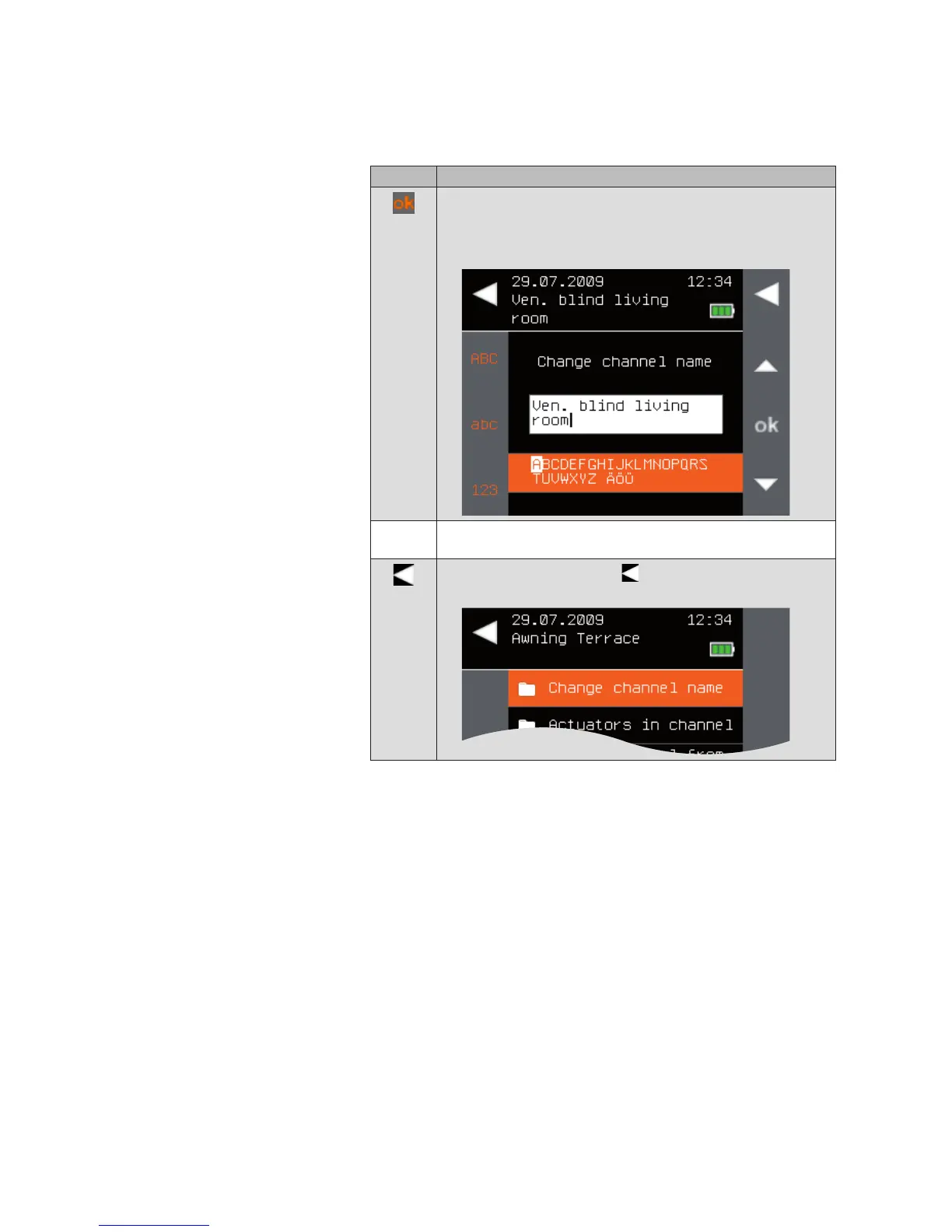
[Change channel name] menu item.
Call up the function with ok.
The following menu is displayed.
Change the name of the channel.
(For entering texts, see also Chapter 6.4 on page 35).
Leave the menu using the button.
The context menu of the channel opens again.
Products



 To Next Page