79
8.3.7 Sensor allocation
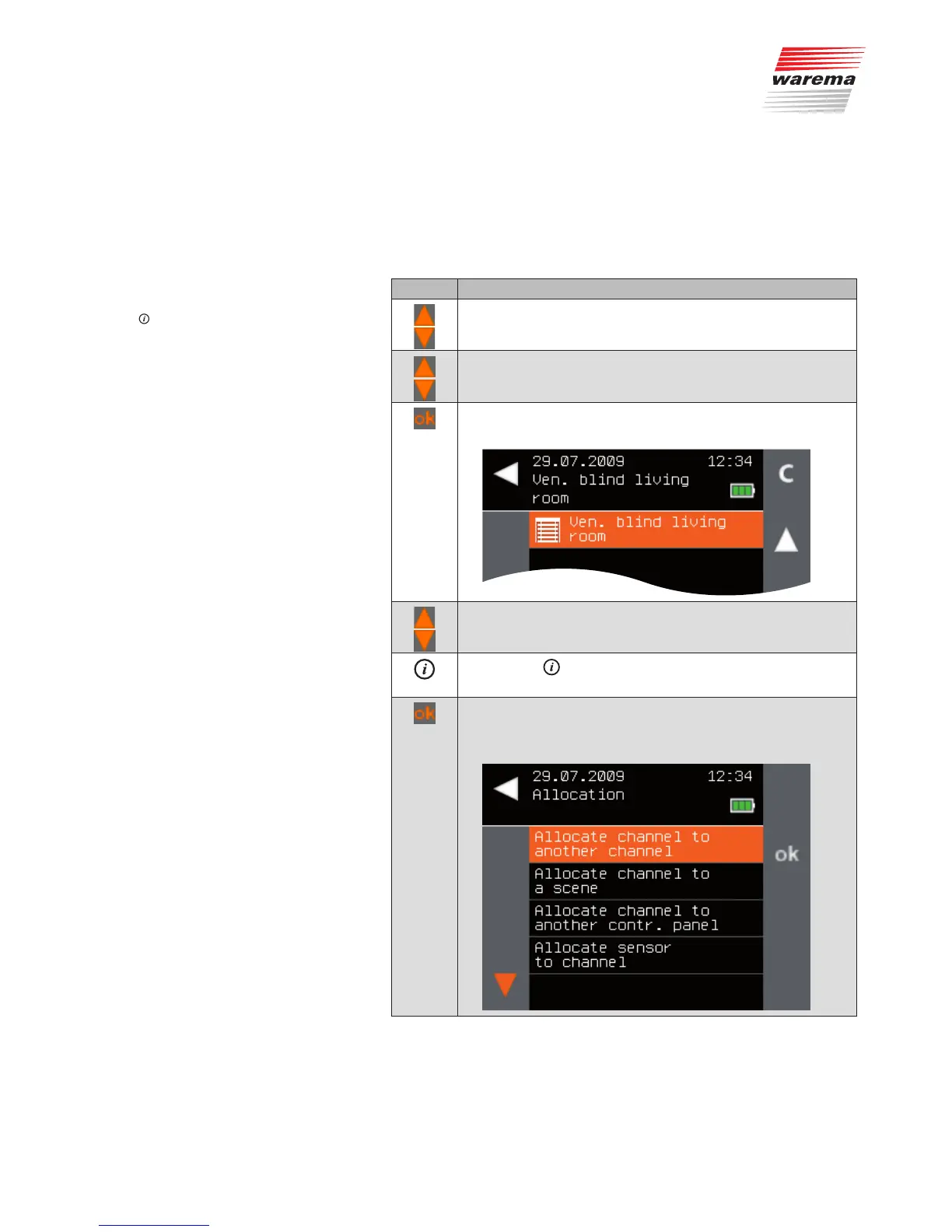
This function lets you learn sensors (e.g. a WMS Weather station) into a
channel.
NOTE This allocation only functions if the sensor is already a device in the WMS
network.
Button Action/result
In the main menu, select the [Products] menu and press ok.
The [Select product type] menu opens.
Using the selection cursor, select the product type of the
channel to which you wish to allocate a sensor.
Press the ok button.
All channels of the selected product type are displayed.
Using the selection cursor, select the channel to which you
wish to allocate a sensor.
Press the button.
The context menu for the selected channel is displayed.
Using the selection cursor, select the [Allocate] menu item.
Call up the function with ok.
The following menu is displayed.
Main menu
Products
Product type
Context menu
Allocate
Sensor allocation
Products



 To Next Page