Button Action/result
Using the selection cursor, select the [Sensor allocation]
menu item.
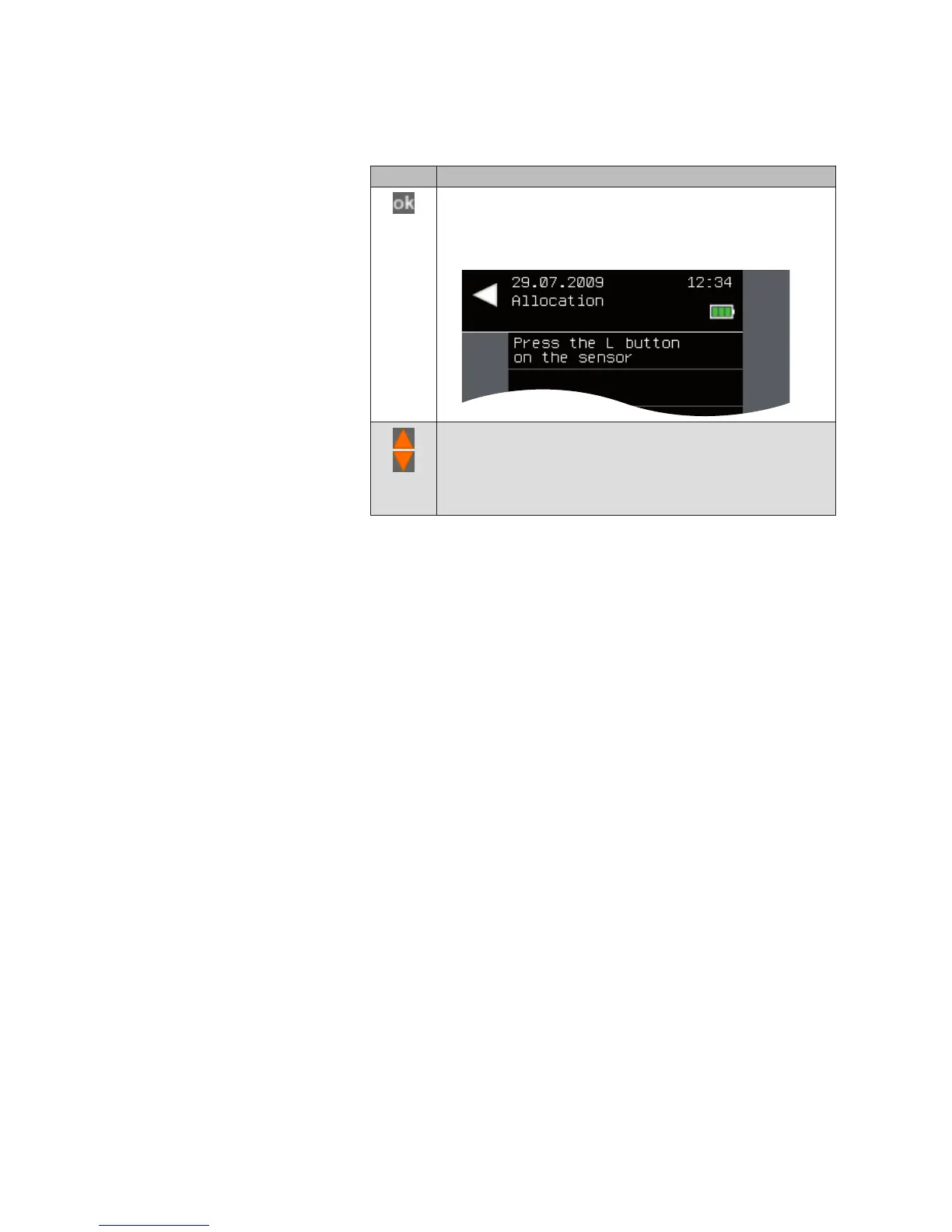
Call up the function with ok.
The following menu is displayed.
Press the L button on the sensor.
The following message appears:
The sensor was allocated to the channel
The central transmitter sends the information to all actuators
of this channel.
Products



 To Next Page